The Missing UX Layer: Cognitive Framing for Founders & Builders
A no-fluff breakdown of why even ‘nice’ websites underperform—and how understanding user psychology and mental models can fix it. For non-designers who care about clarity, not just aesthetics.
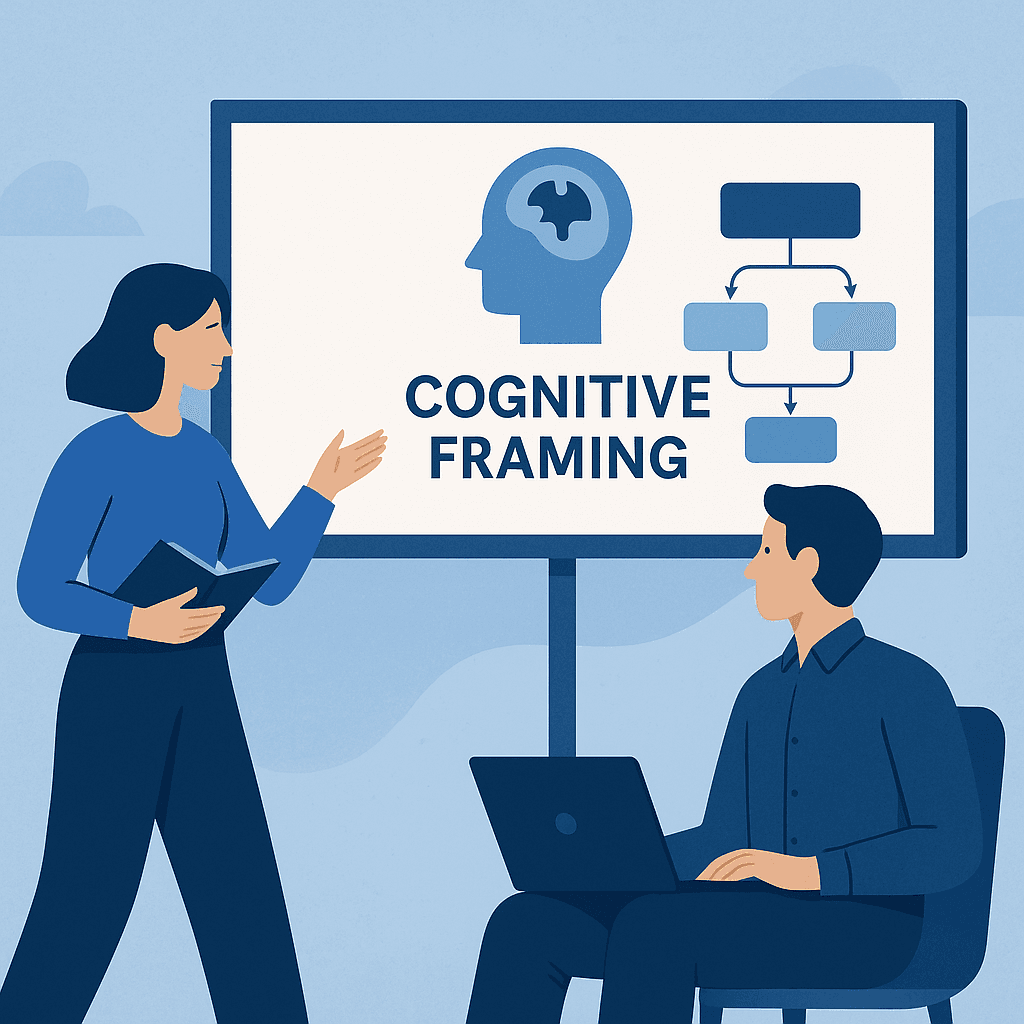
What Is Cognitive Framing?
Cognitive framing is how users mentally organize what they're seeing based on prior experience. If your website structure doesn’t match their expected mental model, they bounce—even if your product is solid. Great UX aligns with how people *think*, not just what looks good.
Mismatch = Dropoff
Let’s say your product is a portfolio site for NGOs. But the first thing a visitor sees is a bunch of feature boxes and a vague mission statement. That doesn't match their frame. They expected to see: (1) what you do, (2) who it’s for, and (3) how to get started. Fix the structure to mirror what users expect — not what you want to show off.
Write to Their State, Not Yours
Founders often write from a place of expertise. But your user is in a state of confusion, doubt, or decision overload. If your language doesn’t speak to *their current mindset*, they won’t trust you. Instead of saying, 'We build scalable web systems,' say, 'Confused about how to launch your site? Here's a simple system that just works.'
Don’t Overload — Use Progressive Disclosure
When you dump everything on the page at once, users get fatigued. Use hierarchy, toggles, and phased layouts to guide people through decision-making. Reveal only what they need at each step. This reduces mental friction and increases action.
How I Build for Framing (With Minimal Tools)
I combine this framing mindset with a lean tech stack: Vercel + Google Sheets + Firebase Auth. That way I control structure, simplify edits, and remove distractions. Whether it’s a personal brand site or an info hub, the mental model always comes first—then I choose the tech.
What this note covers
- What Is Cognitive Framing?
- Mismatch = Dropoff
- Write to Their State, Not Yours
- Don’t Overload — Use Progressive Disclosure
Related technical notes
Related stories
Curated reads to continue the thread.

Beyond the Black Box: Implementing KNN for Feature Similarity from Scratch
A practical walkthrough of K-Nearest Neighbors built from scratch in Python, showing how feature similarity is calculated in multi-dimensional space.
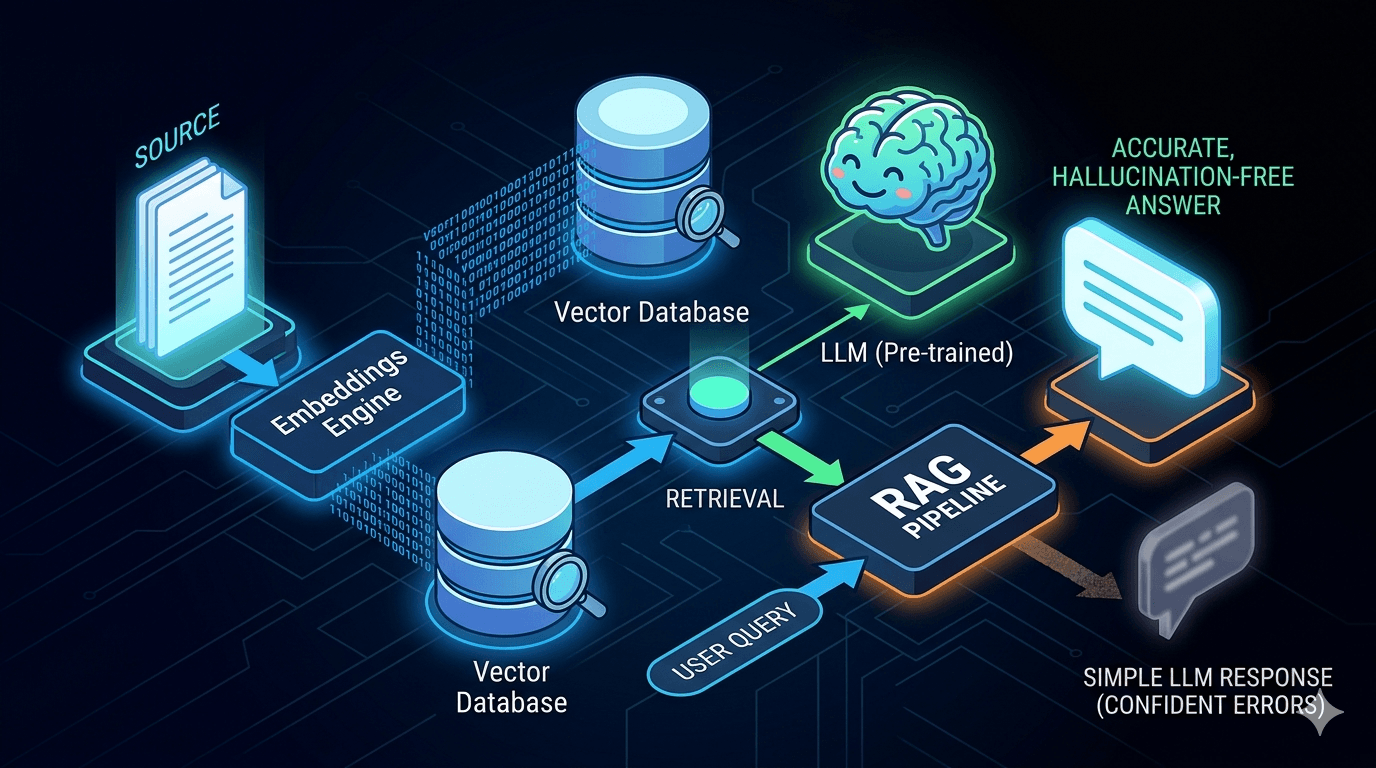
Reducing LLM Hallucinations: Building a RAG-lite Pipeline for Technical Documentation
A practical breakdown of how to reduce LLM hallucinations with a lightweight RAG pipeline using embeddings, FAISS, and top-k retrieval for technical documentation.
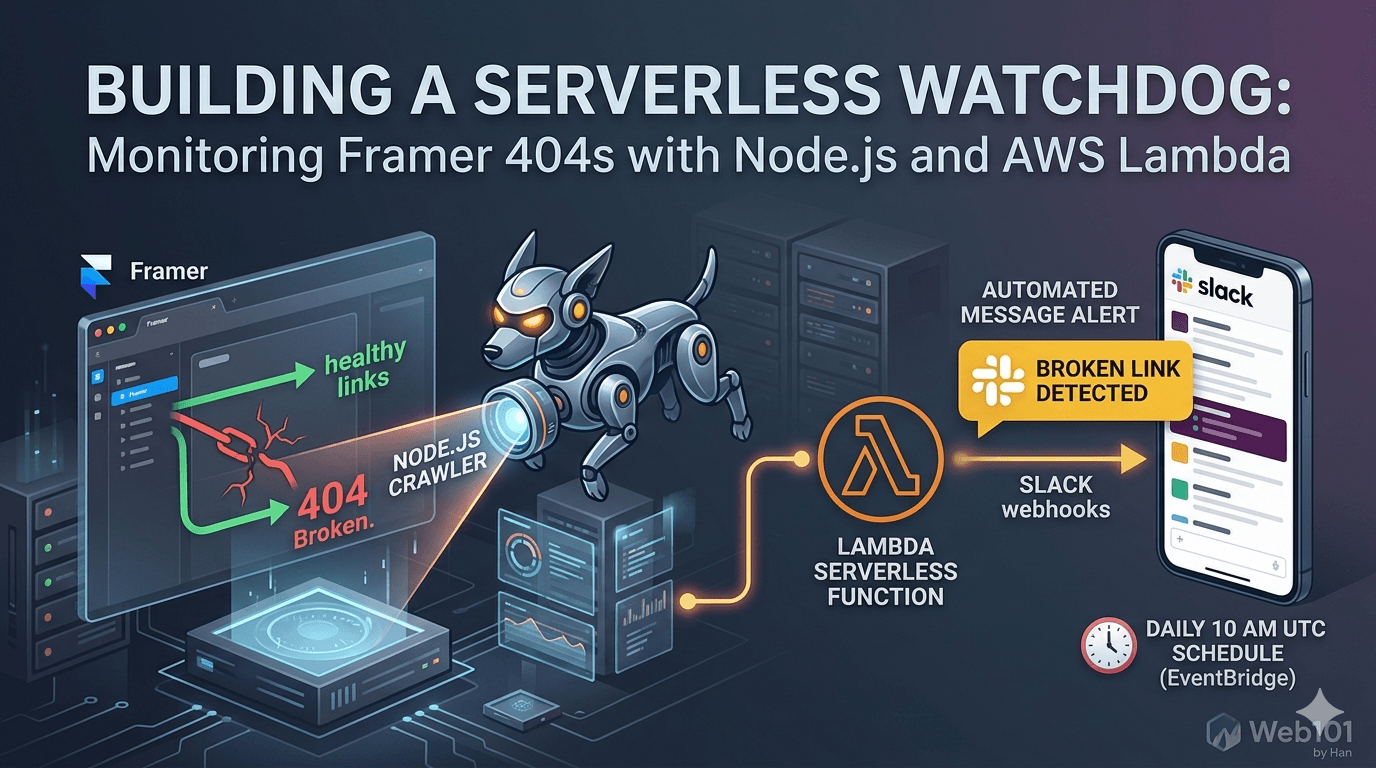
Building a Serverless Watchdog: Monitoring Framer 404s with Node.js and AWS Lambda
A deep dive into building a custom automated monitoring system for Framer sites. Learn how to deploy a Node.js crawler on AWS Lambda to detect and alert broken links via Slack webhooks.

Web101 by Han Is Expanding: From Web Development to Deeper Technical Systems
Web101 by Han is evolving beyond web development. This update explains what’s changing, why the scope is expanding into AI, machine learning, algorithms, and technical analysis, and what readers can expect going forward.
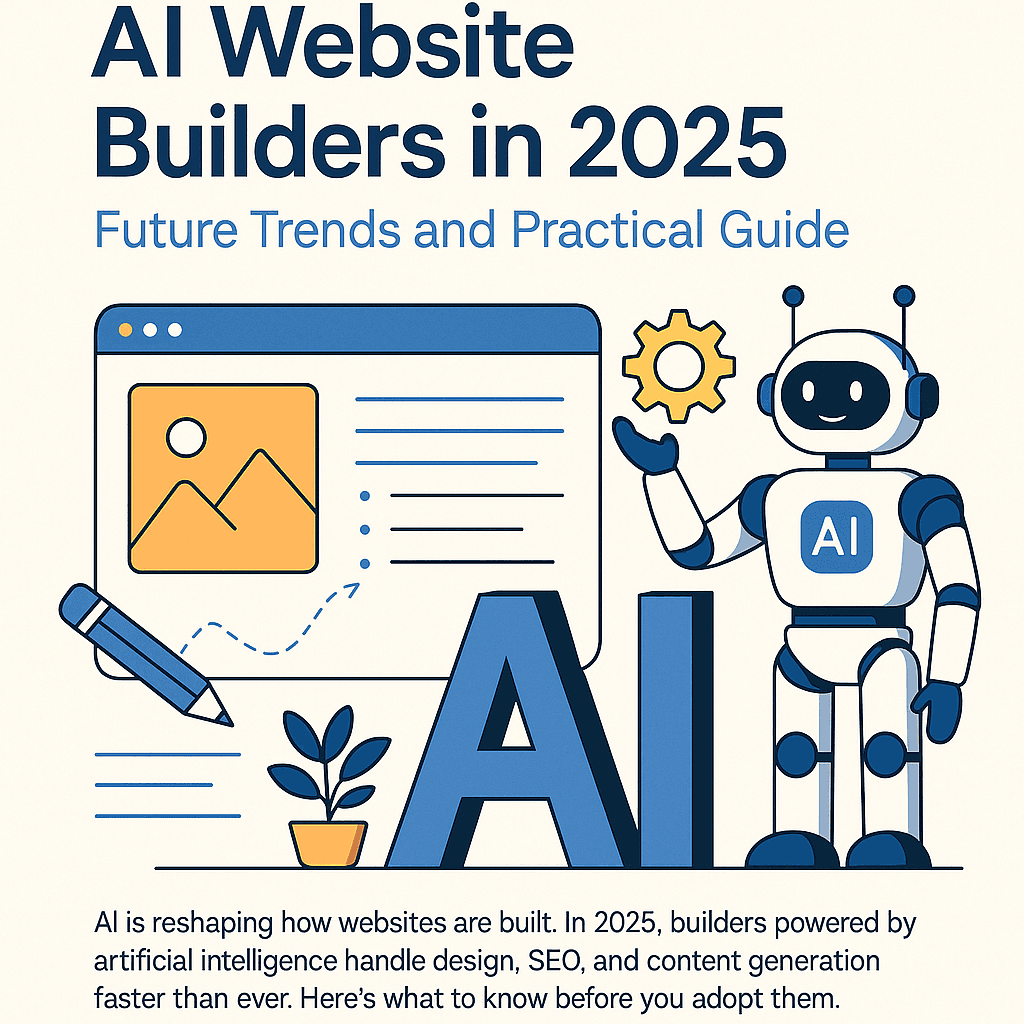
AI Website Builders in 2025: Future Trends and Practical Guide
AI is reshaping how websites are built. In 2025, builders powered by artificial intelligence handle design, SEO, and content generation faster than ever. Here’s what to know before you adopt them.
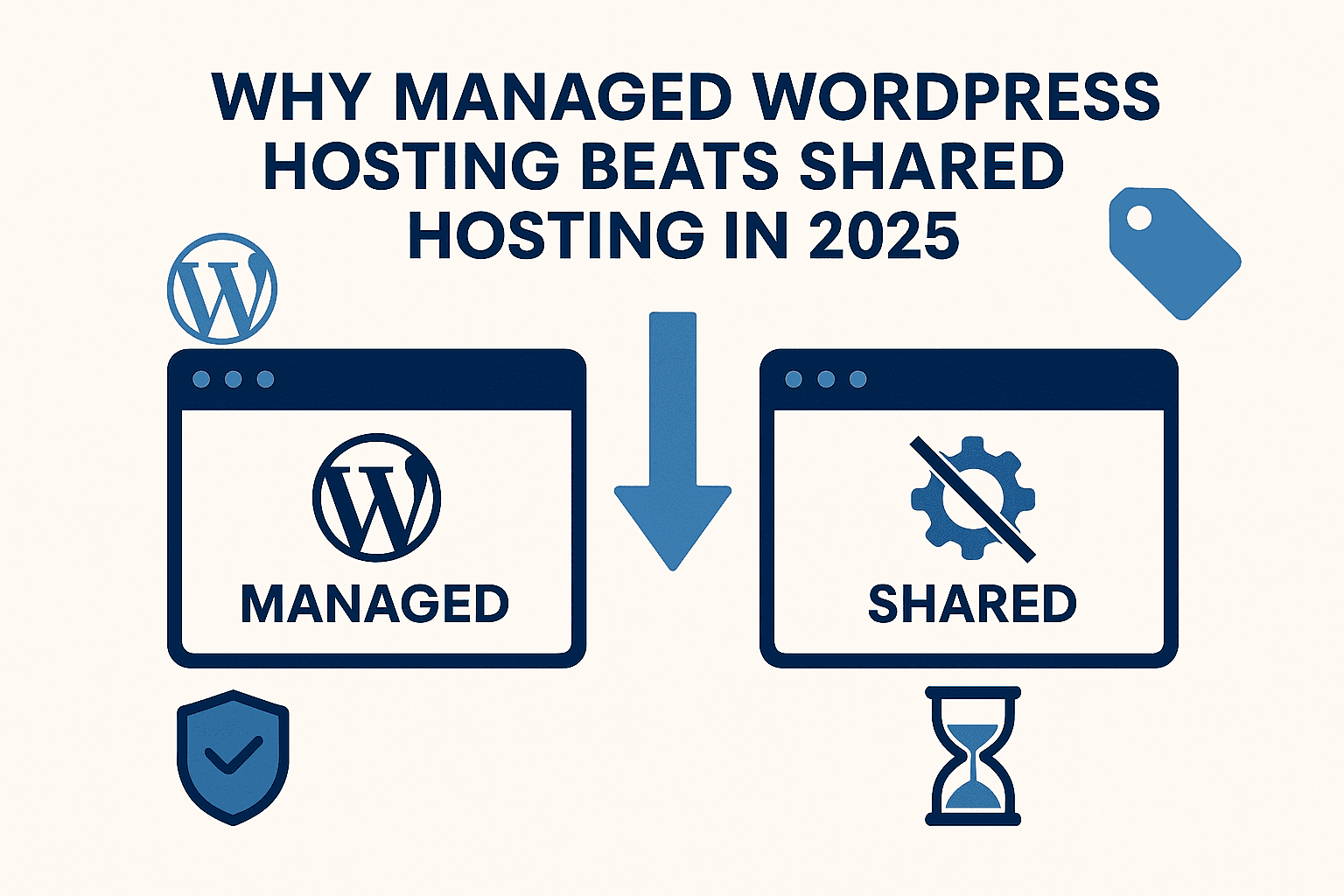
Why Managed WordPress Hosting Beats Shared Hosting in 2025
Shared hosting looks cheap, but managed WordPress hosting saves you time, stress, and money in the long run. Here’s a practical, testable guide to decide with confidence in 2025.
Best Web Hosting for Small Sites (2025): Speed, Support, Price
If you’re launching a lightweight site or portfolio, here’s how to pick a host that’s fast, reliable, and won’t wreck your budget.
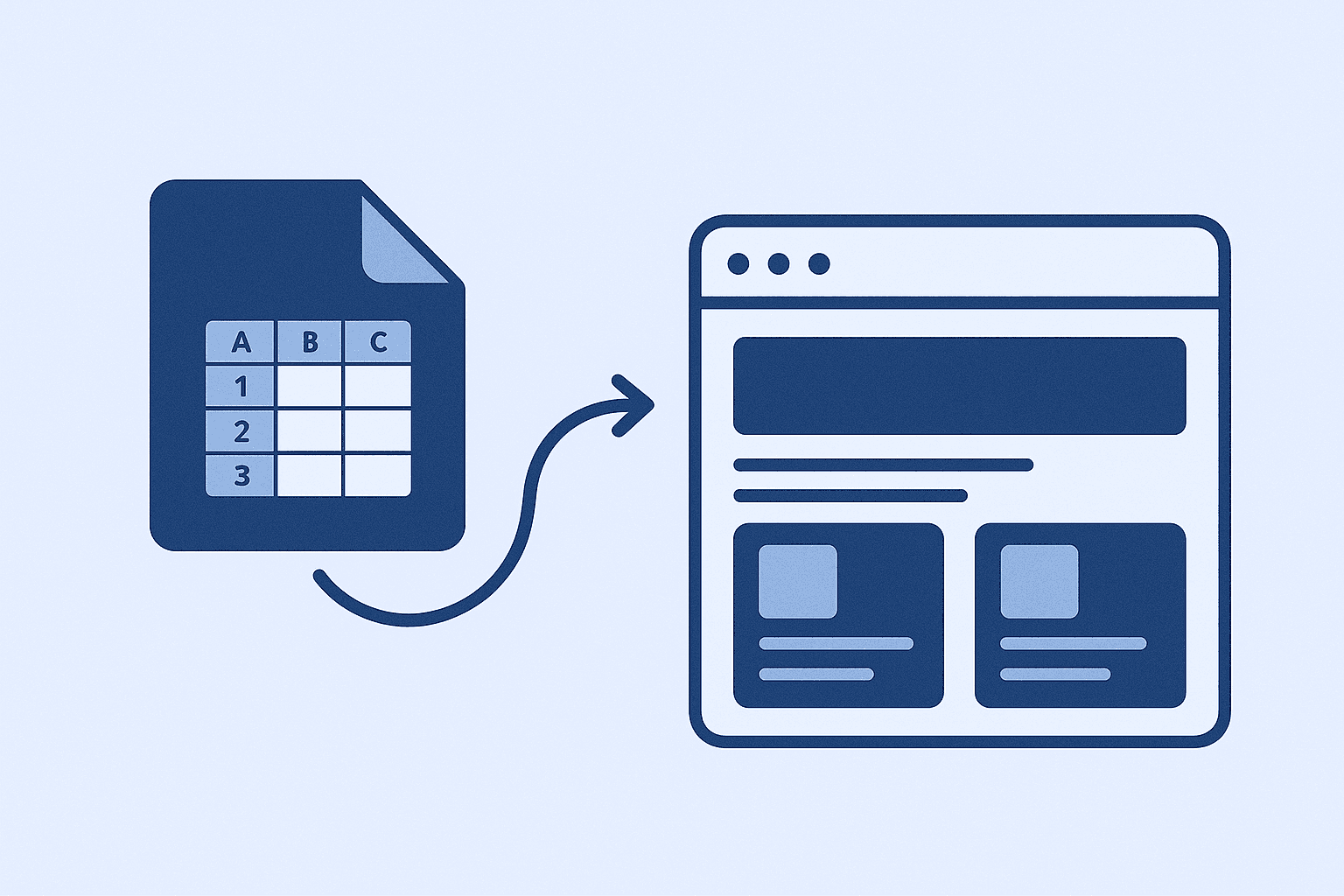
How I Use Google Sheet as a Lightweight CMS
No CMS, no backend, just Google Sheets. Here’s how I let clients update their site content without touching code.