How I Use Google Sheet as a Lightweight CMS
This article walks through how I use Google Sheets to manage dynamic content on client websites. It covers integration methods using NocodeAPI or Google Apps Script, how to fetch data in Next.js, and how to build editable news, product, or form-driven pages without a full CMS.
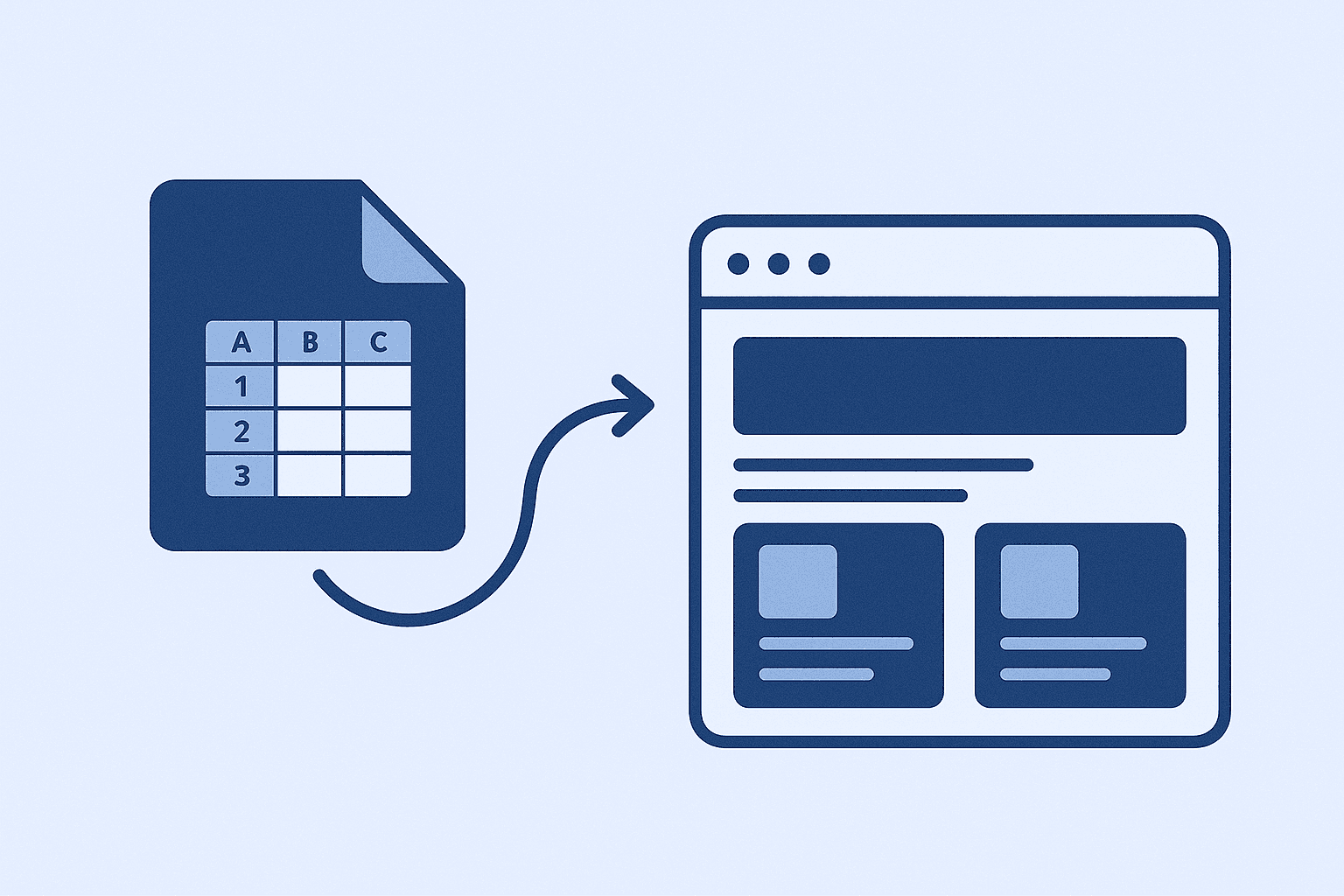
Why I Use Google Sheets as a CMS
Most client sites don’t need a full CMS. They just want to update a few pieces of content: a news section, a list of services, or a form response display. Google Sheets is free, familiar, and allows them to do this without breaking the site.
Step 1: Prepare Your Google Sheet
Each row is a content item. Columns might be 'title', 'description', 'image_url', 'link', etc. Share the sheet as view-only and connect it to your app using an API service or custom script.
Option A: Use a No-Code API Tool
Tools like NocodeAPI or Sheety turn your sheet into a JSON API instantly. Pros: fast and simple. Cons: limited flexibility. Use this if you want a quick solution without writing backend code.
Option B: Use Google Apps Script
Write a script to read your sheet and return it as JSON. This gives you full control over formatting and access. Deploy the script as a web app and use the URL as your endpoint in Next.js.
Fetching Sheet Data in Next.js
Use getStaticProps or getServerSideProps to fetch data from your sheet API. With ISR (Incremental Static Regeneration), you can auto-update content every few minutes without redeploying.
Use Cases: What Can You Build?
- News or blog sections - Product or service listings - Event schedules - Form submissions with Google Forms + Zapier All auto-updated from the sheet.
Advanced: Syncing Forms to Sheets to Site
Set up a Google Form → link to Sheet → site fetches from Sheet. Combine with Zapier or Make to alert you when data changes. Great for building low-code dashboards or testimonial walls.
When to Use This Stack
✅ Sites with low content complexity ✅ Clients who want control without tech ✅ Projects with <$1k budget ❌ Not for apps needing auth or deep nesting It's a perfect stack for fast delivery and low maintenance.
Related stories
Curated reads to continue the thread.
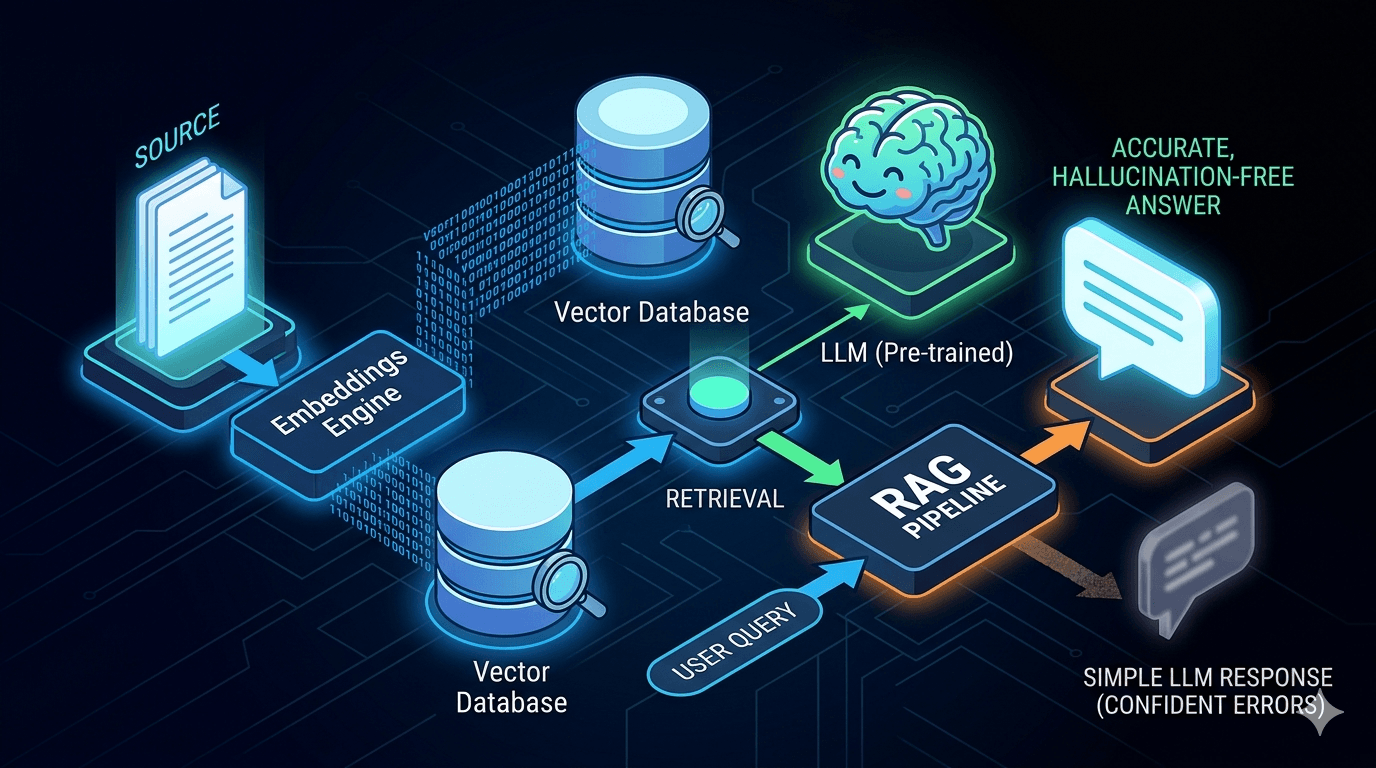
Reducing LLM Hallucinations: Building a RAG-lite Pipeline for Technical Documentation
A practical breakdown of how to reduce LLM hallucinations with a lightweight RAG pipeline using embeddings, FAISS, and top-k retrieval for technical documentation.
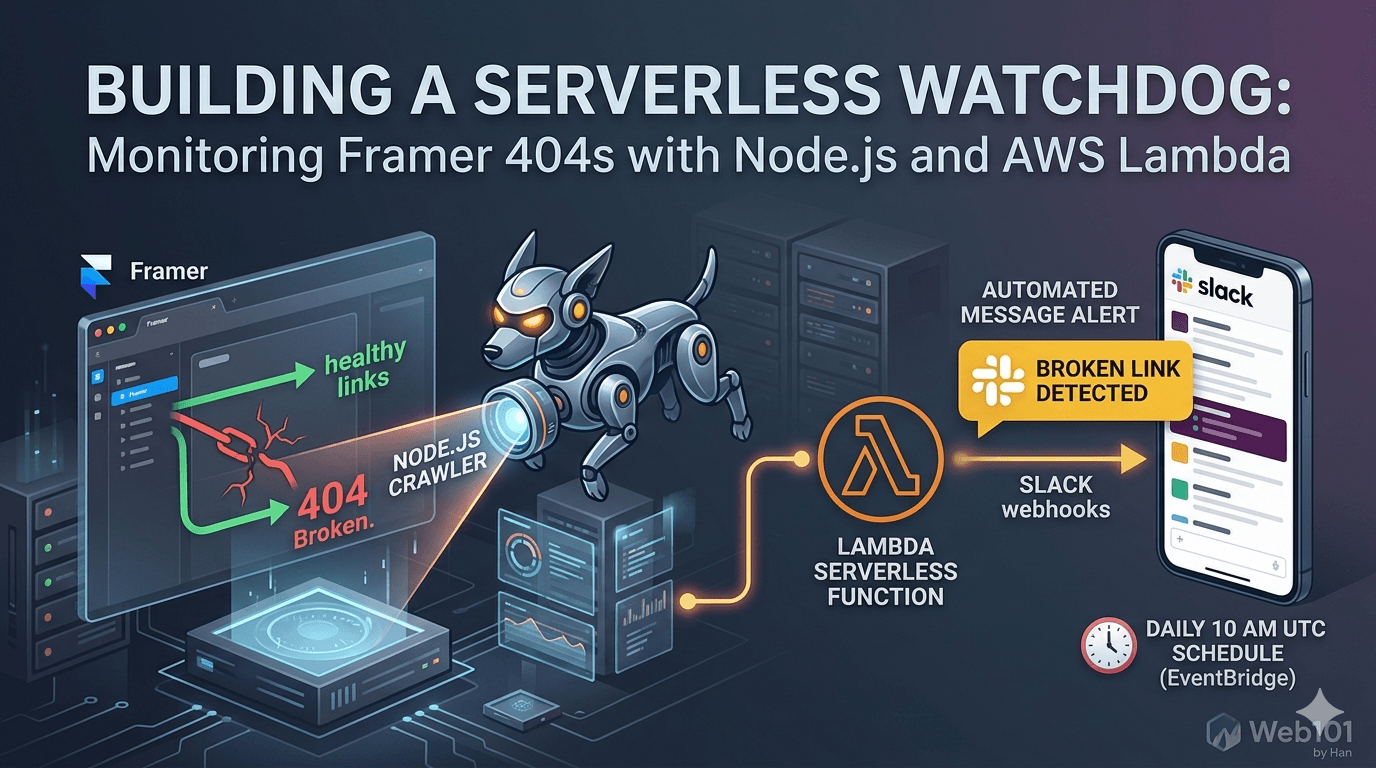
Building a Serverless Watchdog: Monitoring Framer 404s with Node.js and AWS Lambda
A deep dive into building a custom automated monitoring system for Framer sites. Learn how to deploy a Node.js crawler on AWS Lambda to detect and alert broken links via Slack webhooks.

Web101 by Han Is Expanding: From Web Development to Deeper Technical Systems
Web101 by Han is evolving beyond web development. This update explains what’s changing, why the scope is expanding into AI, machine learning, algorithms, and technical analysis, and what readers can expect going forward.

Google AdSense Approval in 2025: Why the Process Feels Broken (and What Publishers Can Do)
Waiting weeks for AdSense approval, only to get rejected without clear reasons? Here’s a deep dive into why the process feels broken in 2025, what common mistakes to avoid, and how publishers can survive repeated rejections.
AI Website Builders in 2025: Future Trends and Practical Guide
AI is reshaping how websites are built. In 2025, builders powered by artificial intelligence handle design, SEO, and content generation faster than ever. Here’s what to know before you adopt them.
Why Managed WordPress Hosting Beats Shared Hosting in 2025
Shared hosting looks cheap, but managed WordPress hosting saves you time, stress, and money in the long run. Here’s a practical, testable guide to decide with confidence in 2025.
Best Web Hosting for Small Sites (2025): Speed, Support, Price
If you’re launching a lightweight site or portfolio, here’s how to pick a host that’s fast, reliable, and won’t wreck your budget.

How I Deploy Client Sites Fast (Without Burning Budget)
Speed, stability, and cost-efficiency. Here's my real-world setup for shipping client websites—no fluff, just battle-tested decisions.