One-Page vs Multi-Page: Which Website Do You Actually Need?
A practical guide to choosing between one-page and multi-page websites. Built for solo founders, small businesses, and non-technical clients who want clarity before building.
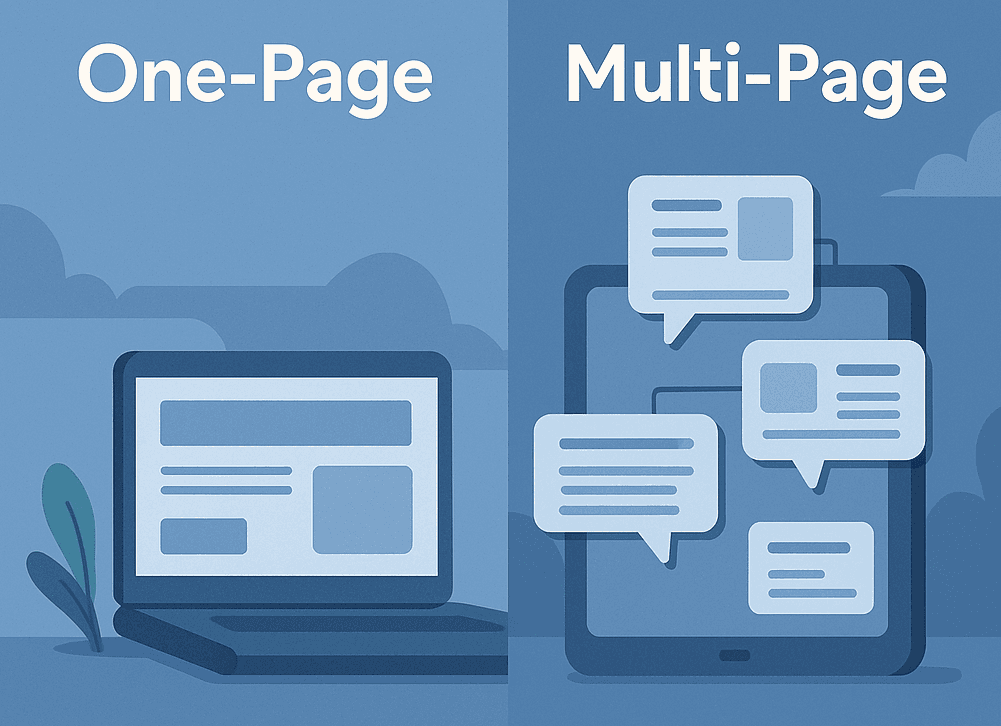
The Real Question Isn’t Design—It’s Function
Most people start by thinking about layout or aesthetics. But the first thing you should ask is: What kind of decisions do I want the user to make? Fewer decisions = one-page. More complexity = multi-page.
Choose One-Page If…
- You’re launching a new service or offer - Your goal is clarity, not content - You want a mobile-first, fast-loading site - You’re driving traffic from social or email - You don’t need deep SEO right now Think of a one-pager like a landing page: it guides people toward one clear action. No distractions. No fluff.
Choose Multi-Page If…
- You have multiple services, case studies, or content types - You care about long-term SEO and search visibility - You serve multiple user groups (e.g. customers + partners) - You need built-in navigation, filtering, or booking flows - Your site will act as a content hub, not just a flyer Multi-page sites let users browse, explore, and self-select. Great for complex businesses or larger audiences.
Still Not Sure? Ask This:
What’s the main action you want from the visitor? If you can answer that in one sentence and don’t need a ton of context to explain it, you probably need a one-pager. If your answer is layered or audience-specific, go multi-page. Bonus tip: You can always start with a one-page and expand later. That’s what I recommend to most of my early-stage clients.
Build What You Can Maintain
The right website isn’t just the one that looks good—it’s the one you’ll actually keep updated. A simple one-pager that’s alive is better than a bloated site that dies in 6 months. Choose based on what you can manage, not what looks cool on someone else's site.
What this note covers
- The Real Question Isn’t Design—It’s Function
- Choose One-Page If…
- Choose Multi-Page If…
- Still Not Sure? Ask This:
Related technical notes
Related stories
Curated reads to continue the thread.

Beyond the Black Box: Implementing KNN for Feature Similarity from Scratch
A practical walkthrough of K-Nearest Neighbors built from scratch in Python, showing how feature similarity is calculated in multi-dimensional space.
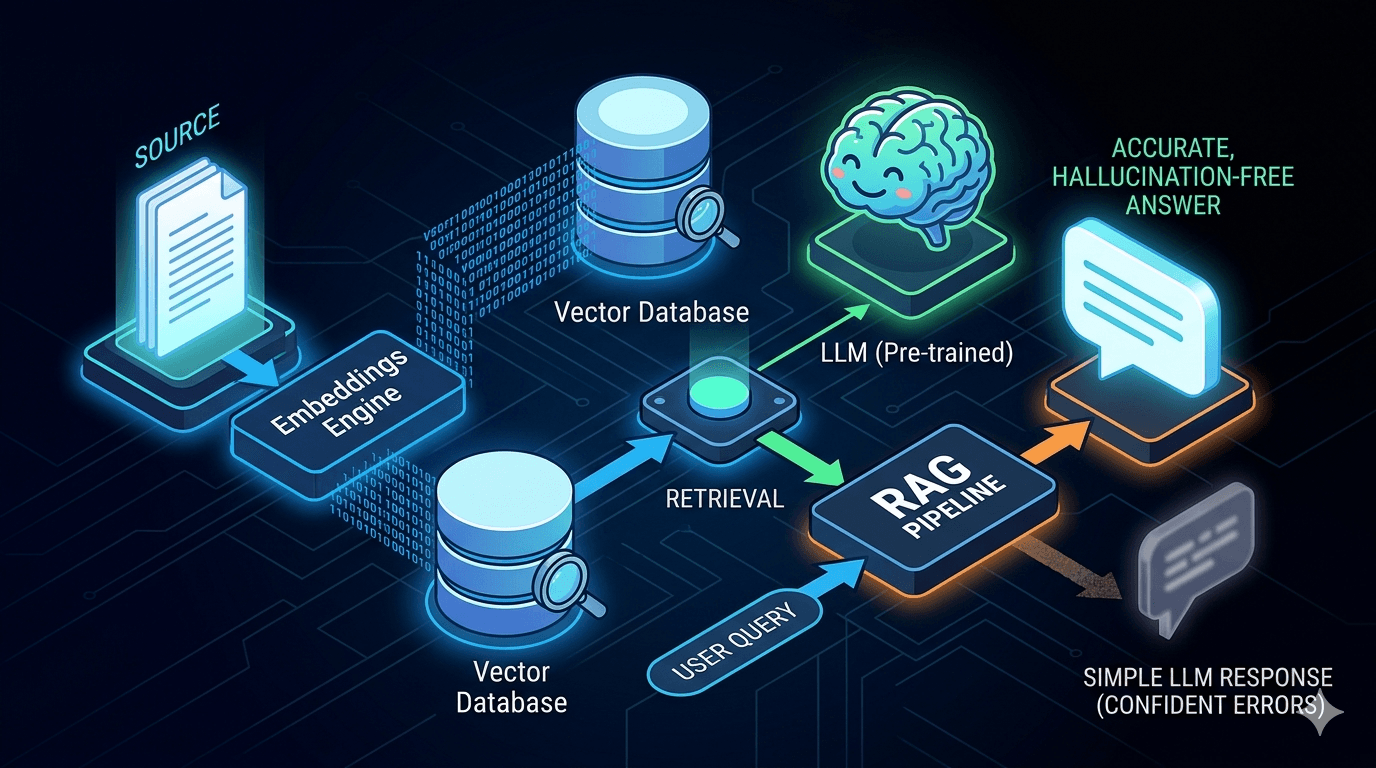
Reducing LLM Hallucinations: Building a RAG-lite Pipeline for Technical Documentation
A practical breakdown of how to reduce LLM hallucinations with a lightweight RAG pipeline using embeddings, FAISS, and top-k retrieval for technical documentation.
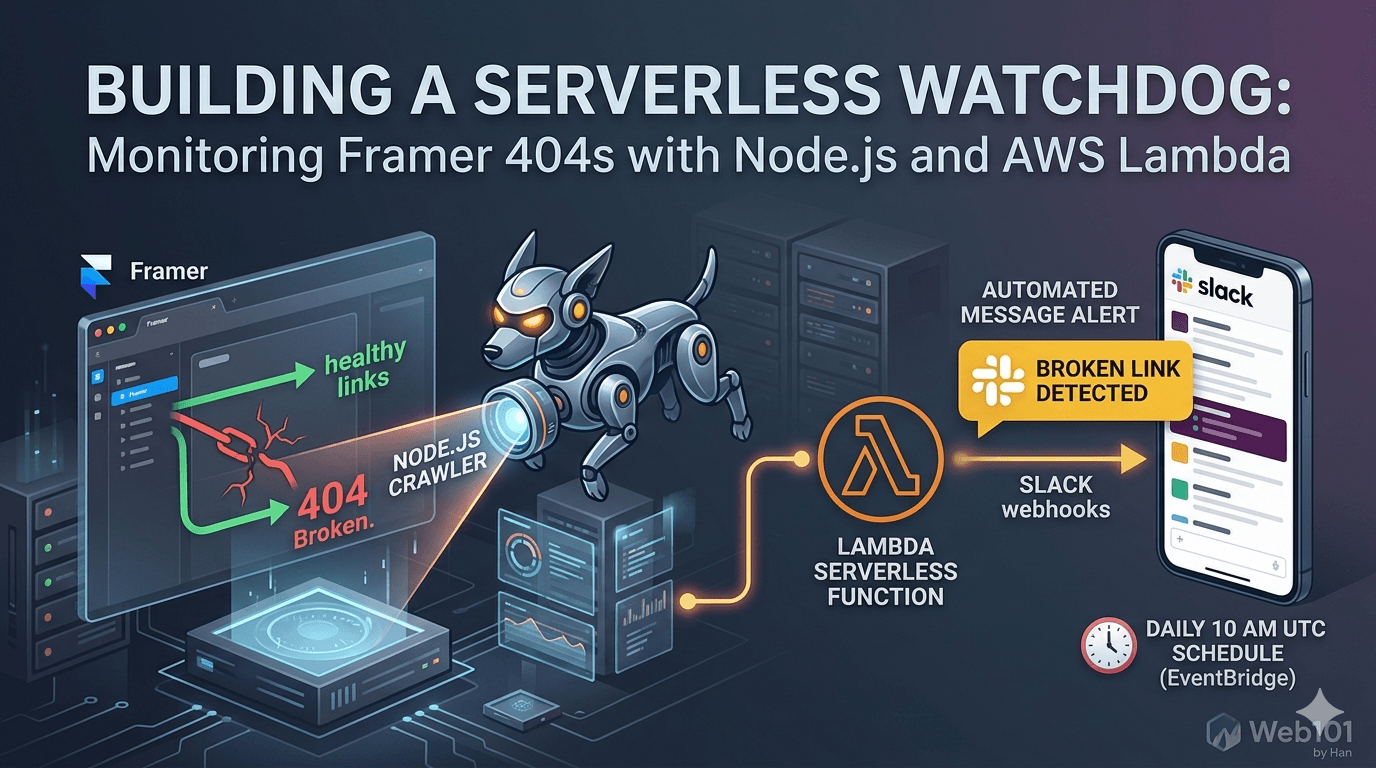
Building a Serverless Watchdog: Monitoring Framer 404s with Node.js and AWS Lambda
A deep dive into building a custom automated monitoring system for Framer sites. Learn how to deploy a Node.js crawler on AWS Lambda to detect and alert broken links via Slack webhooks.

Web101 by Han Is Expanding: From Web Development to Deeper Technical Systems
Web101 by Han is evolving beyond web development. This update explains what’s changing, why the scope is expanding into AI, machine learning, algorithms, and technical analysis, and what readers can expect going forward.
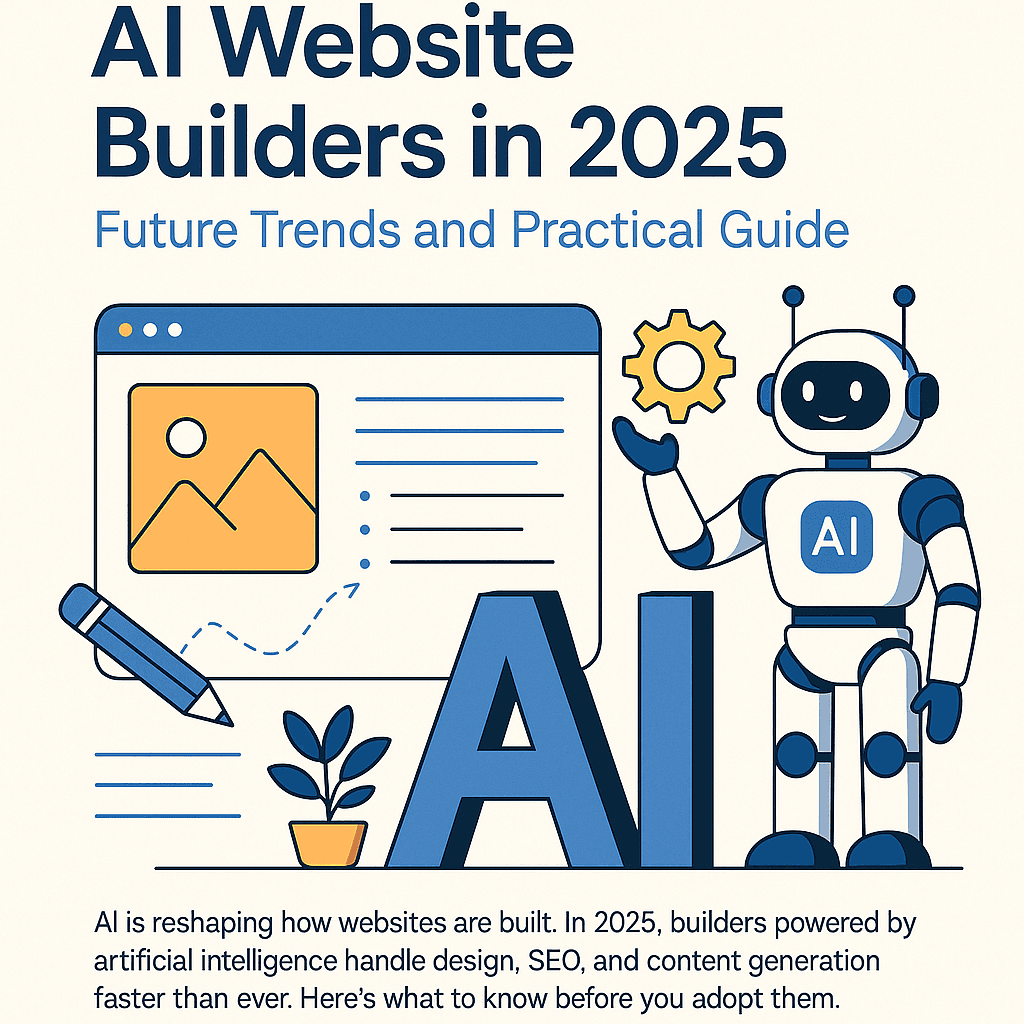
AI Website Builders in 2025: Future Trends and Practical Guide
AI is reshaping how websites are built. In 2025, builders powered by artificial intelligence handle design, SEO, and content generation faster than ever. Here’s what to know before you adopt them.
Why Managed WordPress Hosting Beats Shared Hosting in 2025
Shared hosting looks cheap, but managed WordPress hosting saves you time, stress, and money in the long run. Here’s a practical, testable guide to decide with confidence in 2025.
Best Web Hosting for Small Sites (2025): Speed, Support, Price
If you’re launching a lightweight site or portfolio, here’s how to pick a host that’s fast, reliable, and won’t wreck your budget.
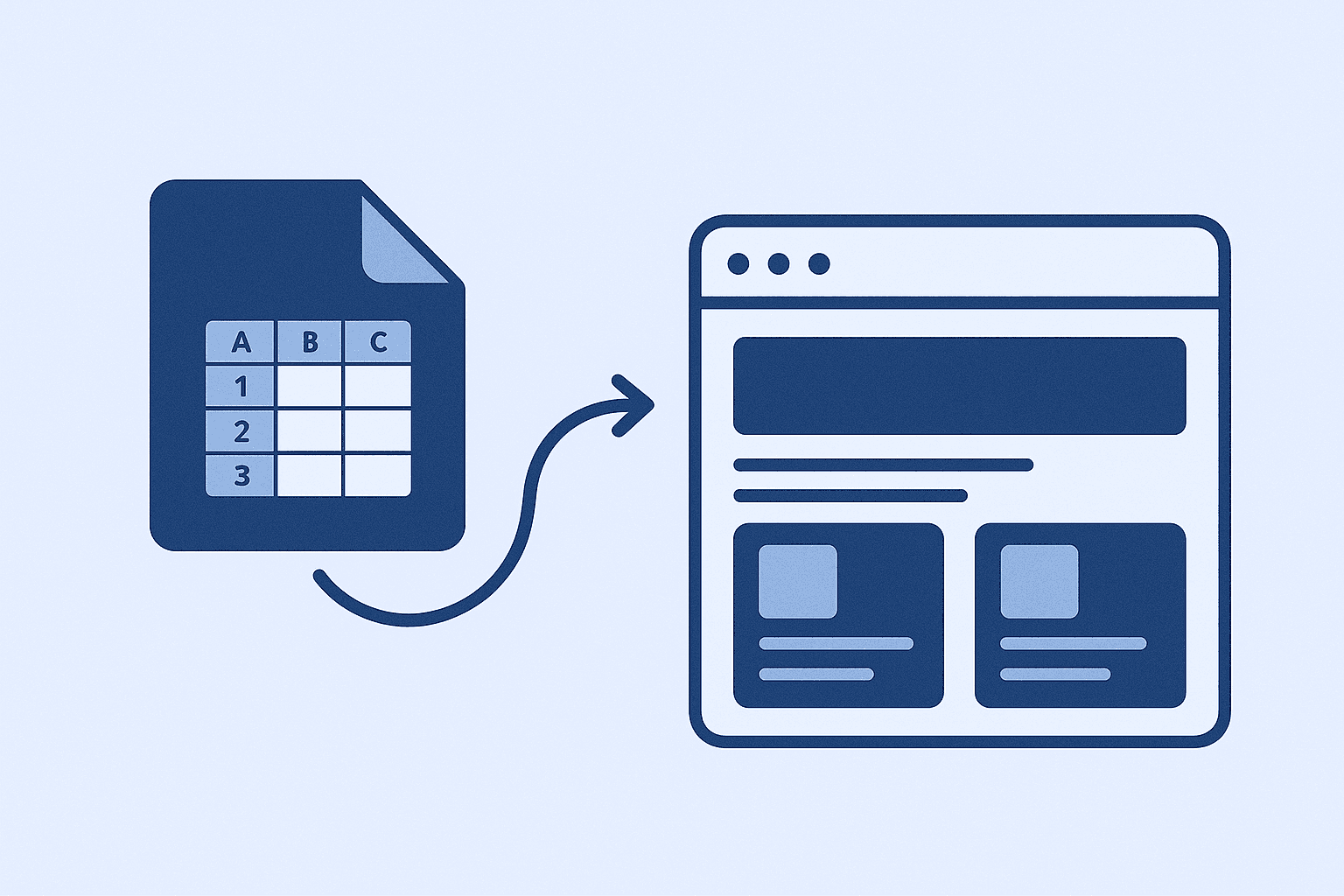
How I Use Google Sheet as a Lightweight CMS
No CMS, no backend, just Google Sheets. Here’s how I let clients update their site content without touching code.