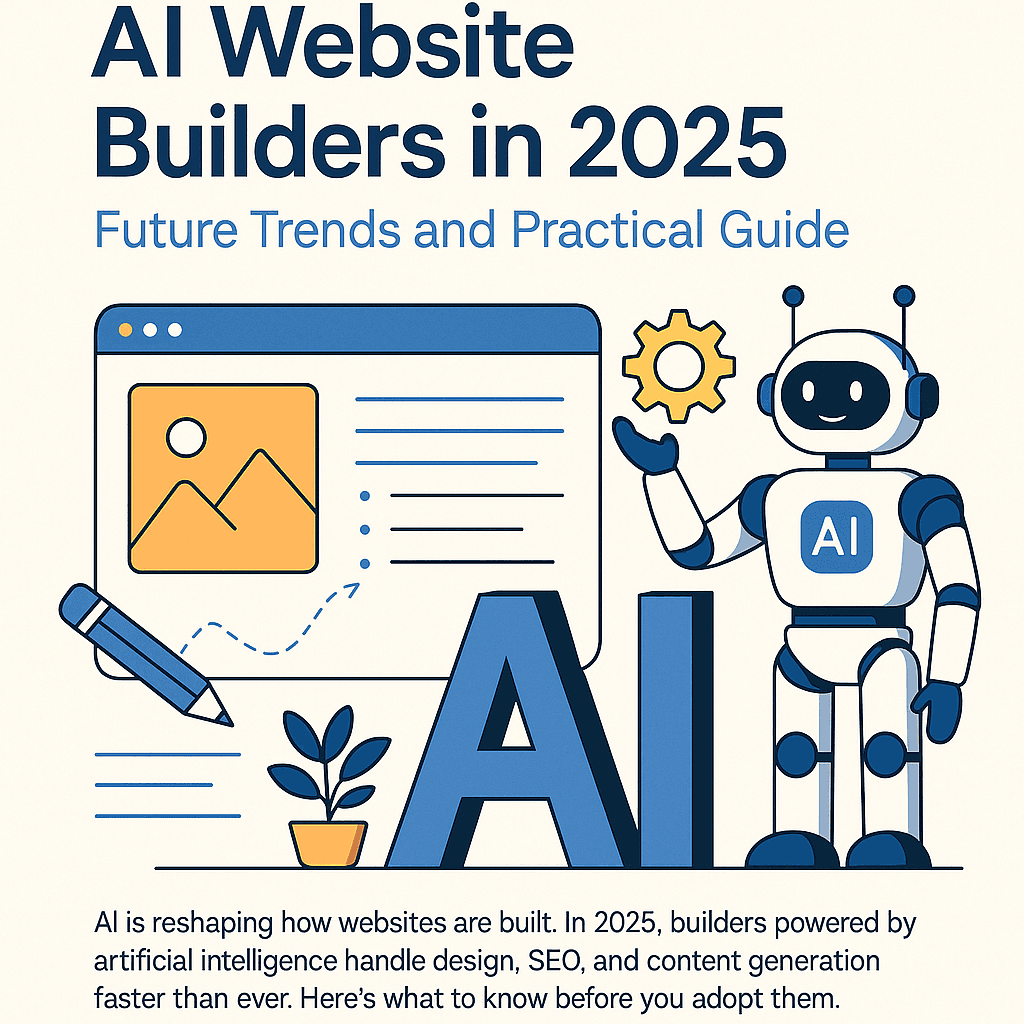
AI Website Builders in 2025: Future Trends and Practical Guide
A 1200+ word in-depth article about AI Website Builders in 2025. Covers what they are, how they differ from traditional platforms, what to check before using them, upcoming trends, and a practical adoption workflow for small teams and personal brands.
Introduction: AI Enters Website Building
Traditional website creation required manual work across hosting, design, SEO, and content. AI Website Builders in 2025 aim to automate repetitive and low-strategy steps. They generate layouts, suggest color palettes, draft copy, optimize SEO structure, and produce images. The result is a faster path to a functional site, but still requires human oversight for brand alignment.
What Are AI Website Builders?
AI Website Builders automate the initial draft of a website by combining templates, natural language generation, and AI-driven design choices. Compared to traditional builders, they reduce setup time and handle optimization automatically. Key contrasts include: - Template choice is suggested by AI instead of manual browsing - Copywriting can be AI-generated instead of fully manual - Images and icons can be AI-created instead of purchased - SEO is pre-optimized instead of requiring plugins - Responsive layouts adjust dynamically with AI instead of relying on static templates
Five Key Factors Before Choosing
Before adopting an AI Website Builder, check these: - Automation must balance with manual editing so you can refine content - SEO and performance metrics like LCP and TTFB must be optimized - Generated copy and images must allow customization to maintain brand voice - Export and migration options must exist to avoid vendor lock-in - Integration with tools like email, CRM, payments, and support must be available
Future Trends in 2025–2027
AI Website Builders are expected to evolve further: - Automatic A/B testing with AI-created design variants - Personalized content based on visitor data - Auto-generated chatbots and FAQ sections - Built-in multilingual content powered by AI translation - API-driven extensibility with Notion, Airtable, and headless CMS integration
Practical Workflow for Small Teams
A realistic adoption flow looks like this: - Prepare brand assets such as logo, fonts, and reference sites - Plan core page structure including Home, Services, Blog, Contact - Use AI to generate the first draft of layout and copy - Manually refine style, tone, and metadata - Launch and measure performance such as bounce rate and conversions - Repeat the optimization cycle with AI-generated variants plus manual review
Case Study: AI vs Traditional Setup
Consider the following differences: - Build time is 2–4 weeks with freelancers versus 4–12 hours with AI platforms - Initial cost is 500–1500 dollars with freelancers versus 20–100 dollars per month with AI - SEO tuning requires external services with freelancers but is built-in with AI - Maintenance cost is high with freelancers and low with AI - Migration flexibility is high with freelancers and depends on export options with AI
Conclusion
By 2025, AI Website Builders are no longer experiments but practical tools. They allow individuals, nonprofits, and small teams to deploy professional-grade websites in hours instead of weeks. While limitations remain around customization and lock-in, the productivity benefits outweigh the risks. Choosing the right balance between AI automation and manual control ensures you get speed without losing brand authenticity.
Related stories
Curated reads to continue the thread.
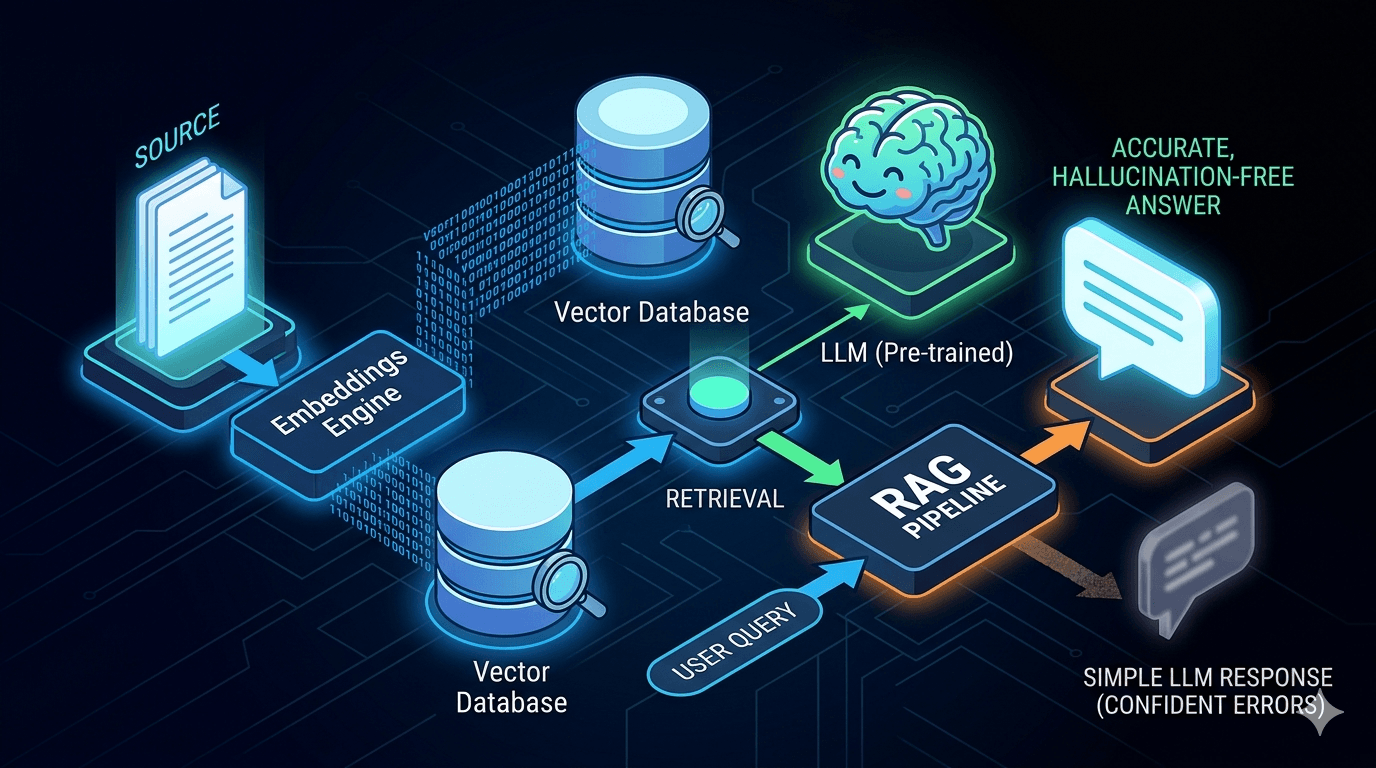
Reducing LLM Hallucinations: Building a RAG-lite Pipeline for Technical Documentation
A practical breakdown of how to reduce LLM hallucinations with a lightweight RAG pipeline using embeddings, FAISS, and top-k retrieval for technical documentation.
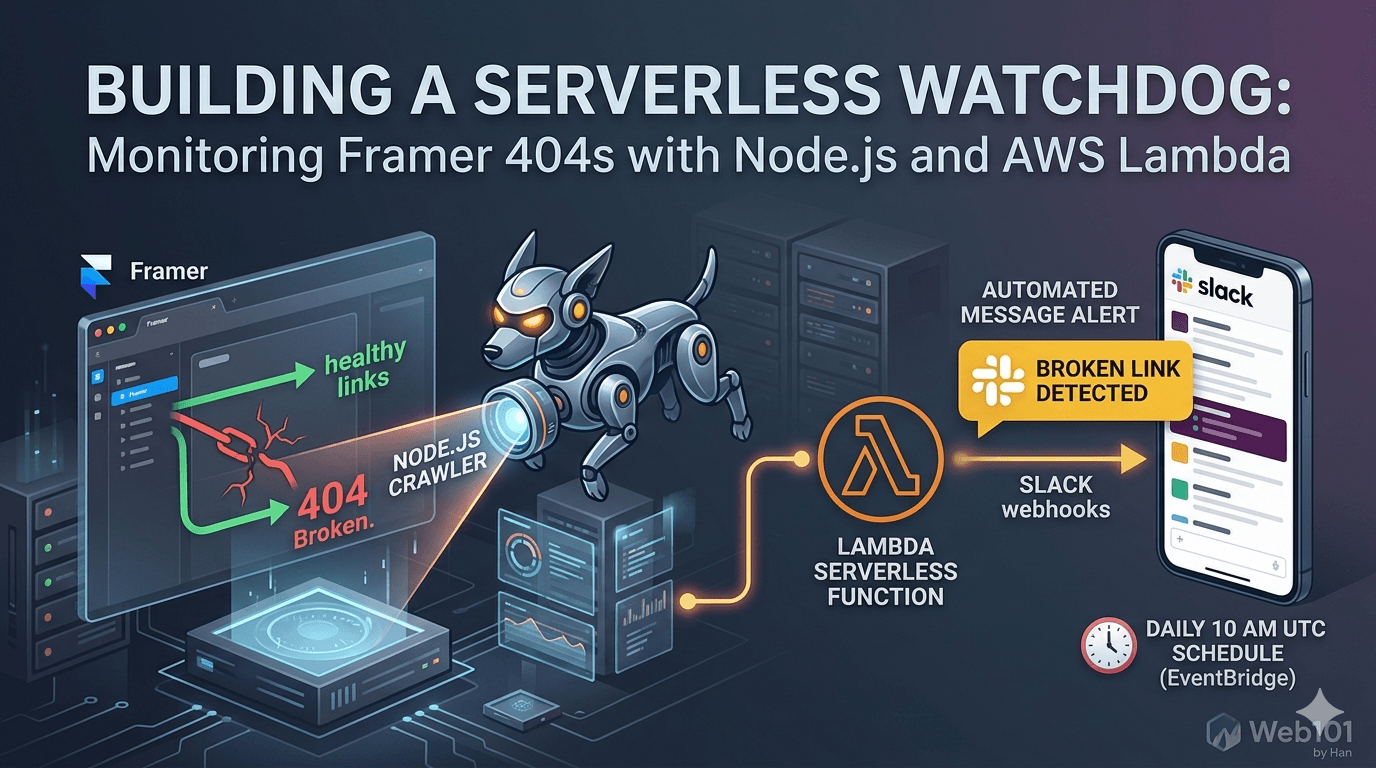
Building a Serverless Watchdog: Monitoring Framer 404s with Node.js and AWS Lambda
A deep dive into building a custom automated monitoring system for Framer sites. Learn how to deploy a Node.js crawler on AWS Lambda to detect and alert broken links via Slack webhooks.

Web101 by Han Is Expanding: From Web Development to Deeper Technical Systems
Web101 by Han is evolving beyond web development. This update explains what’s changing, why the scope is expanding into AI, machine learning, algorithms, and technical analysis, and what readers can expect going forward.
Google AdSense Approval in 2025: Why the Process Feels Broken (and What Publishers Can Do)
Waiting weeks for AdSense approval, only to get rejected without clear reasons? Here’s a deep dive into why the process feels broken in 2025, what common mistakes to avoid, and how publishers can survive repeated rejections.
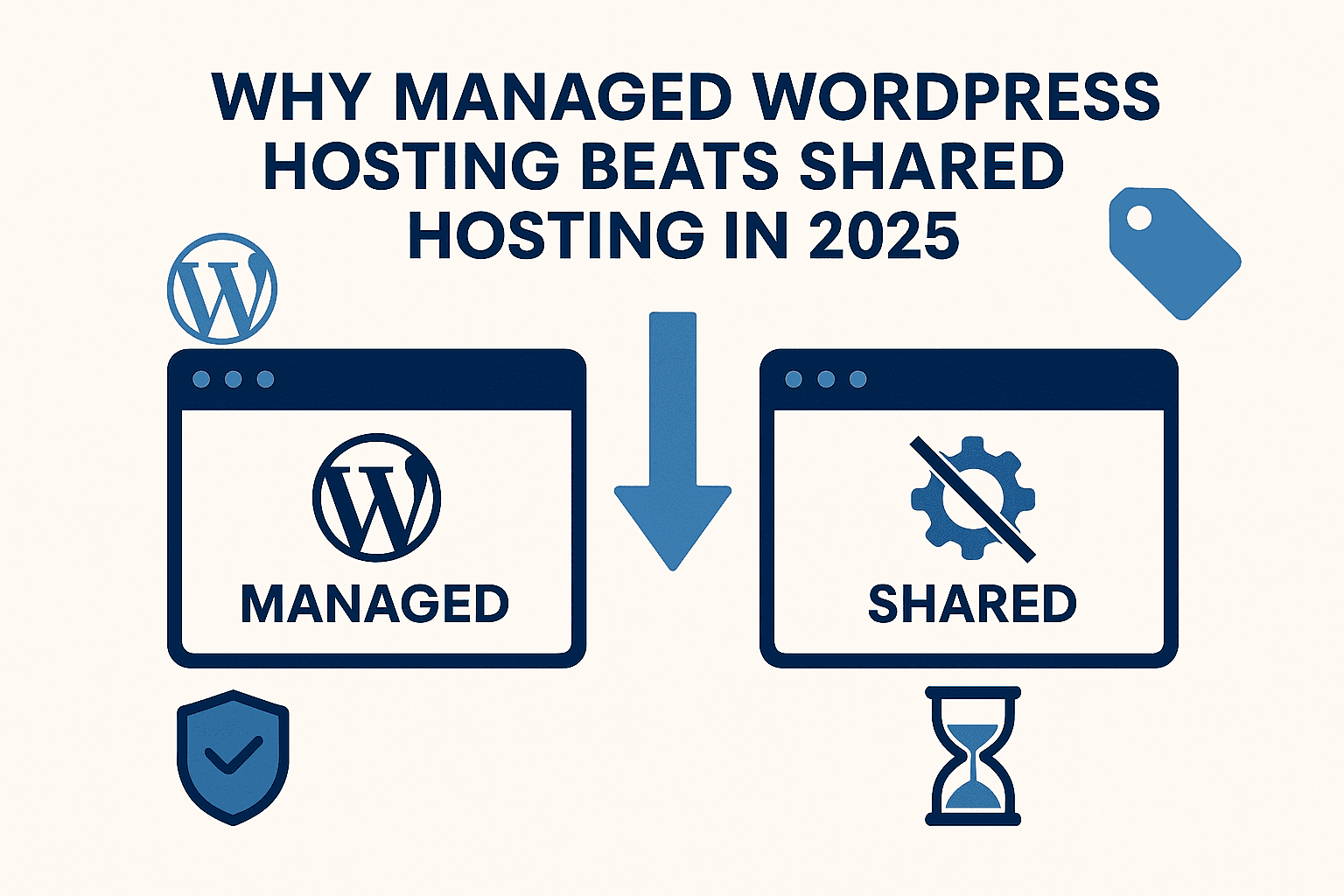
Why Managed WordPress Hosting Beats Shared Hosting in 2025
Shared hosting looks cheap, but managed WordPress hosting saves you time, stress, and money in the long run. Here’s a practical, testable guide to decide with confidence in 2025.
Best Web Hosting for Small Sites (2025): Speed, Support, Price
If you’re launching a lightweight site or portfolio, here’s how to pick a host that’s fast, reliable, and won’t wreck your budget.
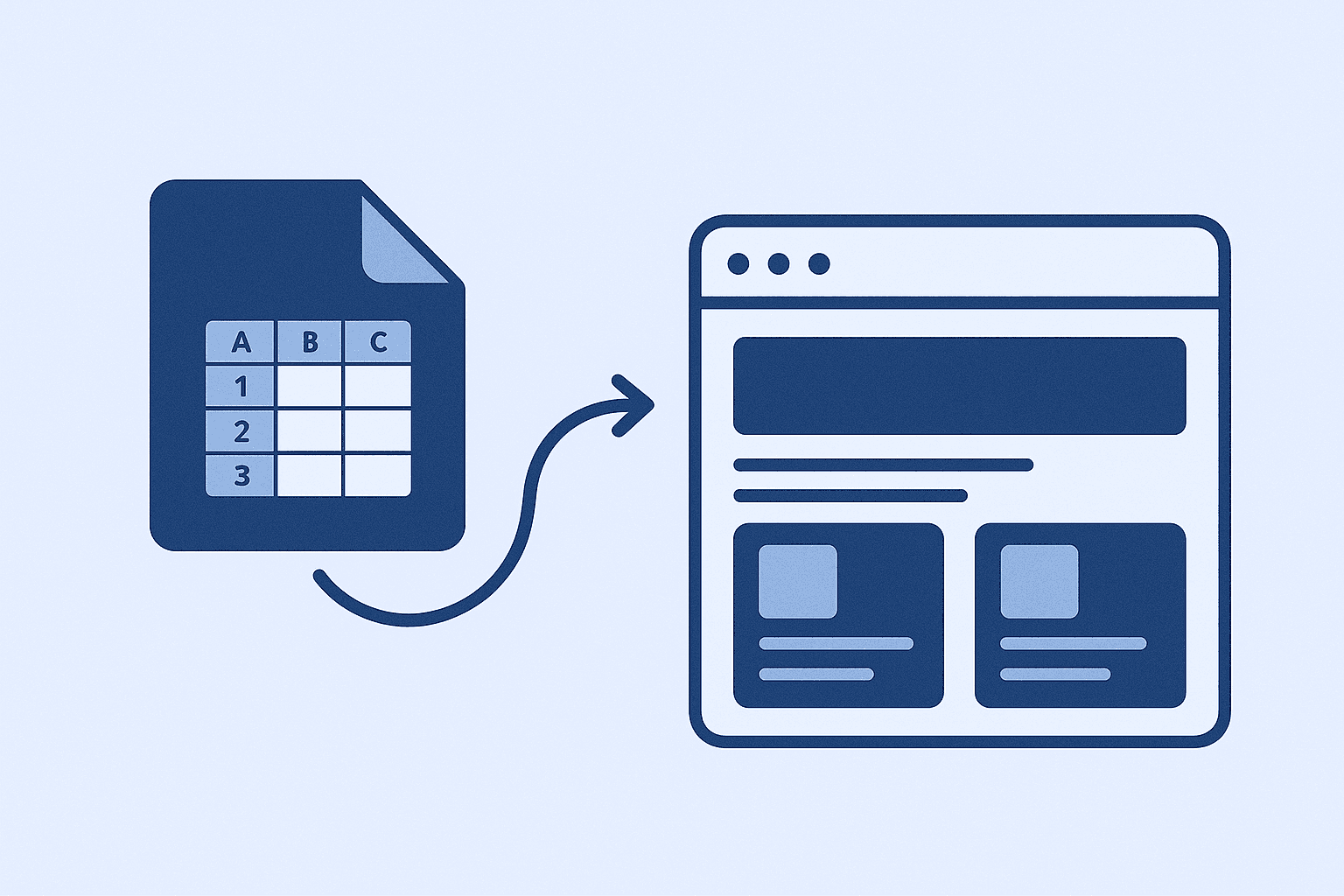
How I Use Google Sheet as a Lightweight CMS
No CMS, no backend, just Google Sheets. Here’s how I let clients update their site content without touching code.
How I Deploy Client Sites Fast (Without Burning Budget)
Speed, stability, and cost-efficiency. Here's my real-world setup for shipping client websites—no fluff, just battle-tested decisions.