Building a Serverless Watchdog: Monitoring Framer 404s with Node.js and AWS Lambda
Technical breakdown of a serverless link-checking system designed to solve the 'silent 404' problem in Framer CMS workflows using Node.js, Linkinator, and AWS EventBridge.
The Friction of Static-ish Frameworks
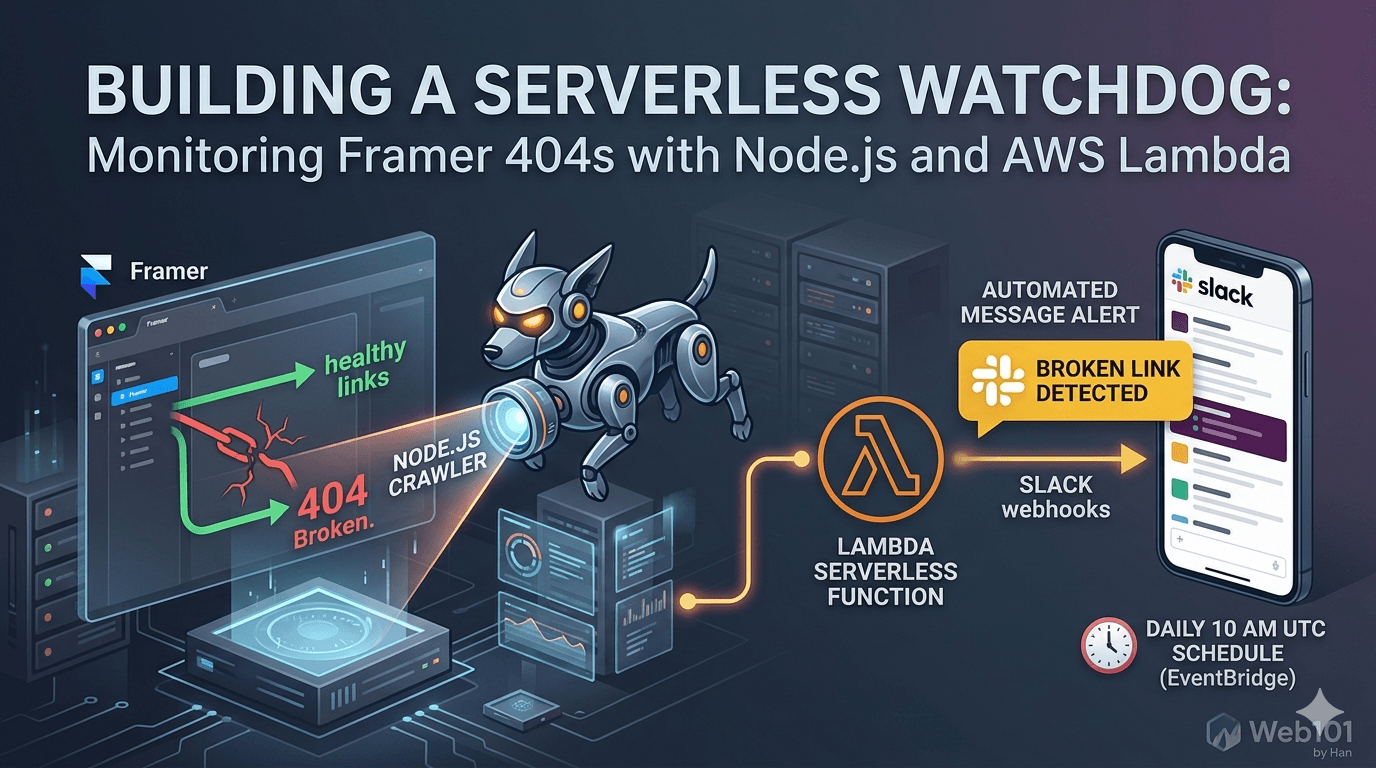
Framer offers incredible design velocity, but its abstraction layer can hide 'silent 404s'—links that break during CMS slug migrations or manual updates. Without a built-in health check, these dead ends hurt SEO and user trust. This article details the architecture of a custom serverless watchdog I built to automate this validation process.
System Architecture & Logic
The system is built on a serverless event-driven architecture. A Node.js runtime executes a recursive crawl of the target domain. The logic filters for internal links only, validates the HTTP status codes, and aggregates failures into a POST request sent to a Slack Incoming Webhook. By using AWS Lambda, the system runs in isolation without needing a dedicated server.
Technical Implementation: The Crawler
I utilized the 'linkinator' library for its high-performance asynchronous crawling capabilities. Unlike basic regex scrapers, it handles the DOM properly to find nested links. ```javascript const { LinkChecker } = require('linkinator'); const checker = new LinkChecker(); const results = await checker.check({ path: 'https://web101byhan.dev', recurse: true, concurrency: 5 }); ``` This setup ensures we don't overwhelm the Framer CDN while maintaining a fast execution time for the Lambda function.
System Constraints & Resource Management
During implementation, I hit a significant bottleneck: memory exhaustion. Crawling a site with 50+ pages and JS-heavy assets requires more than the default 128MB of Lambda RAM. I reconfigured the system to 512MB and increased the timeout to 120 seconds. This is a crucial trade-off between execution cost and system reliability.
Automated Alerting Logic
To avoid 'notification fatigue,' the script only triggers a Slack payload if the broken link array is non-empty. The payload is formatted using Slack's Block Kit to include the specific URL and the returned HTTP status code, allowing for immediate debugging directly from the mobile app.
Deployment via AWS EventBridge
The final piece is automation. Using AWS EventBridge (formerly CloudWatch Events), I scheduled the function to run via a cron expression: `cron(0 10 * * ? *)`. This ensures a full system health check is performed every morning at 10:00 AM UTC, providing a daily 'all-clear' or an actionable bug report.
Conclusion: Moving Toward Proactive Development
Shifting from reactive fixing to proactive monitoring is key to maintaining high-quality technical systems. By bridging a design-heavy tool like Framer with a custom backend script on AWS, we create a more resilient web presence that scales without manual oversight.
Related stories
Curated reads to continue the thread.
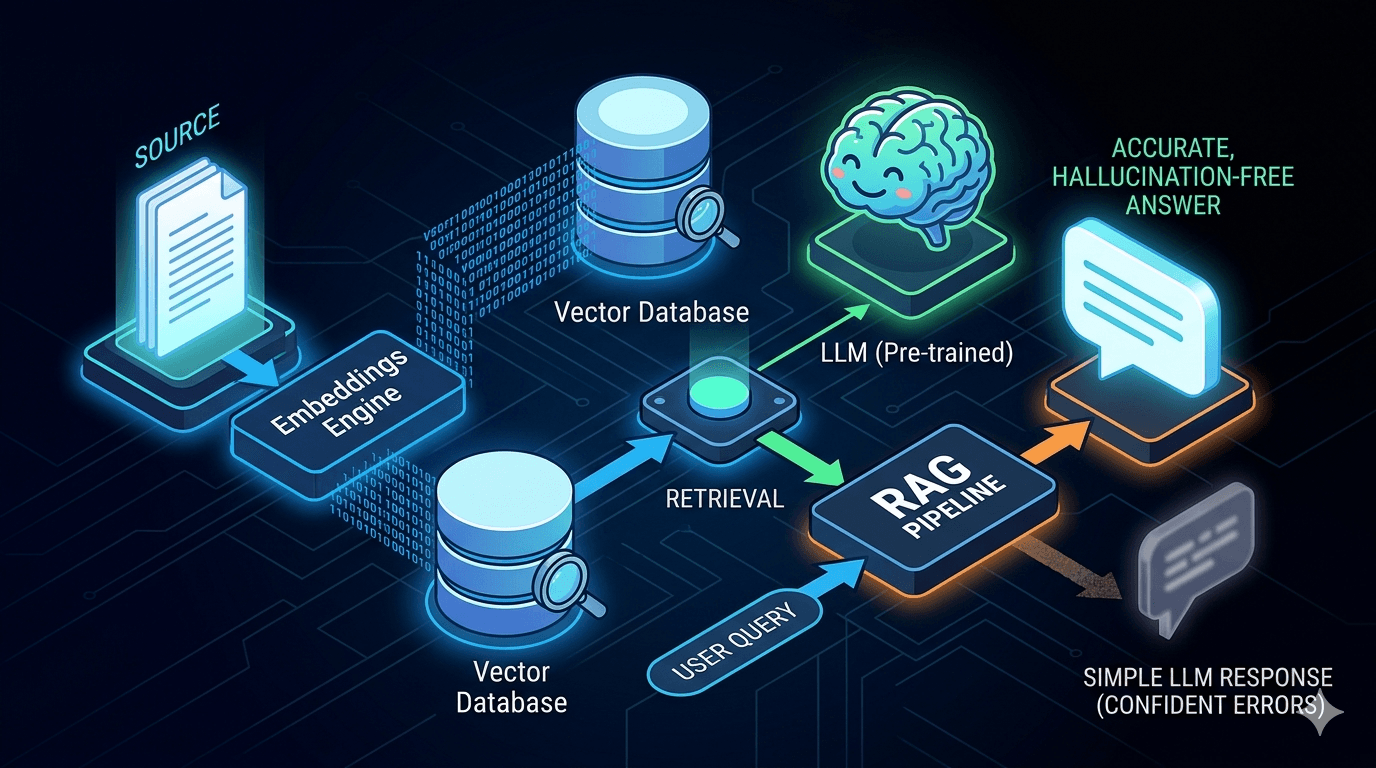
Reducing LLM Hallucinations: Building a RAG-lite Pipeline for Technical Documentation
A practical breakdown of how to reduce LLM hallucinations with a lightweight RAG pipeline using embeddings, FAISS, and top-k retrieval for technical documentation.

Web101 by Han Is Expanding: From Web Development to Deeper Technical Systems
Web101 by Han is evolving beyond web development. This update explains what’s changing, why the scope is expanding into AI, machine learning, algorithms, and technical analysis, and what readers can expect going forward.
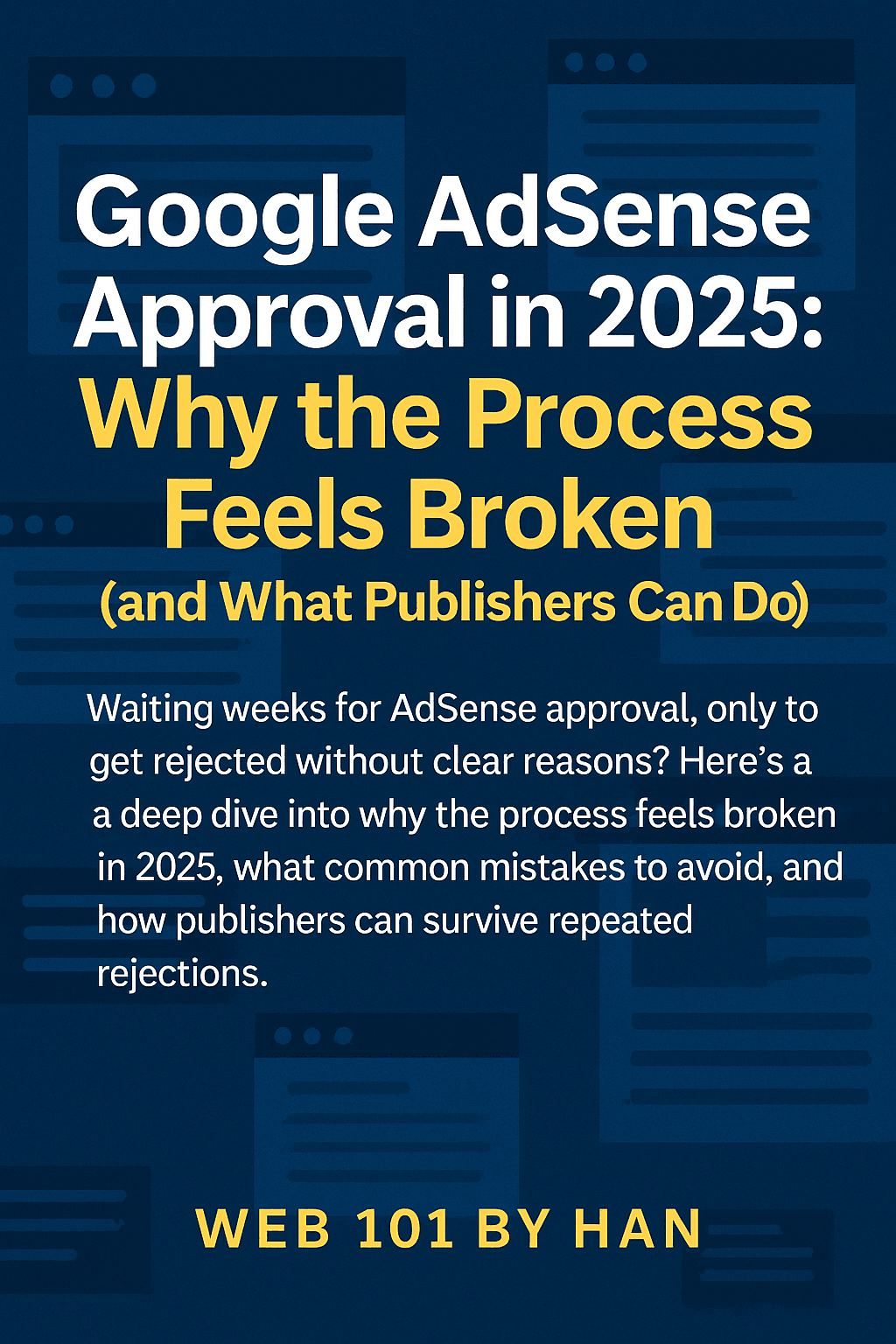
Google AdSense Approval in 2025: Why the Process Feels Broken (and What Publishers Can Do)
Waiting weeks for AdSense approval, only to get rejected without clear reasons? Here’s a deep dive into why the process feels broken in 2025, what common mistakes to avoid, and how publishers can survive repeated rejections.
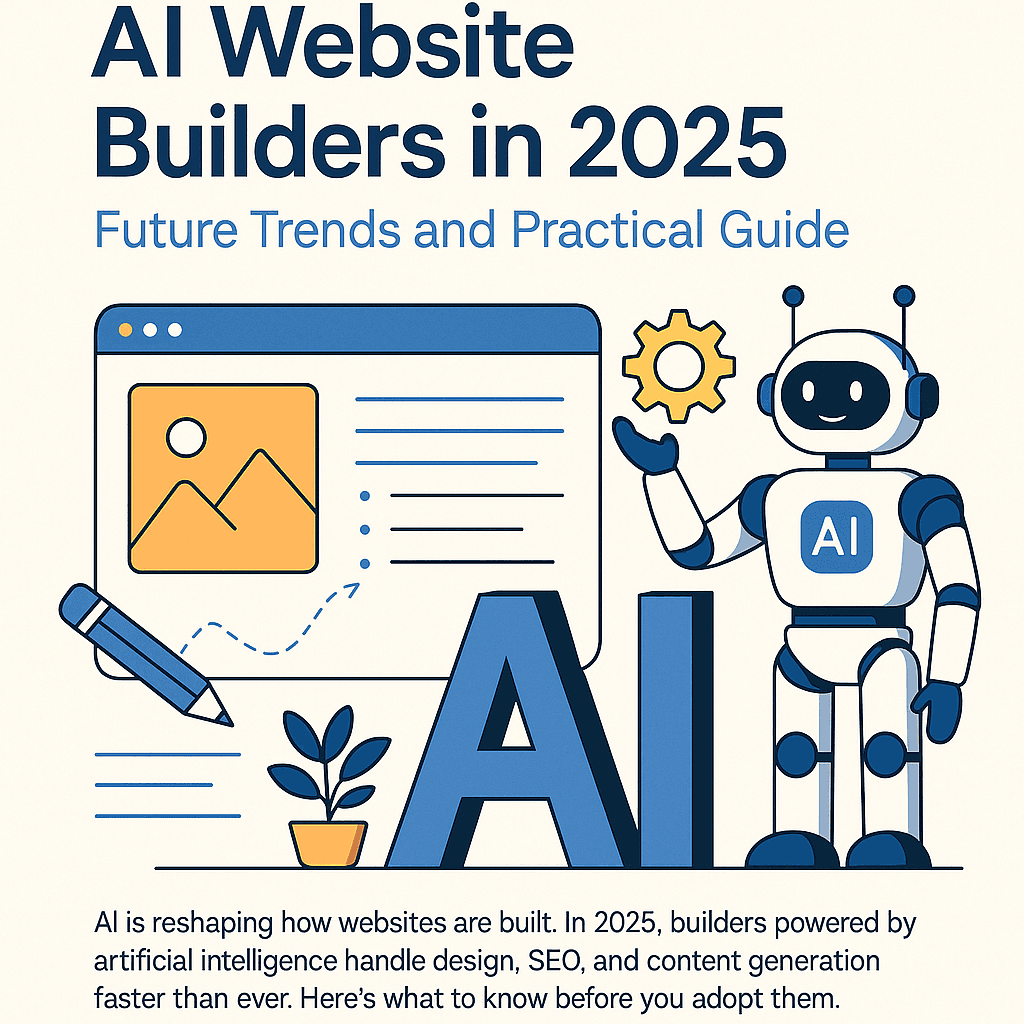
AI Website Builders in 2025: Future Trends and Practical Guide
AI is reshaping how websites are built. In 2025, builders powered by artificial intelligence handle design, SEO, and content generation faster than ever. Here’s what to know before you adopt them.
Why Managed WordPress Hosting Beats Shared Hosting in 2025
Shared hosting looks cheap, but managed WordPress hosting saves you time, stress, and money in the long run. Here’s a practical, testable guide to decide with confidence in 2025.
Best Web Hosting for Small Sites (2025): Speed, Support, Price
If you’re launching a lightweight site or portfolio, here’s how to pick a host that’s fast, reliable, and won’t wreck your budget.
How I Use Google Sheet as a Lightweight CMS
No CMS, no backend, just Google Sheets. Here’s how I let clients update their site content without touching code.
How I Deploy Client Sites Fast (Without Burning Budget)
Speed, stability, and cost-efficiency. Here's my real-world setup for shipping client websites—no fluff, just battle-tested decisions.