Reducing LLM Hallucinations: Building a RAG-lite Pipeline for Technical Documentation
Technical walkthrough of a RAG-lite architecture for grounding LLM responses in documentation using embeddings, a local FAISS vector store, and context window optimization.
Introduction
Since launching Web101 by Han, the focus has often been on frontend implementation. However, as I expand into deeper technical systems, the accuracy of the tools we build becomes paramount. When using Large Language Models (LLMs) for technical advice, we often hit a major wall: hallucinations. This post breaks down how I built a RAG-lite pipeline to solve this.
The Hallucination Hurdle
When asking an LLM about niche technical documentation or specific blog content, the model often creates plausible but incorrect code. To fix this, we do not need to retrain the model; we need to give it an open-book exam. This is the core of Retrieval-Augmented Generation (RAG).
Architecture: The RAG-lite Flow
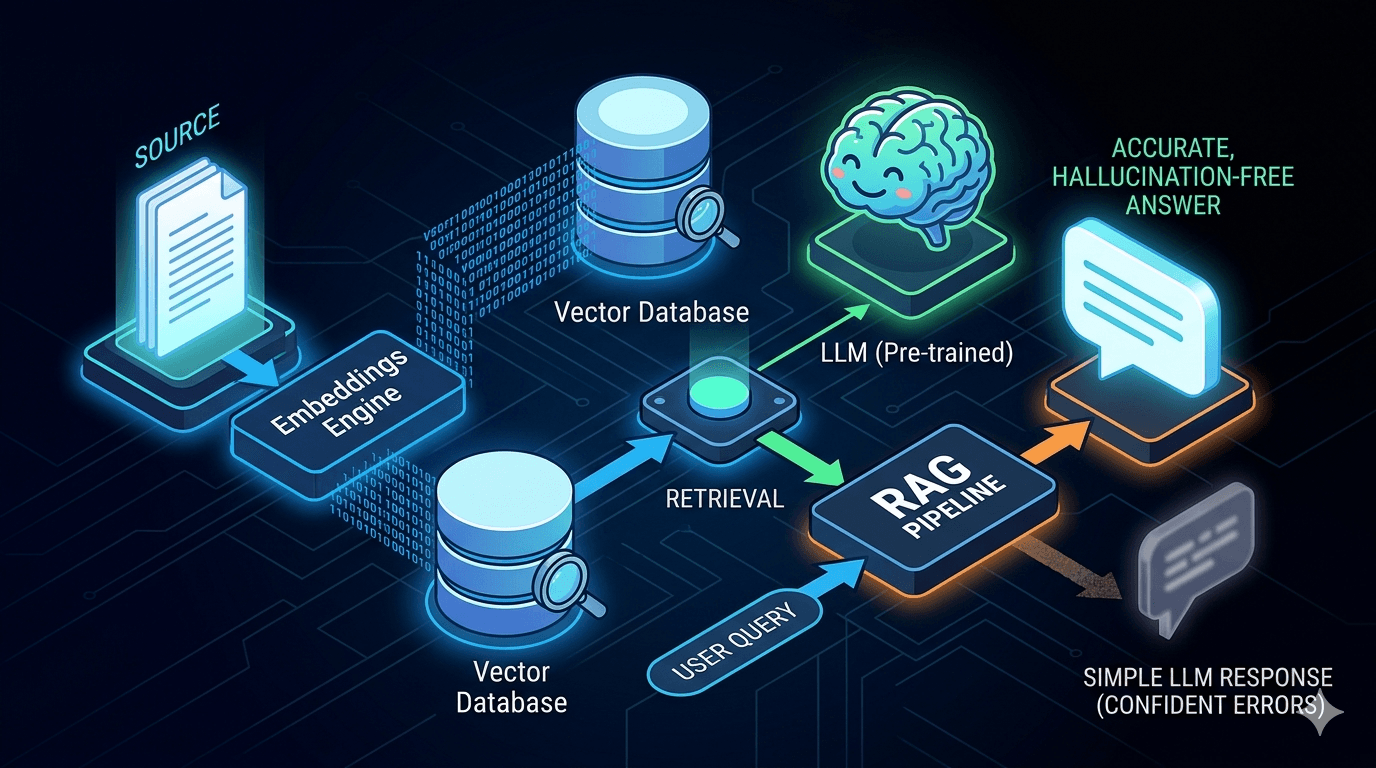
A RAG-lite system follows a simple but effective data pipeline. First, the source document is processed by an embeddings engine. Next, those mathematical representations are stored in a vector database. Then, when a user query comes in, the system retrieves only the relevant ground-truth chunks and injects them into the LLM prompt. This bypasses the confident errors of a simple LLM response by forcing the model to rely on your specific data.
Technical Implementation: Python and FAISS
I implemented this using a lightweight vector store. For smaller documentation sets, you do not need a heavy enterprise database. I used a local FAISS index for high-speed similarity search. ```python from langchain.vectorstores import FAISS from langchain.embeddings import OpenAIEmbeddings # 'chunks' are small blocks of your technical text vectorstore = FAISS.from_texts(chunks, OpenAIEmbeddings()) # Performing a similarity search based on the query docs = vectorstore.similarity_search(user_query) ``` This setup makes it easy to convert documentation into embeddings and retrieve the most relevant text blocks at query time.
Optimization: Context Window Management
The biggest challenge is not retrieval itself, but noise. If you feed too much irrelevant text into the prompt, the model loses focus, which is often called the lost-in-the-middle problem. I optimized this by using a top-k threshold, ensuring that only the three most mathematically relevant chunks are sent to the LLM.
Conclusion: Building Systems of Trust
Building a RAG pipeline moves AI from a creative toy to a reliable technical resource. By providing verifiable context, we bridge the gap between AI hype and practical, accurate engineering documentation.
Related stories
Curated reads to continue the thread.
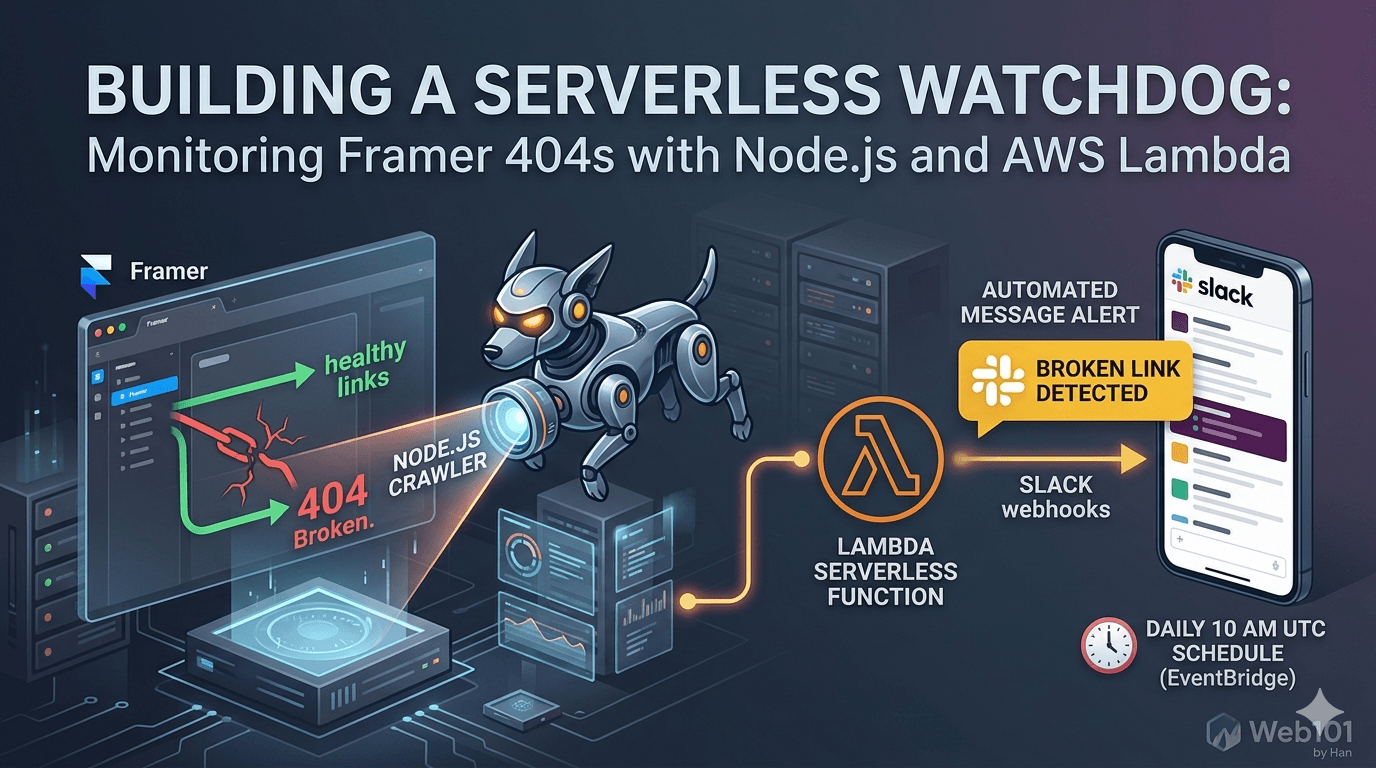
Building a Serverless Watchdog: Monitoring Framer 404s with Node.js and AWS Lambda
A deep dive into building a custom automated monitoring system for Framer sites. Learn how to deploy a Node.js crawler on AWS Lambda to detect and alert broken links via Slack webhooks.

Web101 by Han Is Expanding: From Web Development to Deeper Technical Systems
Web101 by Han is evolving beyond web development. This update explains what’s changing, why the scope is expanding into AI, machine learning, algorithms, and technical analysis, and what readers can expect going forward.
Google AdSense Approval in 2025: Why the Process Feels Broken (and What Publishers Can Do)
Waiting weeks for AdSense approval, only to get rejected without clear reasons? Here’s a deep dive into why the process feels broken in 2025, what common mistakes to avoid, and how publishers can survive repeated rejections.
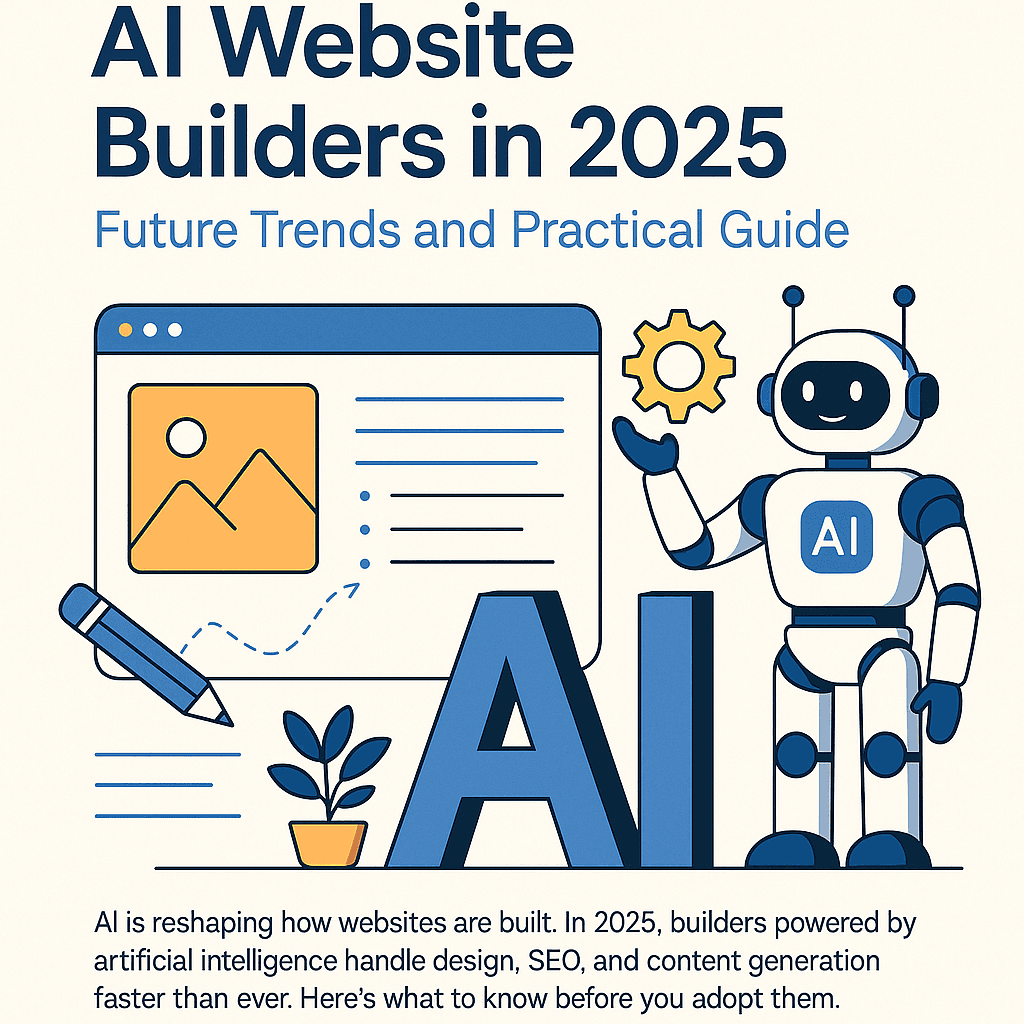
AI Website Builders in 2025: Future Trends and Practical Guide
AI is reshaping how websites are built. In 2025, builders powered by artificial intelligence handle design, SEO, and content generation faster than ever. Here’s what to know before you adopt them.
Why Managed WordPress Hosting Beats Shared Hosting in 2025
Shared hosting looks cheap, but managed WordPress hosting saves you time, stress, and money in the long run. Here’s a practical, testable guide to decide with confidence in 2025.
Best Web Hosting for Small Sites (2025): Speed, Support, Price
If you’re launching a lightweight site or portfolio, here’s how to pick a host that’s fast, reliable, and won’t wreck your budget.
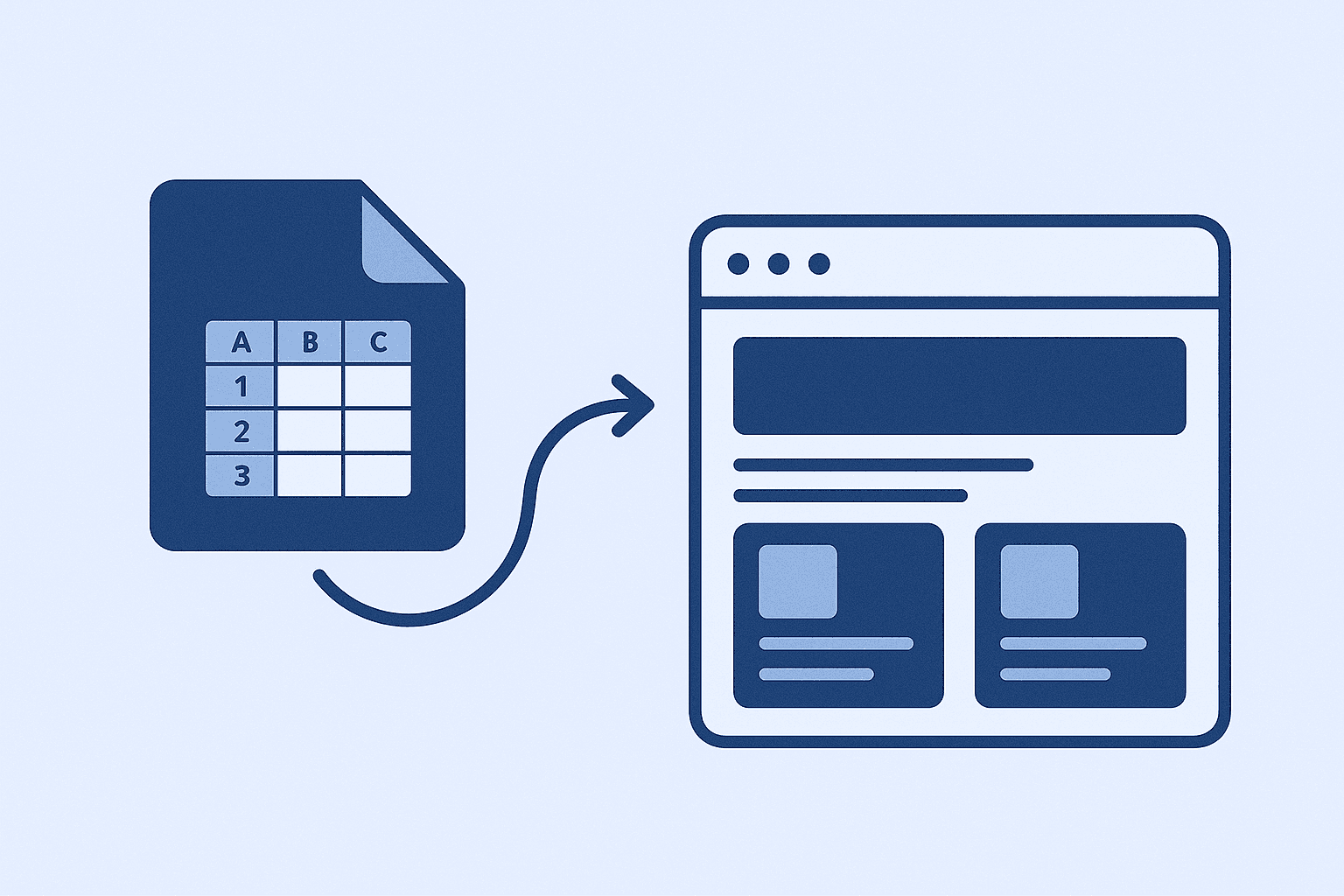
How I Use Google Sheet as a Lightweight CMS
No CMS, no backend, just Google Sheets. Here’s how I let clients update their site content without touching code.
How I Deploy Client Sites Fast (Without Burning Budget)
Speed, stability, and cost-efficiency. Here's my real-world setup for shipping client websites—no fluff, just battle-tested decisions.