How I Deploy Client Sites Fast (Without Burning Budget)
This post walks through the actual deployment stack I use for Web101 and client projects. Learn why I picked Vercel, when I use Google Sheets or Firebase, and how to avoid common stability issues non-devs run into.
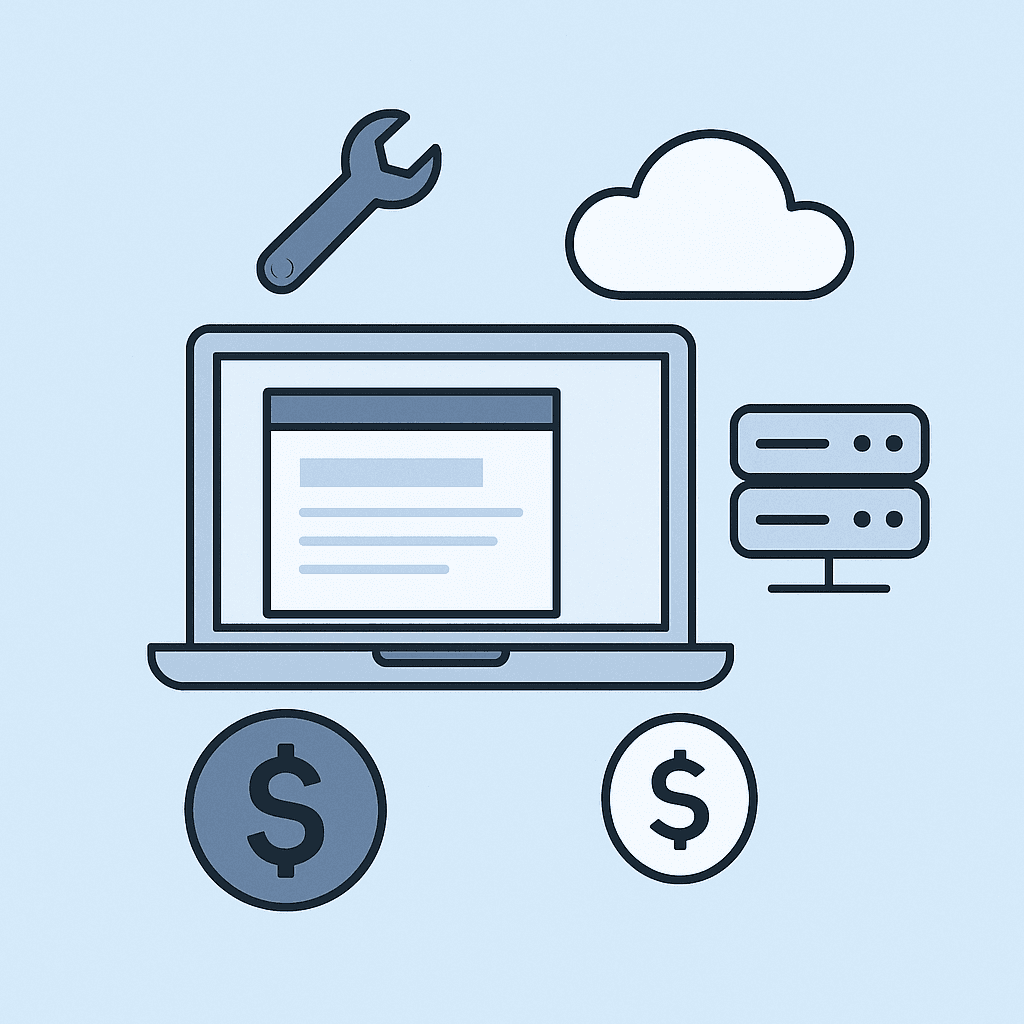
The Problem with Fancy Setups
Many developers over-engineer. Clients don't need microservices or SSR—they need fast, cheap, and maintainable sites. Here’s how I cut the fat while keeping it solid.
Why I Use Vercel for Almost Everything
Pros: Free tier covers most small sites, global CDN, fast builds, custom domains, and simple CI. Cons: Not ideal for heavy backends or dynamic data at scale.
Sheets vs Firebase for Light Data
Google Sheets: Great for form submissions, editable tables, and non-dev clients. Firebase: Best for auth (Google login), simple reads/writes, and when you need real-time sync. Tip: Don’t use Firebase if you just need a static site with a contact form—overkill.
Preventing Clients from Breaking Their Own Site
Always add backups. I use Git + Vercel rollbacks, limit CMS access, and set up Zapier/Make alerts for data changes. Most non-dev mistakes are fixable if you catch them early.
What This Stack Gives Me
- Fast launch times (1–3 days for most projects) - Easy edits for clients (via Airtable, Sheets, or CMS) - Low hosting cost (usually $0–$20/month) - Peace of mind (rollback + no dev-side surprises)
Related stories
Curated reads to continue the thread.
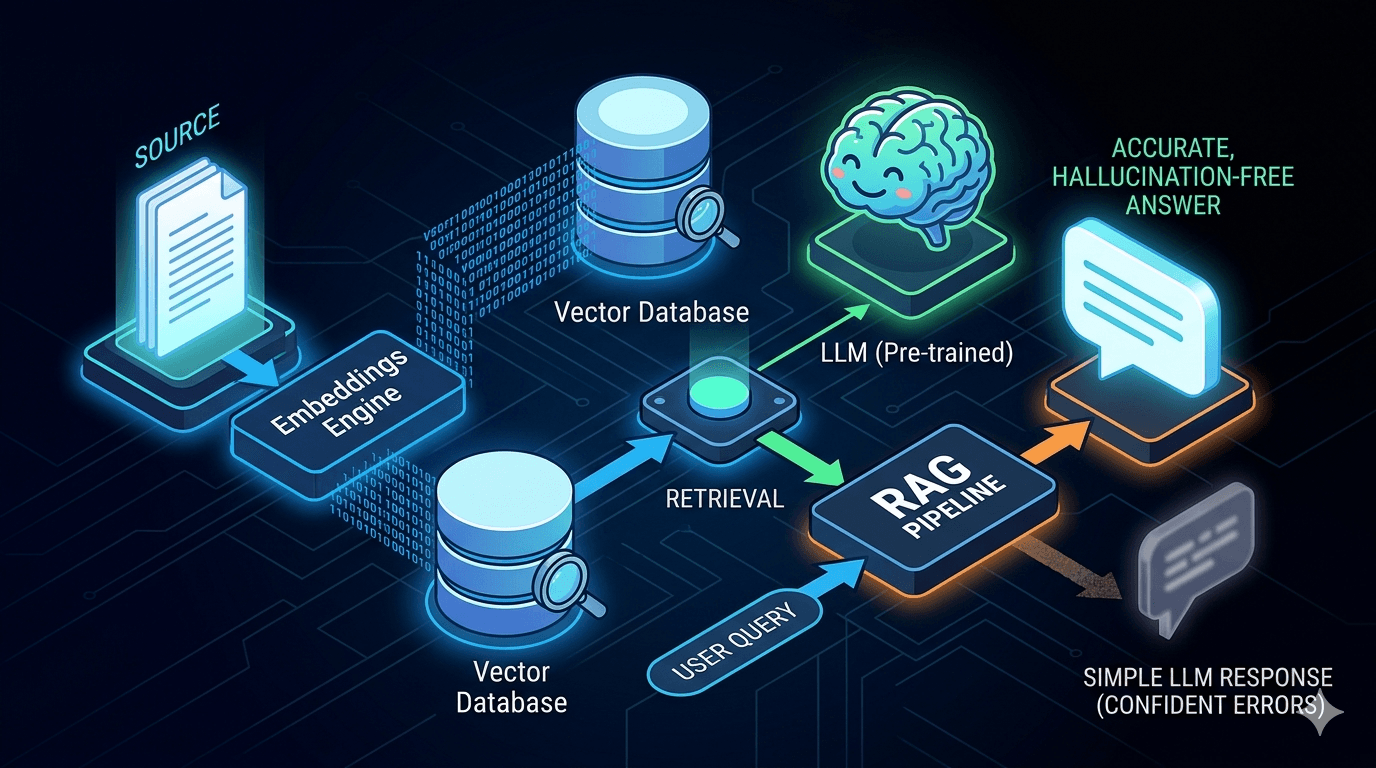
Reducing LLM Hallucinations: Building a RAG-lite Pipeline for Technical Documentation
A practical breakdown of how to reduce LLM hallucinations with a lightweight RAG pipeline using embeddings, FAISS, and top-k retrieval for technical documentation.
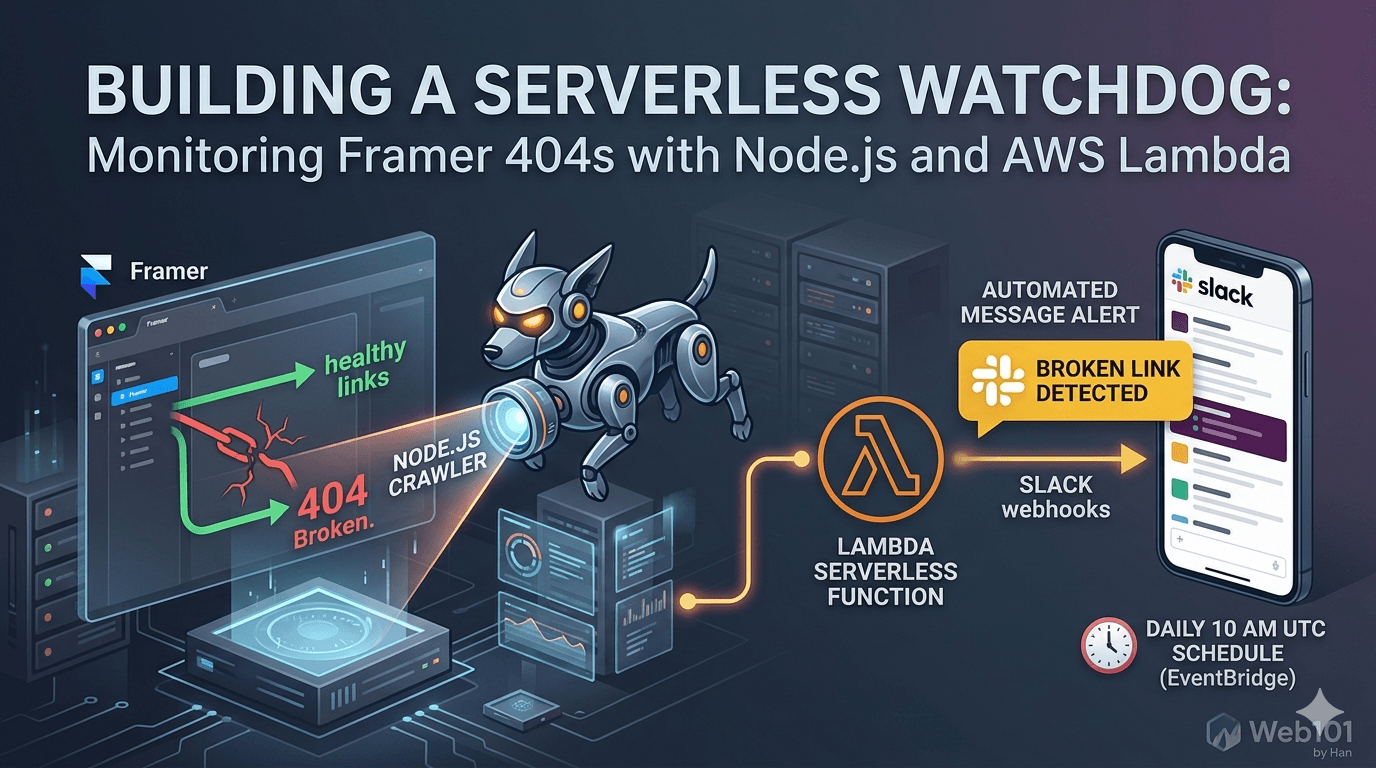
Building a Serverless Watchdog: Monitoring Framer 404s with Node.js and AWS Lambda
A deep dive into building a custom automated monitoring system for Framer sites. Learn how to deploy a Node.js crawler on AWS Lambda to detect and alert broken links via Slack webhooks.

Web101 by Han Is Expanding: From Web Development to Deeper Technical Systems
Web101 by Han is evolving beyond web development. This update explains what’s changing, why the scope is expanding into AI, machine learning, algorithms, and technical analysis, and what readers can expect going forward.
Google AdSense Approval in 2025: Why the Process Feels Broken (and What Publishers Can Do)
Waiting weeks for AdSense approval, only to get rejected without clear reasons? Here’s a deep dive into why the process feels broken in 2025, what common mistakes to avoid, and how publishers can survive repeated rejections.
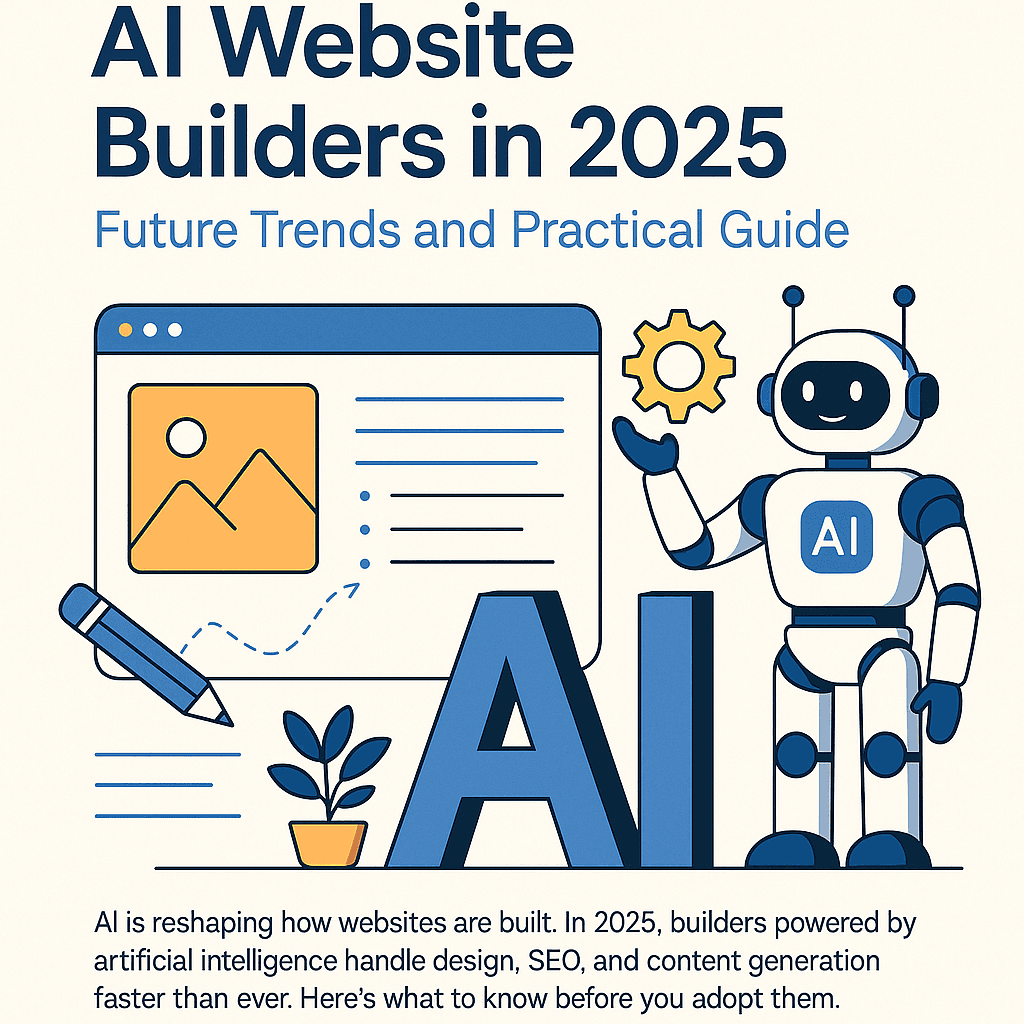
AI Website Builders in 2025: Future Trends and Practical Guide
AI is reshaping how websites are built. In 2025, builders powered by artificial intelligence handle design, SEO, and content generation faster than ever. Here’s what to know before you adopt them.
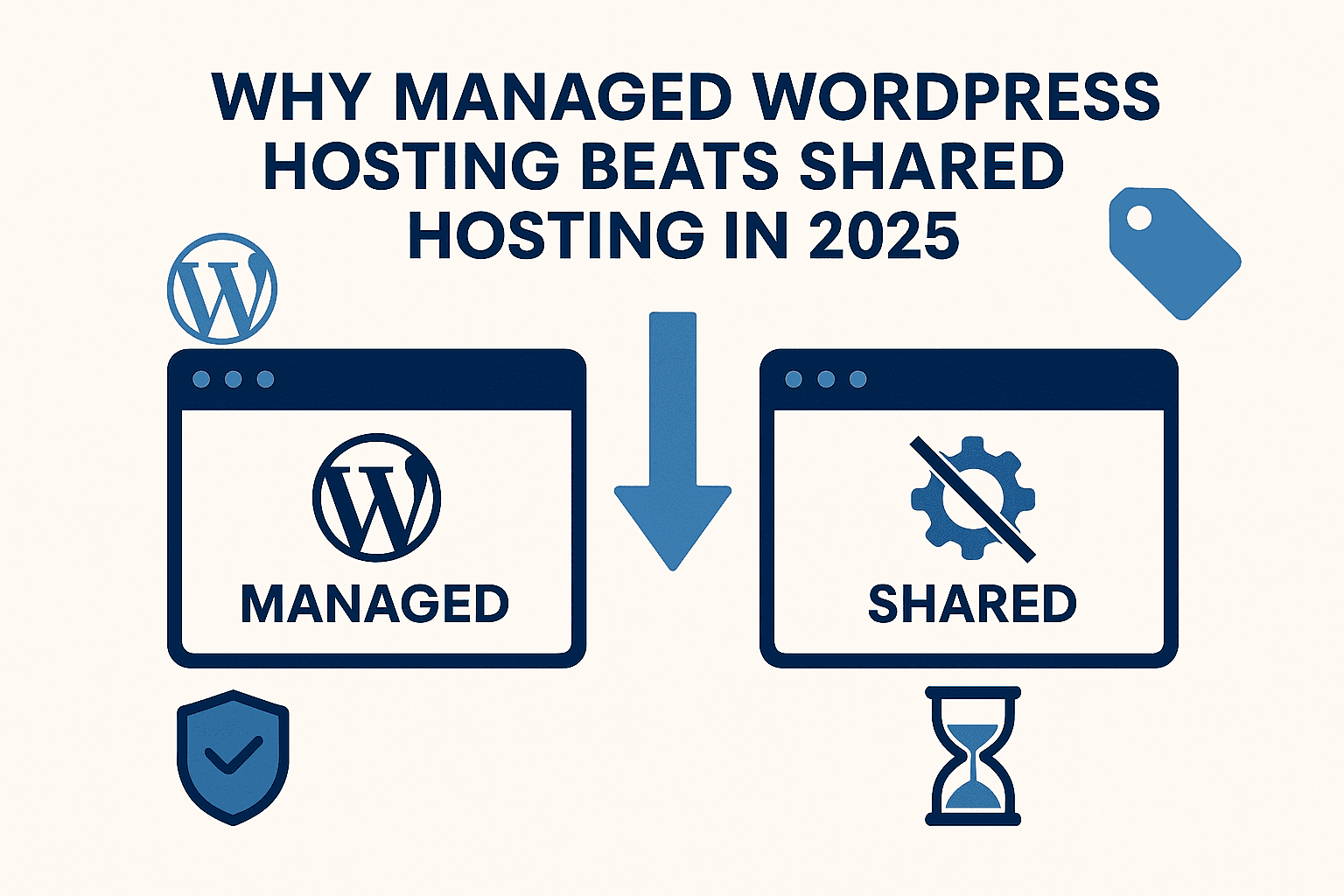
Why Managed WordPress Hosting Beats Shared Hosting in 2025
Shared hosting looks cheap, but managed WordPress hosting saves you time, stress, and money in the long run. Here’s a practical, testable guide to decide with confidence in 2025.
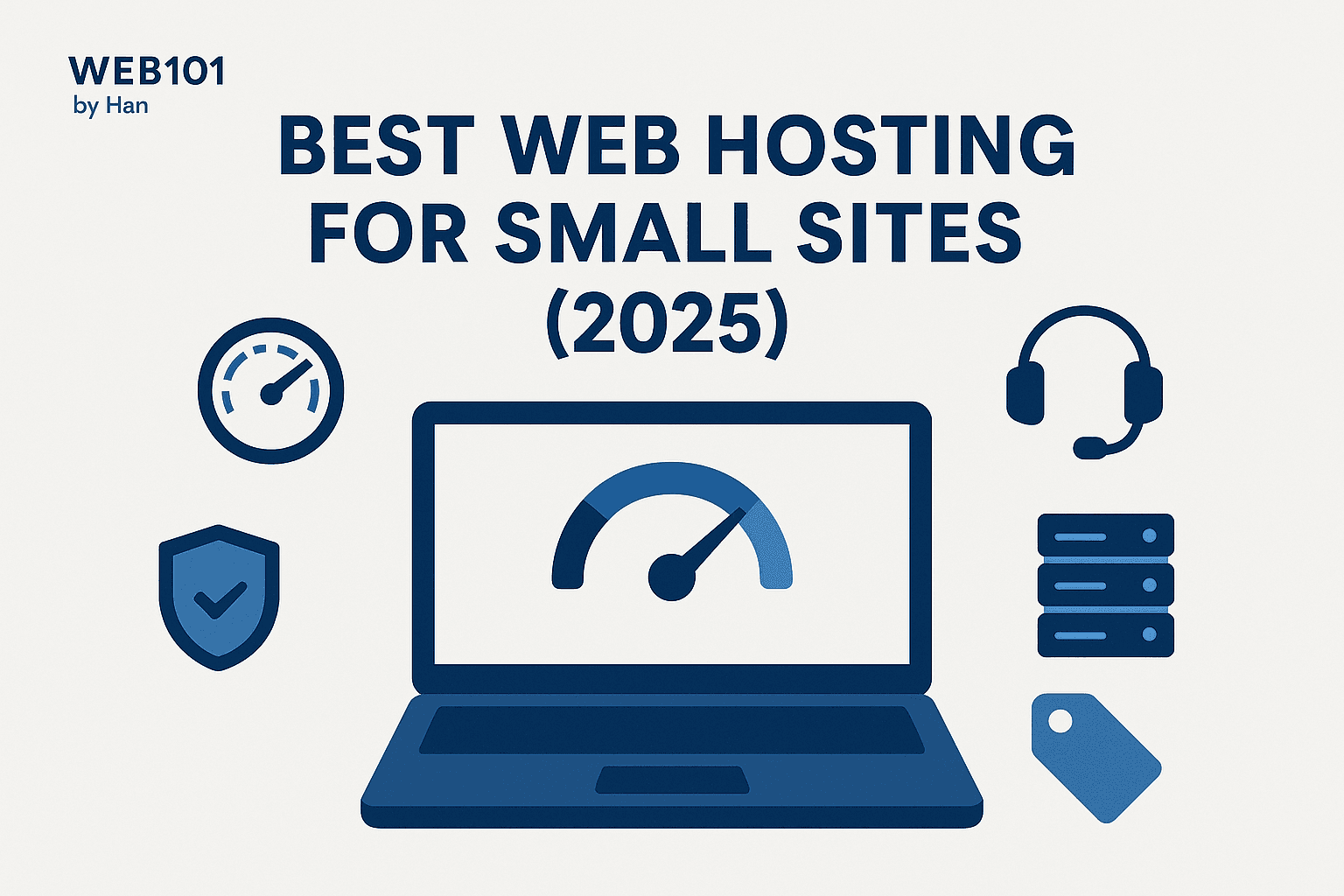
Best Web Hosting for Small Sites (2025): Speed, Support, Price
If you’re launching a lightweight site or portfolio, here’s how to pick a host that’s fast, reliable, and won’t wreck your budget.
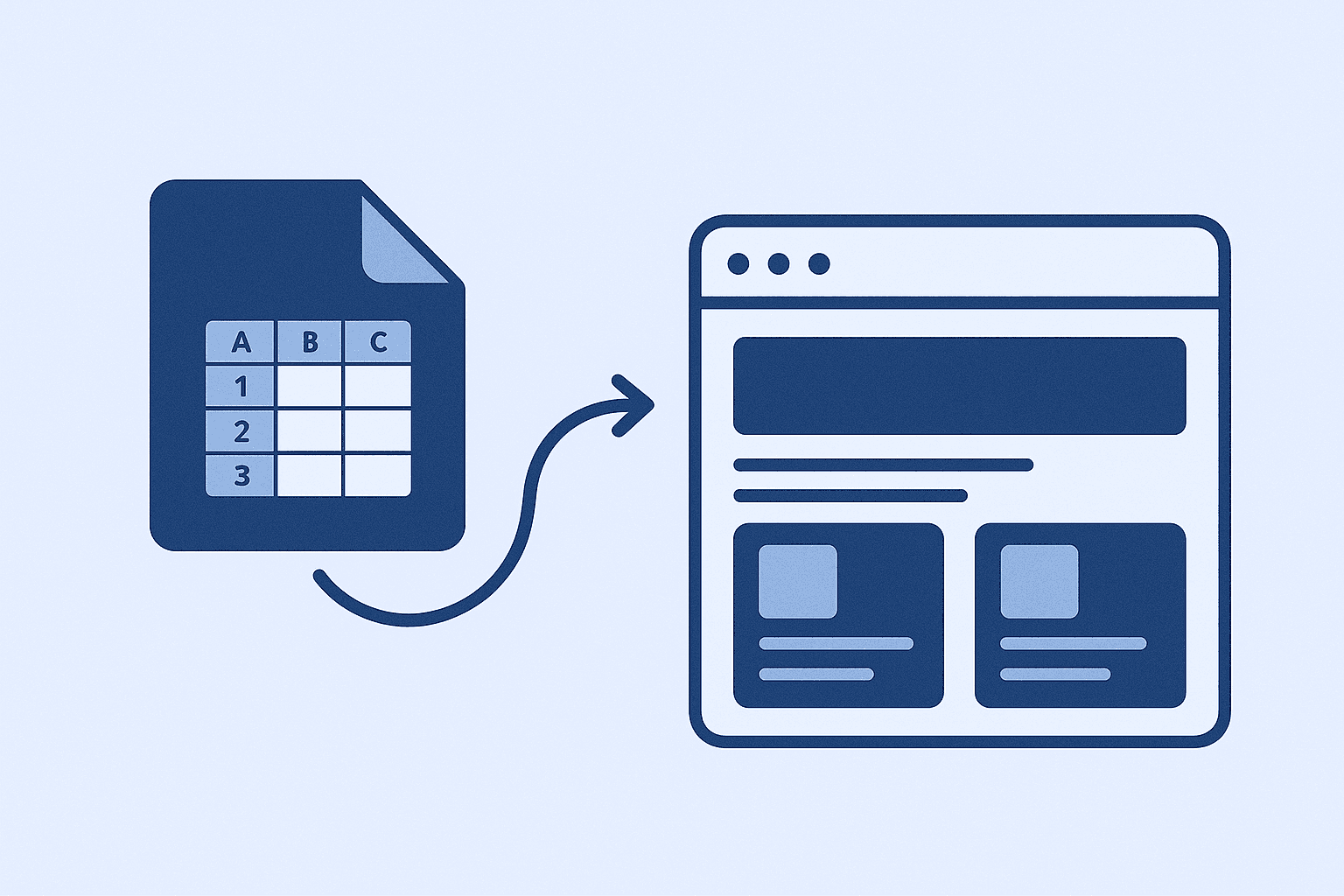
How I Use Google Sheet as a Lightweight CMS
No CMS, no backend, just Google Sheets. Here’s how I let clients update their site content without touching code.