Building a Real Cookie Consent Settings Flow in Next.js
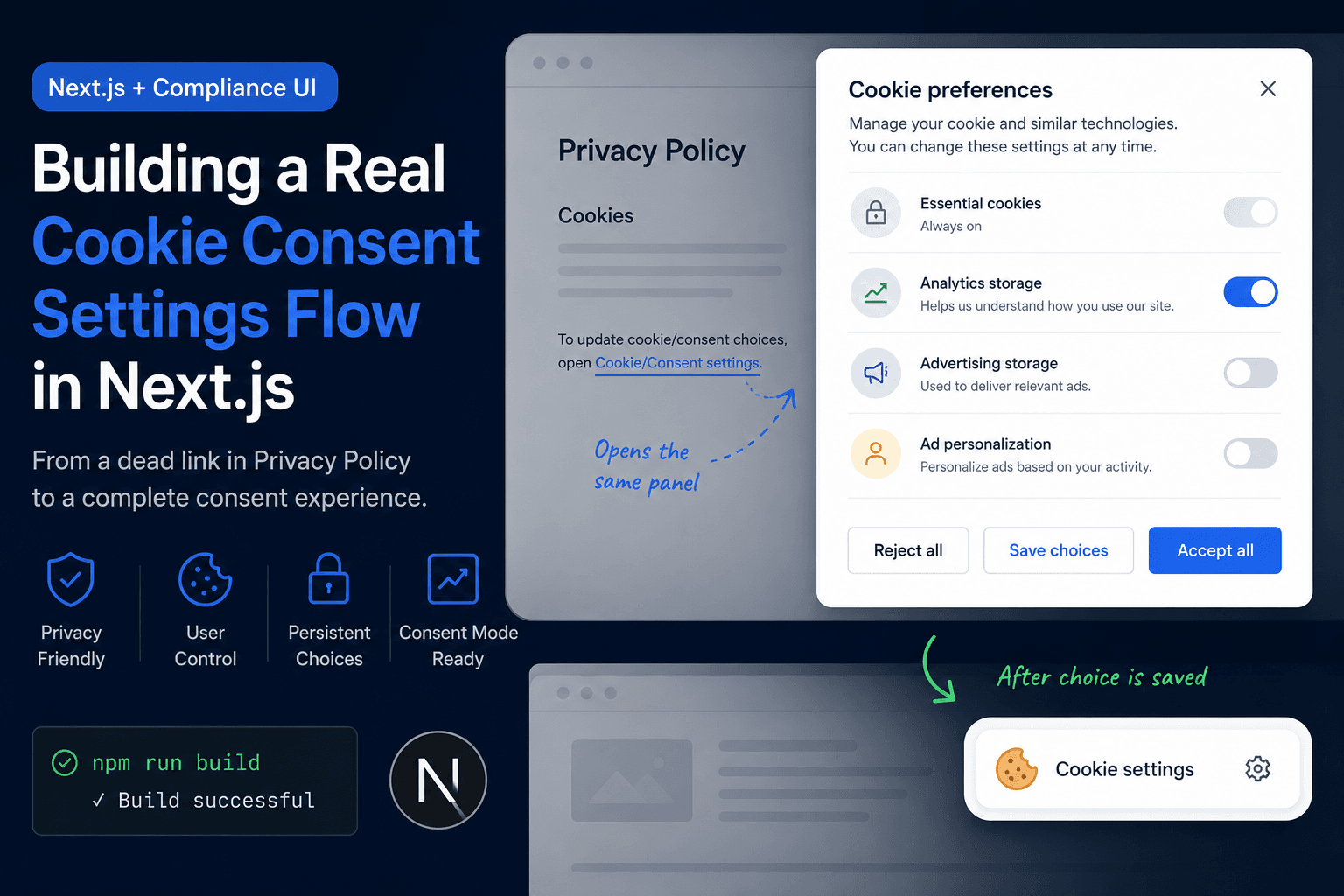
Build log on implementing a real cookie consent settings flow in a Next.js site by connecting Privacy Policy links to a ConsentBanner component, showing a first-visit consent panel, saving user choices, supporting Accept all / Reject all / Save choices, and verifying the route and build.
Problem
The Problem
Implementation
Implementation 1: Connect Privacy Policy Links to the Consent Panel
Result
Fix Direction
Topic
Web DevelopmentIntroduction
I found a small but important compliance UI problem on a Next.js site: the Privacy Policy page told users they could open Cookie/Consent settings, but clicking the link did not show anything.
That is not just a small UI issue. If a site says users can manage consent choices, the control needs to actually work. Otherwise the Privacy Policy looks incomplete, and the consent experience feels fake.
This note documents how I fixed the flow by connecting the Privacy Policy link to a real consent settings panel, then changing the cookie consent behavior so first-time visitors see a normal bottom-right consent panel instead of needing to find the setting inside the Privacy Policy page.
The Problem
The Privacy Policy page had text like this:
To update cookie/consent choices, open Cookie/Consent settings.
But clicking the Cookie/Consent settings link did not open anything.
The visible issue was:
Privacy Policy mentions cookie settings
User clicks Cookie/Consent settings
Nothing appears
No panel opens
No choices are shown
That made the page look broken because the policy promised a control that the interface did not actually provide.
The Wrong Assumption
The first wrong assumption was thinking that a Privacy Policy link alone was enough.
It is not.
A Privacy Policy link can be useful for letting users revisit their choices later, but it should not be the only way users see cookie consent options.
A more normal consent flow is:
First visit → show cookie consent panel
User chooses Accept / Reject / Save choices
Later visit → show a small Cookie settings button
Privacy Policy link → reopens the same settings panel
The Privacy Policy should support consent management, not hide the only consent control.
Source Inspection
After inspecting the implementation, the issue became clear.
The Privacy Policy page had a trigger-style attribute:
data-open-consent
But the consent component did not have a matching event listener that opened the settings panel when that trigger was clicked.
So the page had a visible entry point, but no connected behavior.
The simplified bug looked like this:
Privacy page: has data-open-consent
ConsentBanner: does not listen for data-open-consent clicks
Result: clicking the link does nothing
This was an implementation gap, not expected cookie consent behavior.
Fix Direction
The fix needed to solve two separate problems:
1. The Privacy Policy link should reopen consent settings.
2. First-time visitors should see a visible consent panel automatically.
Only fixing the Privacy Policy link would still be weak UX because most users will not go to the Privacy Policy page first.
The better direction was to build a reusable consent settings flow:
Bottom-right consent panel on first visit
Accept all / Reject all / Save choices actions
Persistent cookie storing the user choice
Small Cookie settings button after choice is saved
Privacy Policy link opens the same panel
Consent state updates Google Consent Mode
That turns the consent UI from a dead link into a real site-level control.
Implementation 1: Connect Privacy Policy Links to the Consent Panel
The first implementation step was to make the Privacy Policy link actually do something.
Instead of treating the Privacy Policy link as a normal navigation link, I used it as a trigger that opens the existing consent settings UI.
The behavior is:
User clicks element with data-open-consent
ConsentBanner receives the event
Consent settings panel opens
User can update choices
This makes the Privacy Policy page useful as a place where users can revisit their choices later.
Implementation 2: Show a Consent Panel on First Visit
The next fix was changing the first-visit behavior.
The consent panel should not only appear after someone finds the Privacy Policy. It should appear automatically when the user has not made a consent choice yet.
The rule became:
If consent_choice cookie does not exist:
show the bottom-right consent panel
If consent_choice cookie exists:
hide the panel
show a small Cookie settings button
This matches the normal consent banner pattern better than hiding the control inside a policy page.
Implementation 3: Add Clear Consent Actions
The settings panel needs real choices, not only informational text.
The panel includes:
Essential cookies: always on
Analytics storage: optional
Advertising storage: optional
Ad personalization: optional
Reject all
Save choices
Accept all
Essential cookies stay enabled because they are needed for basic site behavior. Optional categories can be accepted, rejected, or saved according to the user's choice.
This gives the panel real functionality instead of making it a decorative compliance element.
Implementation 4: Keep a Persistent Cookie Settings Button
After the user makes a choice, the large first-visit panel should not keep blocking the page.
But the user still needs a way to reopen settings later.
So the flow uses a smaller persistent button:
User has already made a choice
Large consent panel is hidden
Small Cookie settings button remains in the bottom-right corner
Clicking it reopens the same settings panel
This keeps the page clean while still giving users access to consent controls.
Implementation 5: Sync Choices with Google Consent Mode
Saving a consent choice should update more than local UI state.
The selected choice also needs to update Google Consent Mode so analytics and advertising behavior follows the stored preference.
The simplified model is:
Reject all → deny optional storage
Accept all → grant optional storage
Save choices → apply selected category values
The important point is that UI state, saved cookie state, and consent mode state should not drift apart.
Verification
After implementing the consent flow, I verified the site at several levels.
The checks were:
npm run build passed
/privacy returned 200 locally
/contact returned 200 locally
Privacy Policy HTML did not output noindex
Privacy Policy link still existed as a consent settings trigger
ConsentBanner contained logic for the consent settings panel
First-visit behavior depends on the consent_choice cookie
This matters because cookie consent is not only a visual component. It touches layout, client-side state, cookies, policy pages, and sometimes analytics behavior.
Before and After
Before the fix, the consent experience looked like this:
Privacy Policy mentions Cookie/Consent settings
Clicking the link does nothing
No first-visit panel appears in normal local testing
No obvious way to change choices later
The control feels broken
After the fix, the behavior became:
First-time visitors see a bottom-right consent panel
Users can Reject all, Save choices, or Accept all
Choices are stored in a consent_choice cookie
A small Cookie settings button remains available later
Privacy Policy link reopens the same settings panel
Consent state can be synced with Google Consent Mode
That is a real consent settings flow instead of a dead policy link.
The Main Gotcha
The main gotcha is that a Privacy Policy link is not the same thing as a consent system.
A Privacy Policy can explain what cookies are used and provide a way to reopen settings. But the actual consent flow should usually be visible during normal browsing, especially before the user has made a choice.
The practical lesson is:
Privacy Policy link = later access to settings
Cookie banner or panel = first-time consent interaction
Consent storage = remembered user choice
Consent mode update = technical enforcement
All four parts need to work together.
Why This Is Stronger Than a Generic Cookie Consent Article
A generic article about cookie consent would probably explain what cookies are, why consent matters, and what a banner usually does.
That would be weak because many sites already say the same thing.
This implementation note is stronger because it includes:
A specific broken behavior
The exact failed assumption
The source-level cause
The UI behavior change
The consent state model
The Privacy Policy connection
The verification steps
The final before/after behavior
That makes the article a real build record instead of a generic overview.
Practical Checklist
For a real cookie consent settings flow, I would check:
1. Does the site show a consent panel before the user has made a choice?
2. Can the user reject optional cookies?
3. Can the user accept all optional cookies?
4. Can the user save partial choices?
5. Is the choice stored persistently?
6. Is there a way to reopen settings later?
7. Does the Privacy Policy link open the same settings panel?
8. Does the UI state match the saved cookie state?
9. Does Consent Mode receive the updated choice?
10. Does the site still build and return 200 on key routes?
This checklist is more useful than only asking whether the site has a cookie banner.
Final Takeaway
The final takeaway is simple:
A cookie settings link should not be decorative.
It should open a real settings panel.
For this fix, the important change was turning a dead Privacy Policy link into a working consent settings flow. The final implementation supports a first-visit consent panel, saved choices, a persistent Cookie settings button, Privacy Policy re-entry, and build-level verification.
That makes the Privacy Policy and cookie consent UI feel like part of the same system instead of two disconnected pieces.
What this note covers
- Introduction
- The Problem
- The Wrong Assumption
- Source Inspection
Related technical notes
Last updated: June 30, 2026
Related category: Web Development
Related stories
Curated reads to continue the thread.
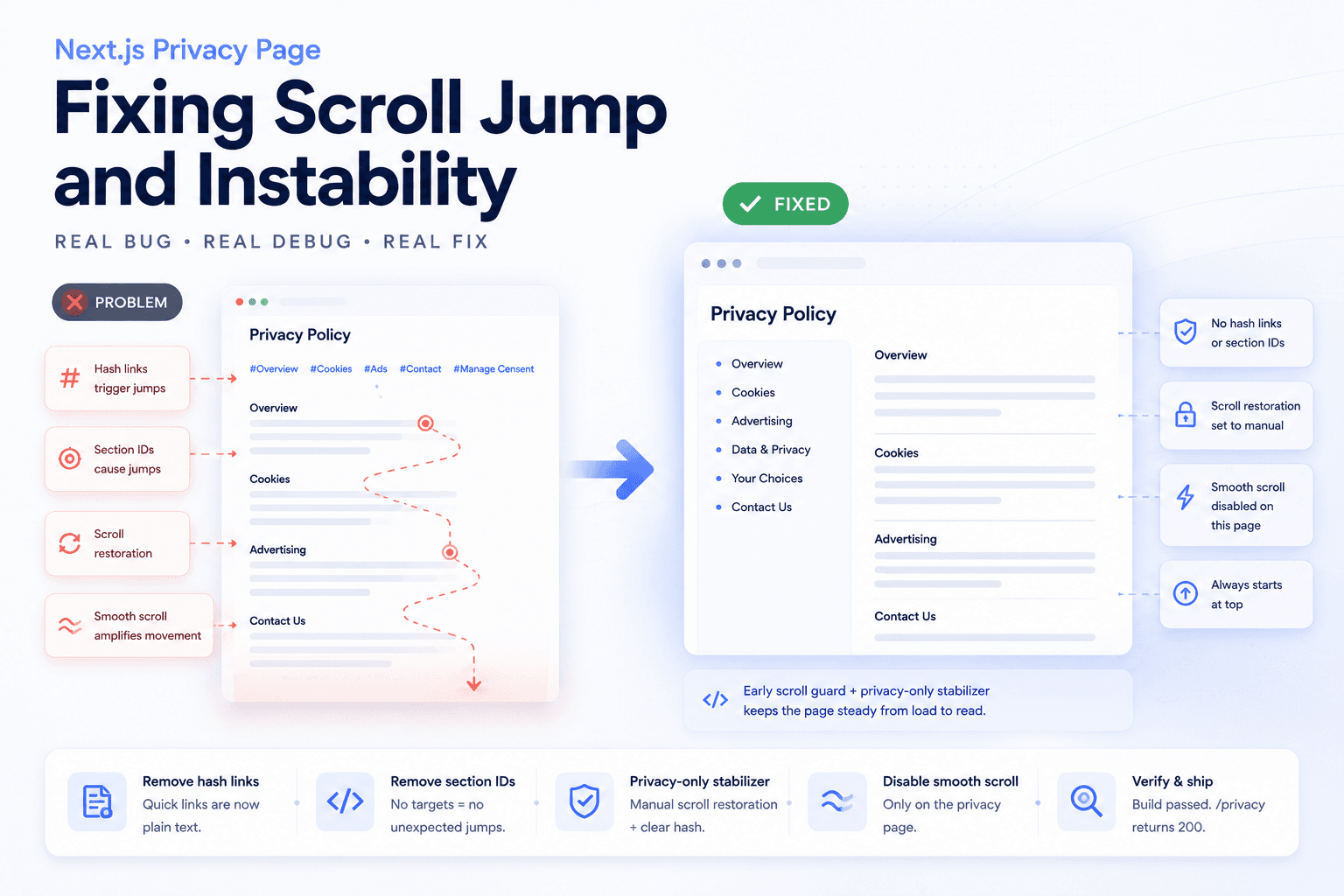
Debugging a Privacy Page Scroll Jump Bug in Next.js
A practical frontend debugging note on fixing a Privacy Policy page that kept jumping up and down because of hash anchors, smooth scrolling, browser scroll restoration, and page-specific navigation targets.
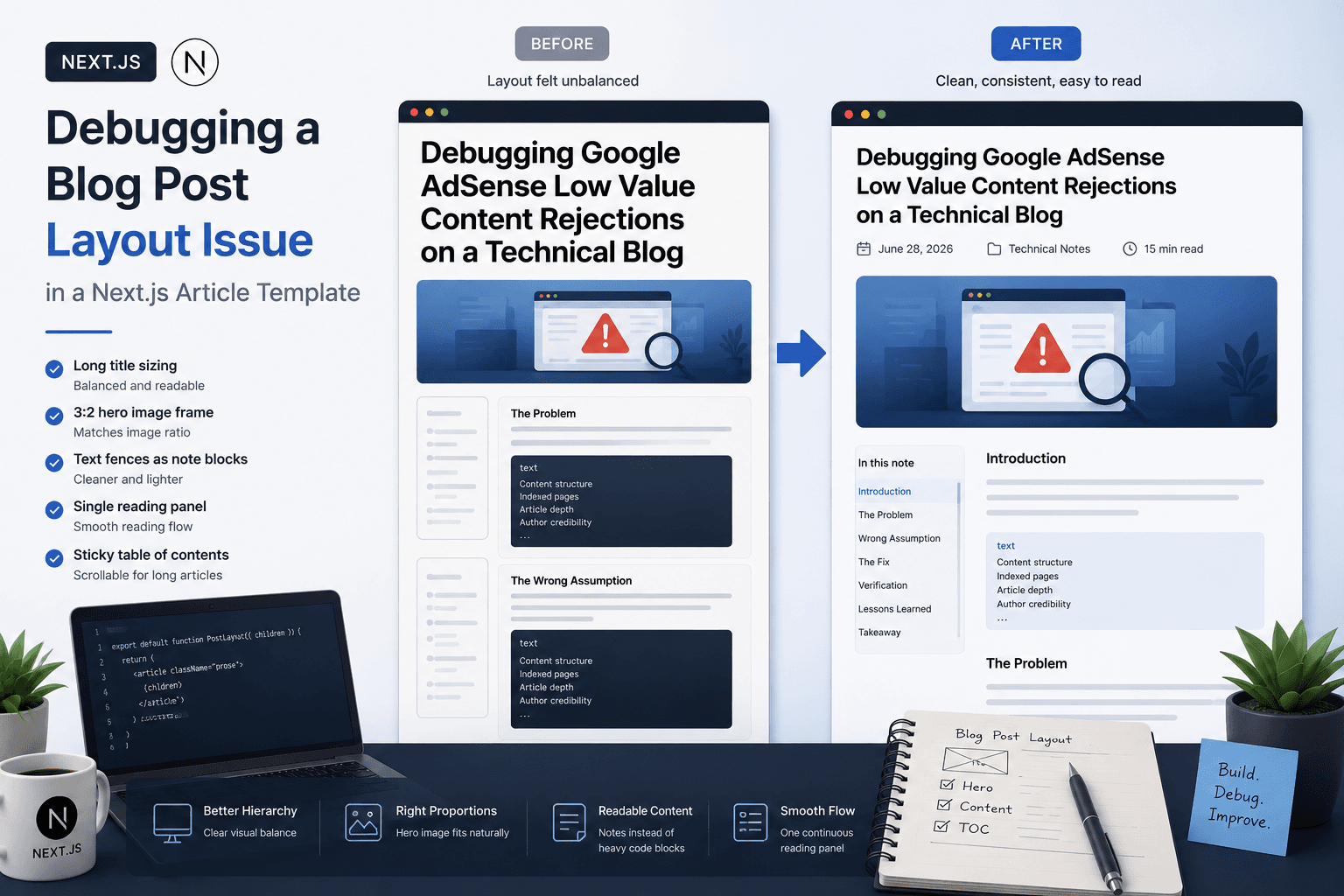
Debugging a Blog Post Layout Issue in a Next.js Article Template
A practical frontend debugging note on fixing a Next.js blog post page where the layout issue came from the article template, not the post content.
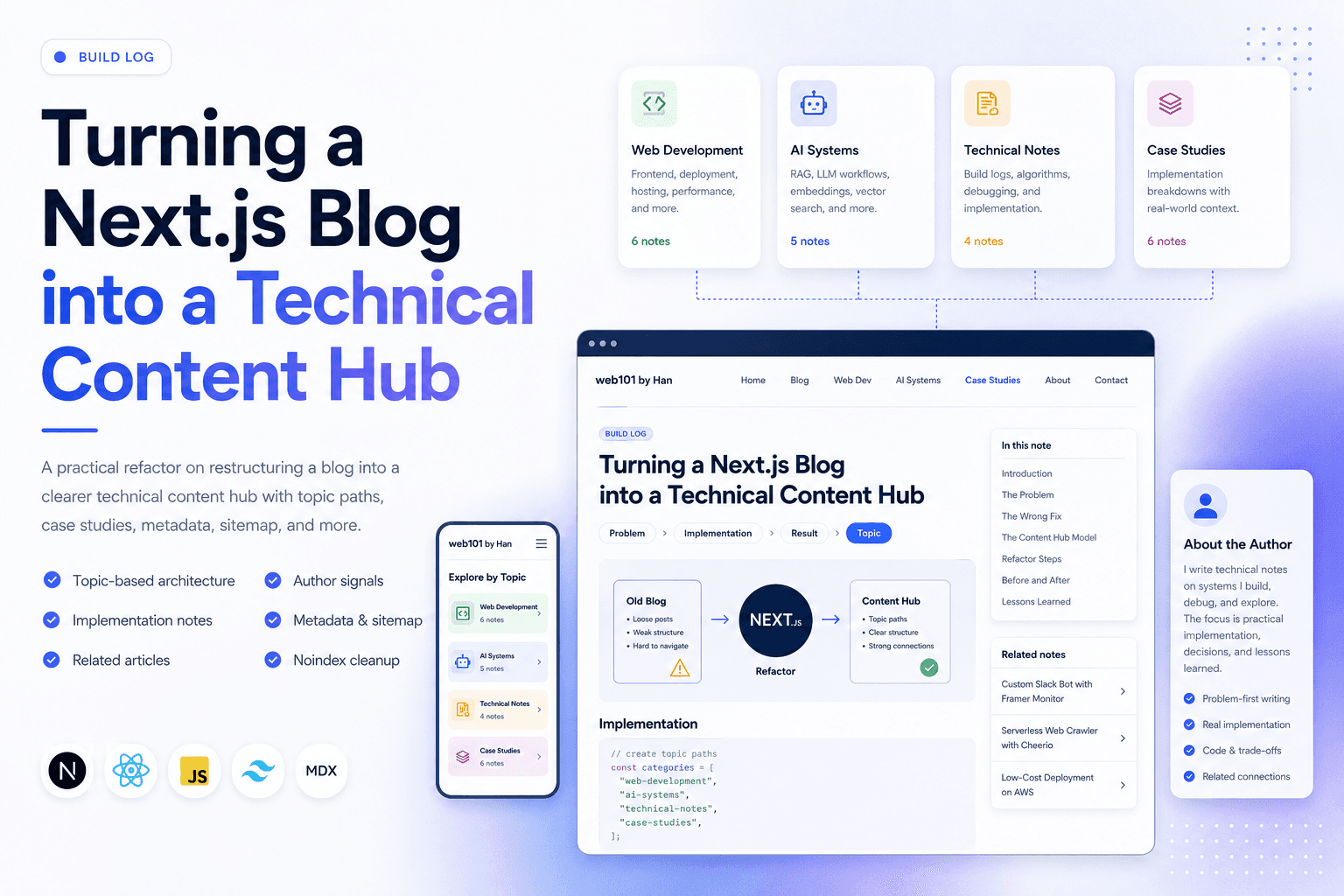
Turning a Next.js Blog into a Technical Content Hub
A practical Next.js refactor note on restructuring a blog into a clearer technical content hub with topic paths, case studies, author signals, metadata, sitemap updates, and article-level internal linking.
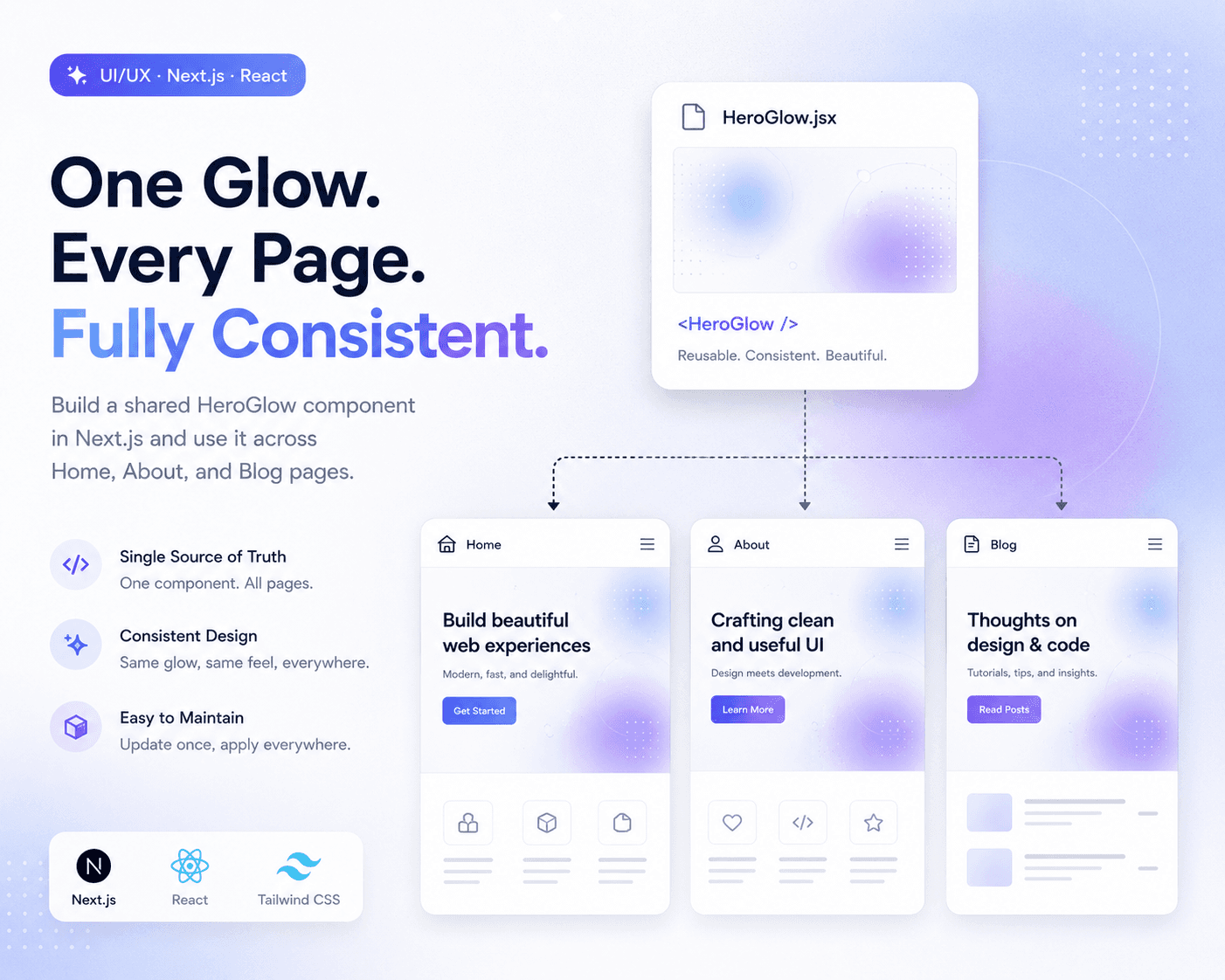
Refactoring Hero Glow Effects into a Shared Next.js Component
A practical frontend refactor note on making Home, About, and Blog hero sections visually consistent by extracting the shared glow background into one reusable Next.js component.
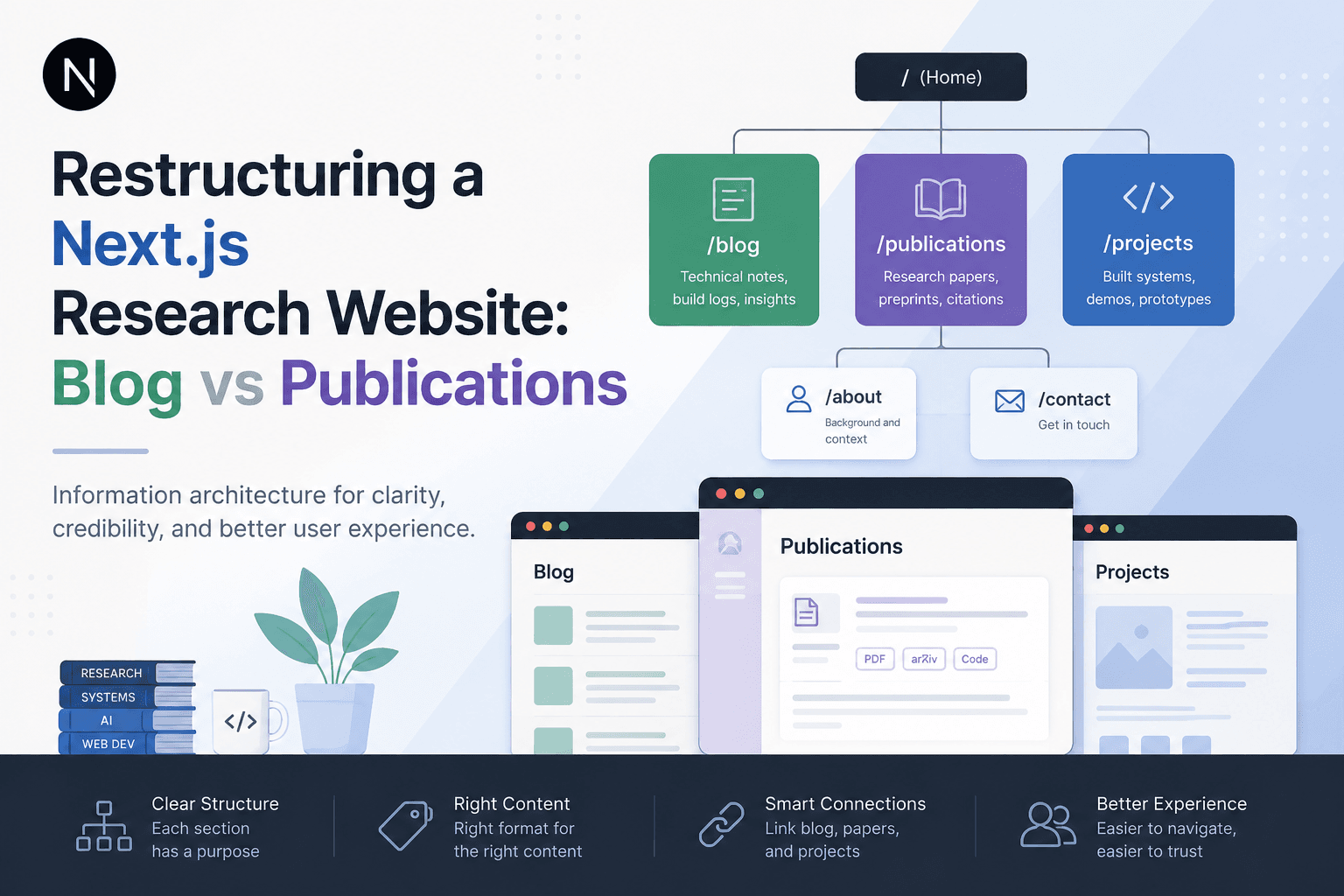
Restructuring a Next.js Research Website: Blog vs Publications
A practical information architecture note on separating blog posts, publications, and projects in a Next.js research website so the site feels clearer, more credible, and easier to navigate.

Deploying One Git Project to Both GitHub and Hugging Face Spaces
A practical Git deployment note on managing two remotes in one project: pushing source code to GitHub while also deploying the same app to Hugging Face Spaces.

Fixing Git Push Upstream Errors After Creating a New Remote
A practical Git build log on fixing the fatal: current branch main has no upstream branch error after connecting a local project to a new remote repository.
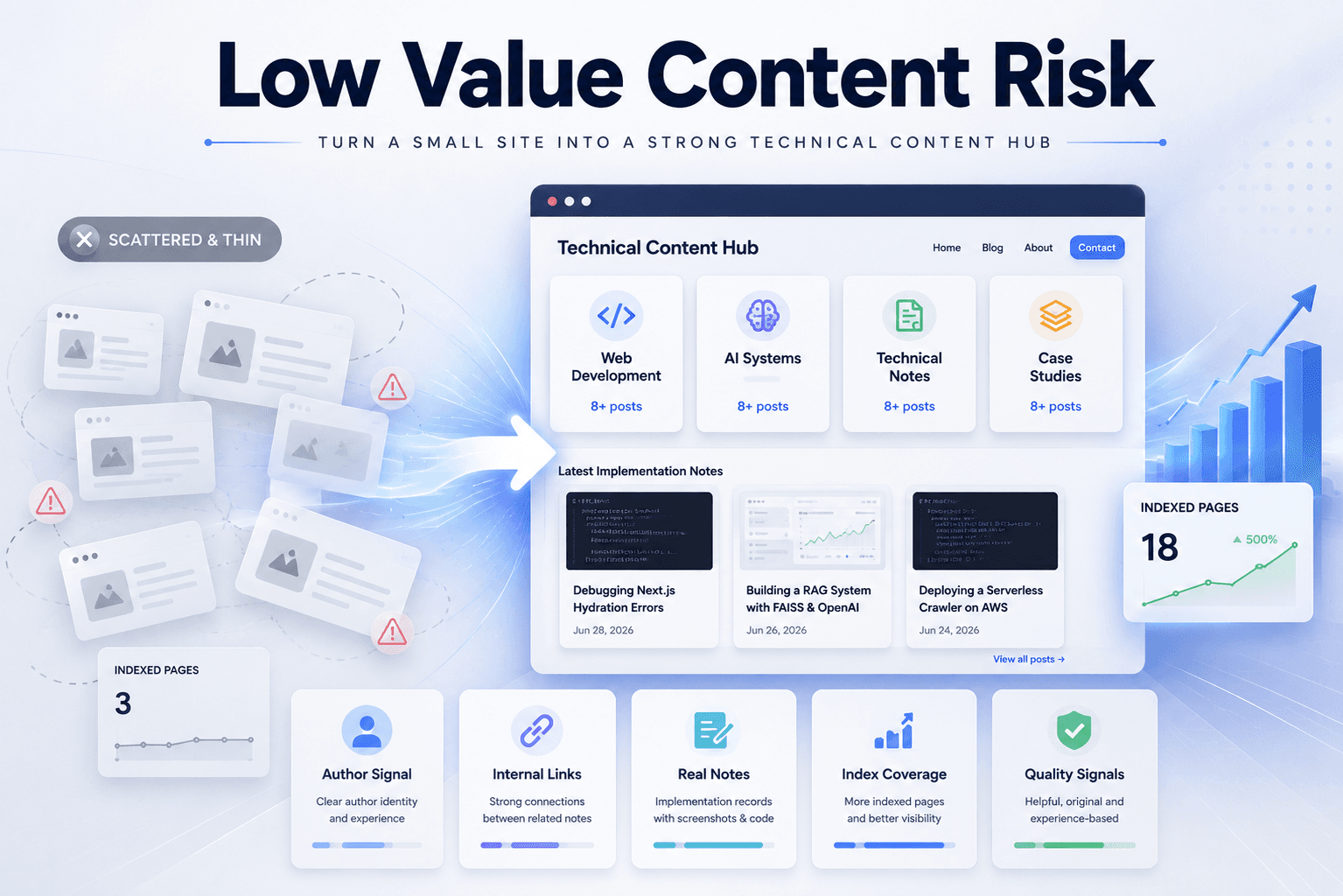
Fixing Low Value Content Risk on a Small Technical Site
A practical site audit note on why a small tool or service-style site may look weak for AdSense, and how to restructure it into a clearer technical content site with categories, author context, internal links, and real implementation notes.