Debugging a Blog Post Layout Issue in a Next.js Article Template
Build log on debugging a Next.js article template issue involving long-title sizing, hero image aspect ratio, text code fence rendering, article body structure, sticky sidebar overflow, and build verification.
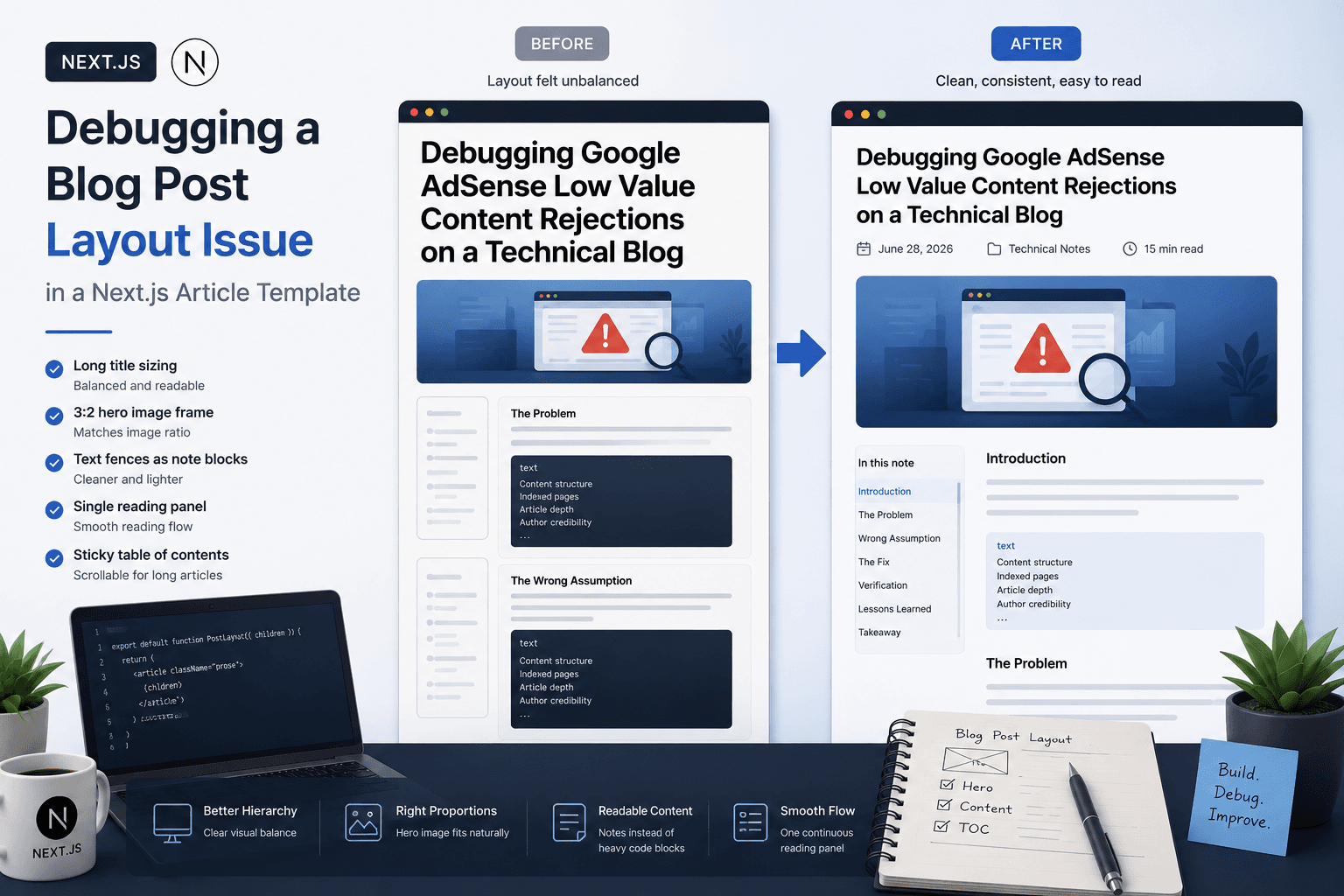
Problem
Template Issue, Not Content Issue
Implementation
Checking the Hero Image
Result
Fix 1: Adjust Long-Title Sizing
Topic
Web DevelopmentIntroduction
A technical blog post can have useful content and still feel difficult to read if the article template does not support the content type well. I ran into this while reviewing a long technical post about debugging Google AdSense Low Value Content rejections.
The post itself had a clear structure, but the page layout felt visually unbalanced. The title was long, the hero image had a different aspect ratio from the template frame, the article contained many text-based code fences, and the section navigation had many entries.
This note documents how I debugged the page and adjusted the Next.js article template instead of weakening the post content.
Initial Observation
The first thing I checked was whether the problem came from the article content or the article template.
The post had several characteristics that can stress a generic blog layout:
A long technical title
A 3:2 infographic-style hero image
Many sections
Many text code fences
A sticky table of contents
A long continuous article body
None of these are wrong. They are normal for technical writing, especially debugging logs and implementation notes.
That meant the better question was not:
How do I shorten this article so the layout works?
The better question was:
How should the article template support this kind of technical post?
Source Inspection
I inspected the post data and the blog post template source instead of only looking at the rendered page.
The article was stored in the post data file, and the layout was handled by the blog post client component. The content itself was not broken. The structure was valid, the image asset existed, and the route was correct.
That helped narrow the issue.
The likely causes were template-level decisions:
The title size was too large for long technical titles.
The hero frame did not match the image ratio.
Plain text code fences were rendered like heavy code blocks.
Each article section behaved too much like an individual card.
The sticky sidebar needed better overflow handling.
This is an important debugging step because frontend layout problems can easily be misdiagnosed as content problems.
Checking the Hero Image
One possible cause was a missing hero image. If a hero image asset is missing, a Next.js image component or fallback layout can create a page that looks visually broken.
I checked whether the image file existed in the public assets.
The image was present, so the issue was not a missing asset.
Then I checked the image dimensions:
1536 × 1024
That is a 3:2 image ratio.
The article template was using a much wider hero frame. That mismatch made the image feel less natural inside the page.
The fix was to use a 3:2 hero image frame so the layout matched the actual image composition.
Fix 1: Adjust Long-Title Sizing
The article title was long:
Debugging Google AdSense Low Value Content Rejections on a Technical Blog
A long title needs to remain visible and strong, but it should not dominate the page.
The original template used a large title size that worked for short titles but felt too heavy for longer technical titles.
The fix was to reduce the blog post title size slightly, especially at larger breakpoints.
The design rule is:
Short titles can be large.
Long technical titles need controlled sizing.
This preserves hierarchy without making the headline take over the reading experience.
Fix 2: Use a 3:2 Hero Image Frame
The cover image was 1536 by 1024, which is a 3:2 ratio.
The previous template used a very wide frame. That may work for panoramic banners, but it was not ideal for this image.
The fix was to change the article hero image area to a 3:2 frame.
This made the visual balance better because the image no longer had to fit into a shape that did not match its actual composition.
The practical rule is:
Match the article image frame to the image type the blog actually uses.
For this site, many cover images are technical infographic-style images, not ultra-wide cinematic banners. A 3:2 frame works better for that pattern.
Fix 3: Render Text Code Fences as Light Note Blocks
The article had many fenced text blocks. These were not executable code snippets. They were checklists, mental models, and structured notes.
For example:
Content structure
Indexed pages
Article depth
Author credibility
Rendering this kind of content as a heavy dark code block made the page feel visually interrupted.
The fix was to treat text fences differently from actual code fences.
The new rendering rule is:
JavaScript, TypeScript, shell commands → code block
Plain text checklists or mental models → light note block
This keeps technical structure without making the page feel overloaded.
Fix 4: Convert the Body into One Continuous Reading Panel
The previous article body made each section feel like a separate card. That can work for landing pages or short modular content, but it is not ideal for long technical articles.
When every section becomes visually separated, the article can feel fragmented. The reader sees many blocks instead of one connected explanation.
The fix was to make the article body read as one continuous panel.
The headings still divide the article into sections, but the visual flow is smoother:
One article
One reading surface
Multiple clear sections
Less visual fragmentation
This is better for debugging logs, implementation notes, and long-form technical writing.
Template Issue, Not Content Issue
The key debugging conclusion was that the issue came mostly from the article template, not the post content.
It would have been possible to shorten the title, remove sections, reduce the number of text blocks, or replace the hero image. But that would weaken the article just to satisfy the layout.
The better fix was to improve the template so it could support the kind of content the blog actually publishes.
For this site, the article template needs to support:
Long technical titles
Infographic hero images
Many article sections
Text-based diagrams
Checklists
Code snippets
Sticky navigation
Long-form reading
A technical blog template should be designed around real technical posts, not only ideal short sample content.
Verification
After changing the template, I verified that the page still built and loaded correctly.
The checks were:
npm run build passed
The article route was generated
The page returned 200
The local dev server ran successfully
The direct local page was:
http://localhost:3000/blog/debugging-google-adsense-low-value-content-rejections-technical-blog
This verification step matters because UI changes can look reasonable in source code but still break the build, routing, or page rendering.
Before and After
Before the adjustment, the page had several layout issues:
The long title felt too dominant.
The hero image frame did not match the image ratio.
Text fences looked too heavy.
The article body felt fragmented.
The sidebar needed better handling for many sections.
After the adjustment, the page became more readable:
The title size was more controlled.
The hero image used a 3:2 frame.
Text fences became light note blocks.
The article body became one continuous reading panel.
The sidebar could scroll internally.
The improvement came from aligning the template with the real content pattern of the blog.
Mental Model
The useful mental model is:
Content issue:
The article is unclear, thin, generic, or poorly structured.
Template issue:
The article is useful, but the layout does not support the content type.
System issue:
The site repeatedly publishes a content type that the template was not designed to handle.
In this case, the article itself was not the main problem. The template needed to support long technical writing more gracefully.
Lessons Learned
The biggest lesson is that a blog template should be tested with real posts, not only ideal sample content.
A technical blog often includes long titles, structured notes, diagrams, checklists, code blocks, screenshots, and many headings. If the template is only designed around short essays, the page can become visually unbalanced when real technical content is published.
For technical blogs, layout quality is part of content quality. A strong post can feel weaker if the page is hard to scan or visually fragmented.
The template should make the article easier to understand, not force the writer to remove useful detail.
Final Takeaway
The final takeaway is simple:
Do not fix a template issue by weakening the article.
Fix the article template so it supports the content type.
For this page, the fix was to adjust long-title sizing, use a 3:2 hero image frame, render text fences as light note blocks, create one continuous article reading panel, and improve sticky sidebar overflow.
That made the page feel more polished without removing the technical depth of the post.
For a technical blog, this is the right direction: keep the content specific, useful, and detailed, then make the layout strong enough to carry it.
What this note covers
- Introduction
- Initial Observation
- Source Inspection
- Checking the Hero Image
Related technical notes
Last updated: June 30, 2026
Related category: Web Development
Related stories
Curated reads to continue the thread.
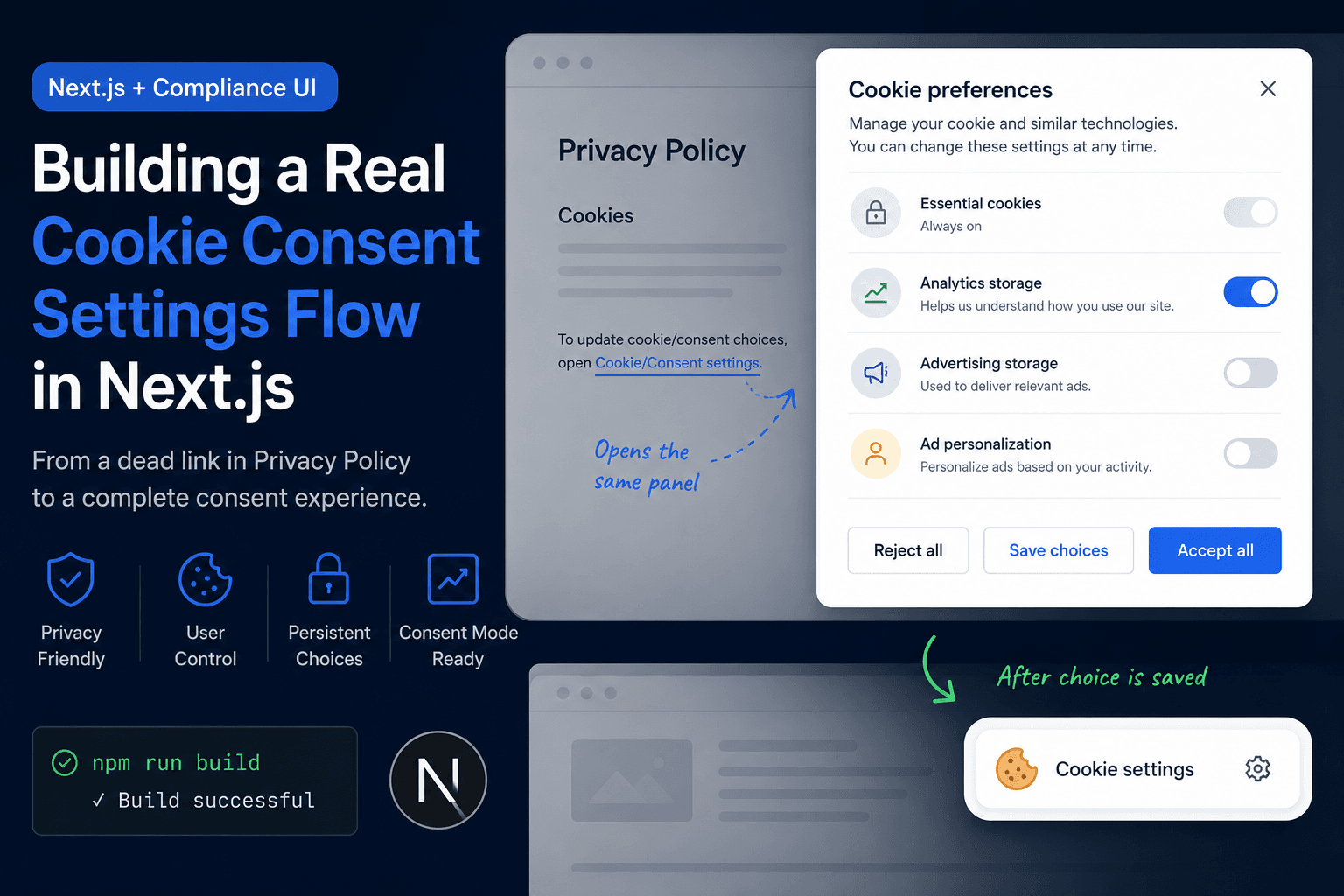
Building a Real Cookie Consent Settings Flow in Next.js
A practical frontend implementation note on fixing a Privacy Policy cookie settings link that did nothing, then turning it into a real consent settings flow with a bottom-right banner, saved choices, and a reusable settings panel.
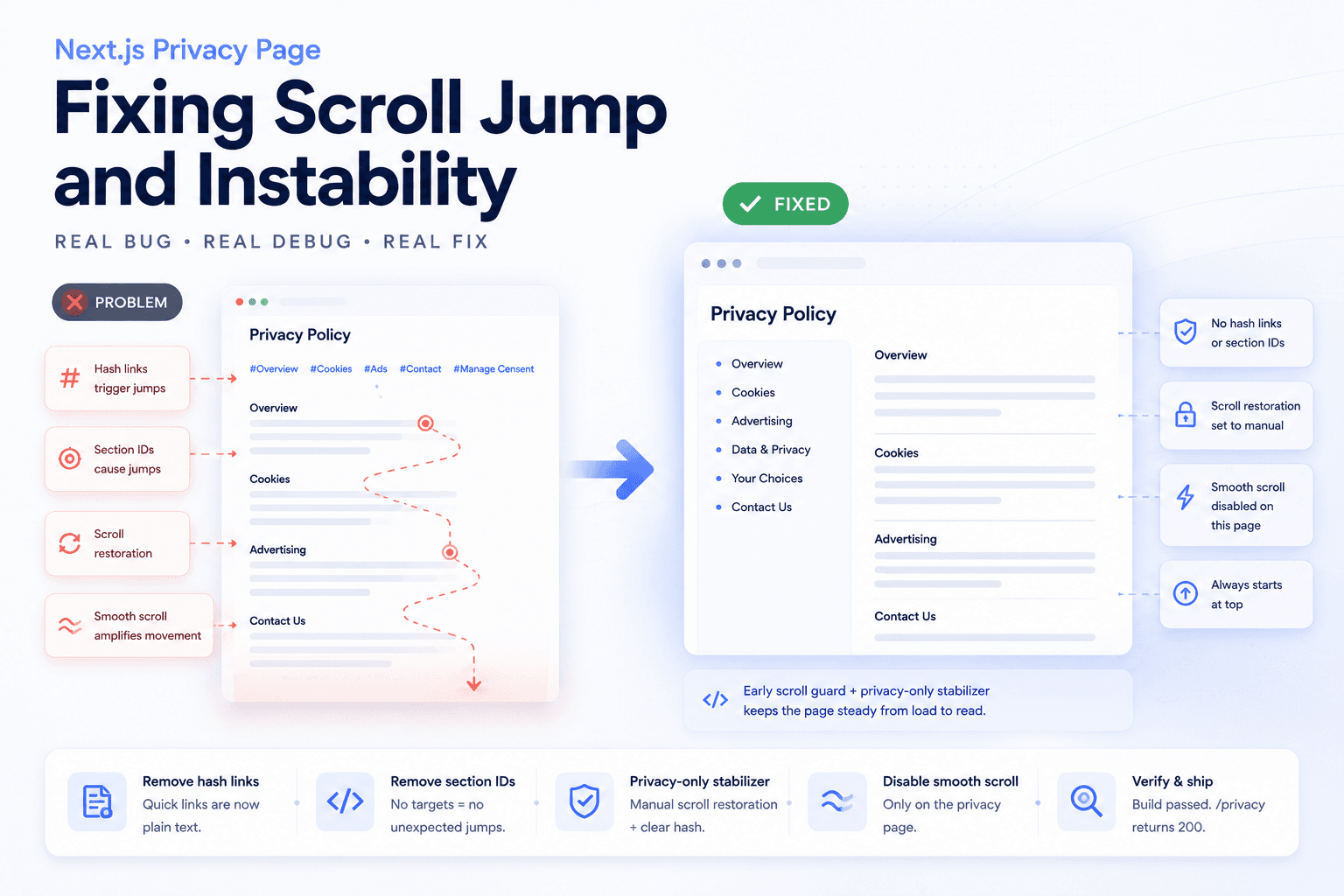
Debugging a Privacy Page Scroll Jump Bug in Next.js
A practical frontend debugging note on fixing a Privacy Policy page that kept jumping up and down because of hash anchors, smooth scrolling, browser scroll restoration, and page-specific navigation targets.
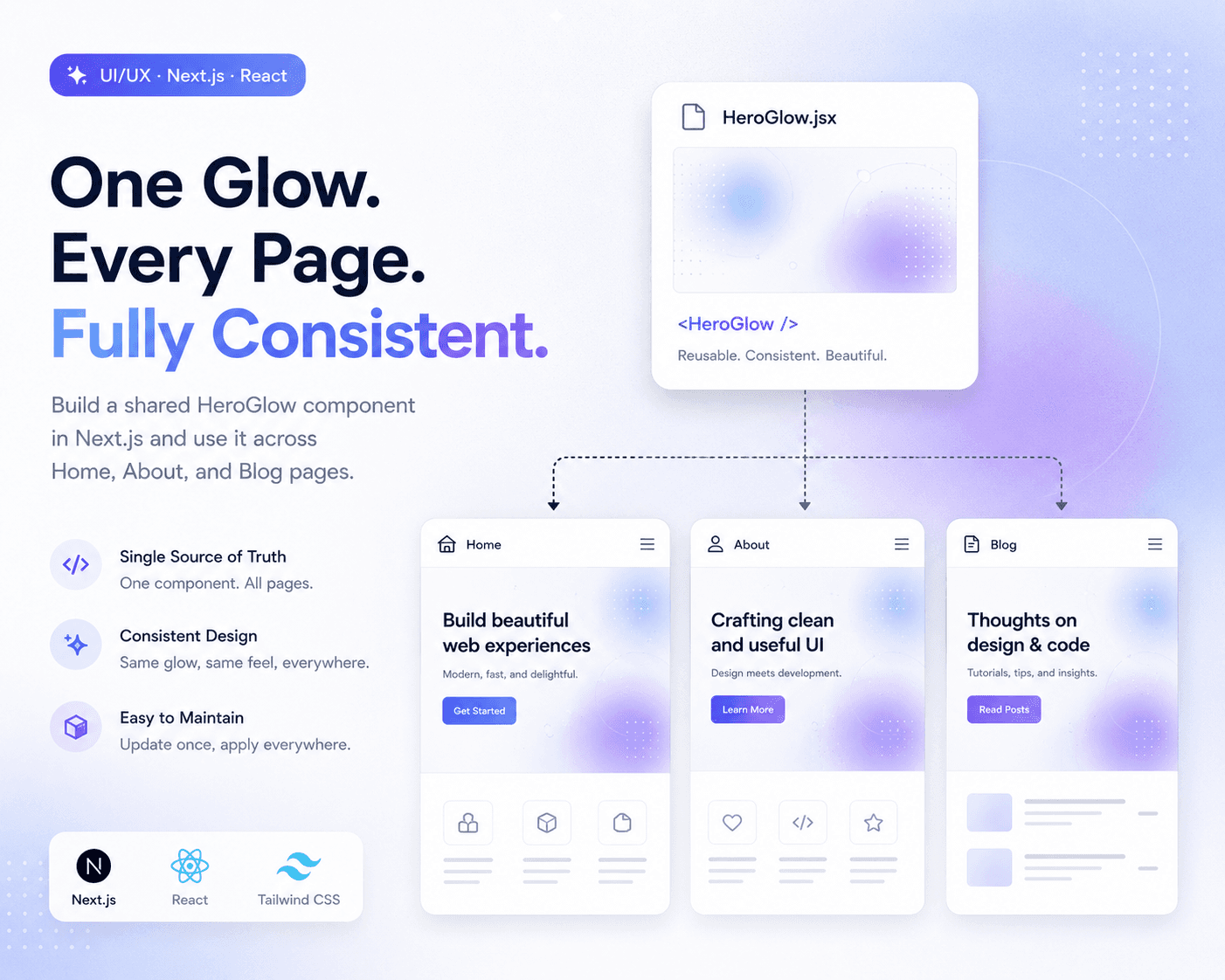
Refactoring Hero Glow Effects into a Shared Next.js Component
A practical frontend refactor note on making Home, About, and Blog hero sections visually consistent by extracting the shared glow background into one reusable Next.js component.
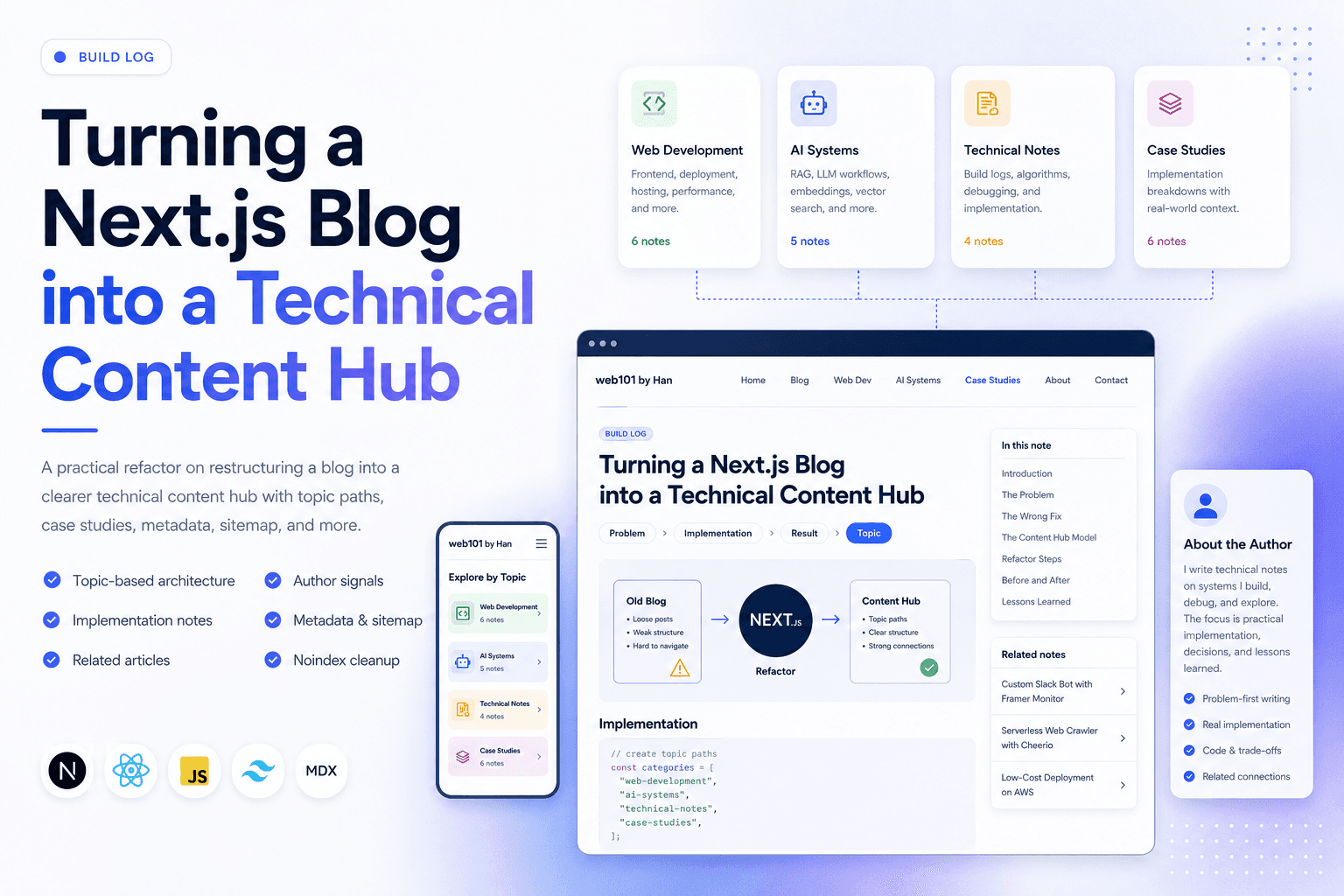
Turning a Next.js Blog into a Technical Content Hub
A practical Next.js refactor note on restructuring a blog into a clearer technical content hub with topic paths, case studies, author signals, metadata, sitemap updates, and article-level internal linking.
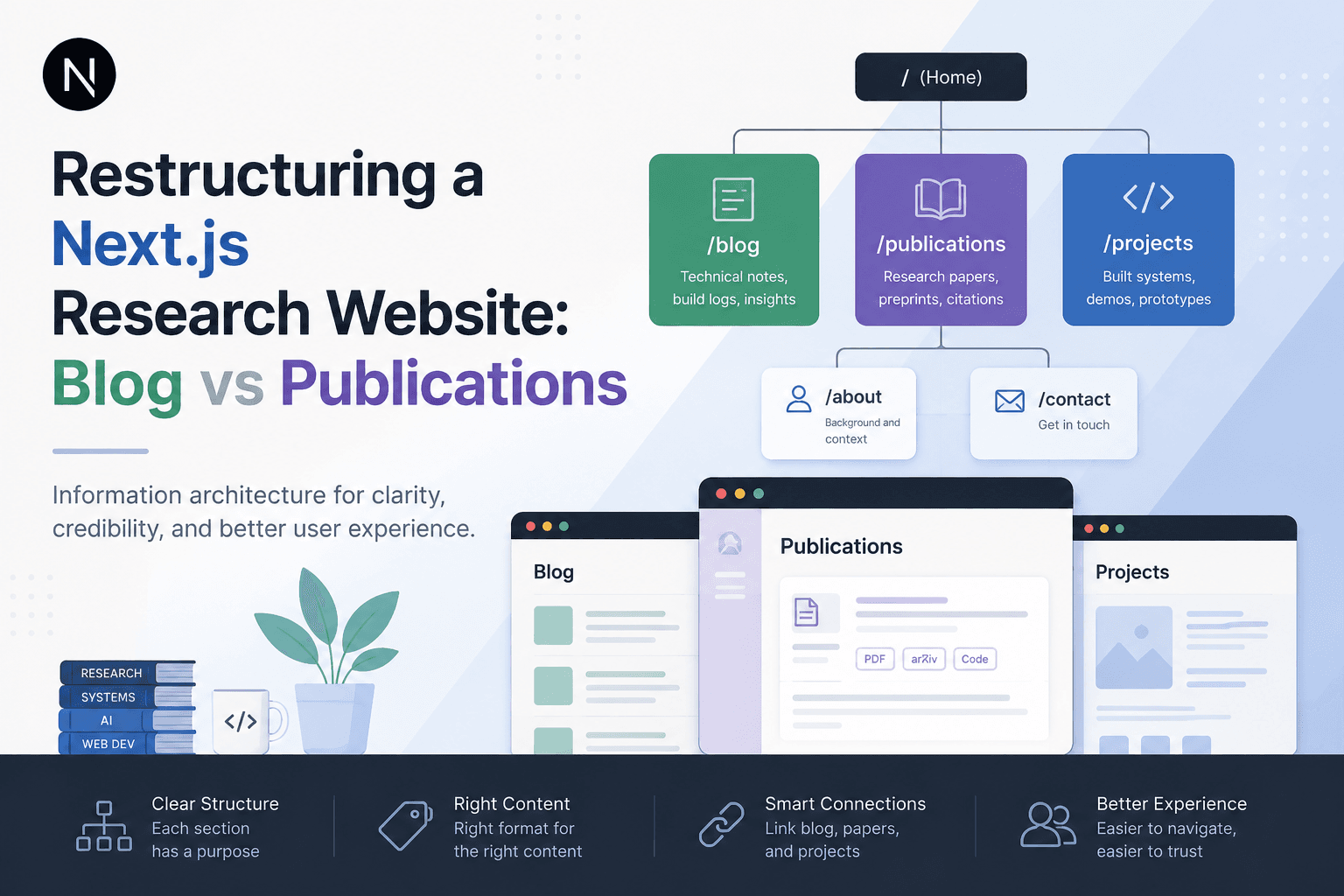
Restructuring a Next.js Research Website: Blog vs Publications
A practical information architecture note on separating blog posts, publications, and projects in a Next.js research website so the site feels clearer, more credible, and easier to navigate.
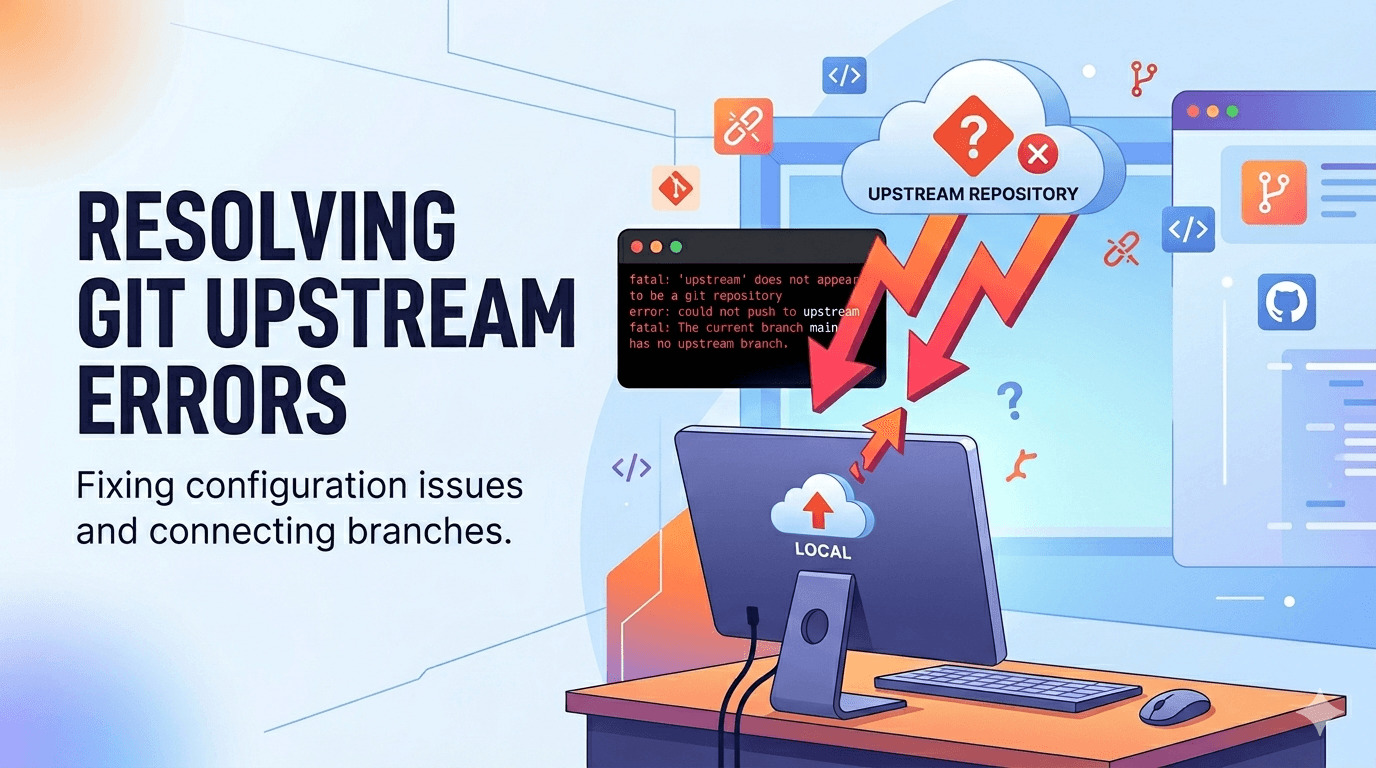
Fixing Git Push Upstream Errors After Creating a New Remote
A practical Git build log on fixing the fatal: current branch main has no upstream branch error after connecting a local project to a new remote repository.

Deploying One Git Project to Both GitHub and Hugging Face Spaces
A practical Git deployment note on managing two remotes in one project: pushing source code to GitHub while also deploying the same app to Hugging Face Spaces.

Fixing Low Value Content Risk on a Small Technical Site
A practical site audit note on why a small tool or service-style site may look weak for AdSense, and how to restructure it into a clearer technical content site with categories, author context, internal links, and real implementation notes.