Fixing Low Value Content Risk on a Small Technical Site
Build log and content audit note on reducing low value content risk for a small technical website by improving homepage navigation, topic categories, author credibility, internal linking, indexed pages, and article formats based on real build and debugging records.
Problem
The Problem
Implementation
Fix 5: Rewrite Articles as Implementation Records
Result
The Wrong Fix: Only Removing Commercial Signals
Topic
Case StudiesIntroduction
A small technical site can be useful and still look weak to AdSense if the structure makes it feel like a thin tool site, a small service page, or a loose collection of articles.
I ran into this problem while reviewing my own site. The issue was not only whether the site had a homepage, blog posts, or a few technical notes. The deeper issue was whether the site looked like a mature content site with enough original material, clear categories, author context, internal links, and real implementation records.
This note documents the site-level fixes I identified after auditing the problem.
The Problem
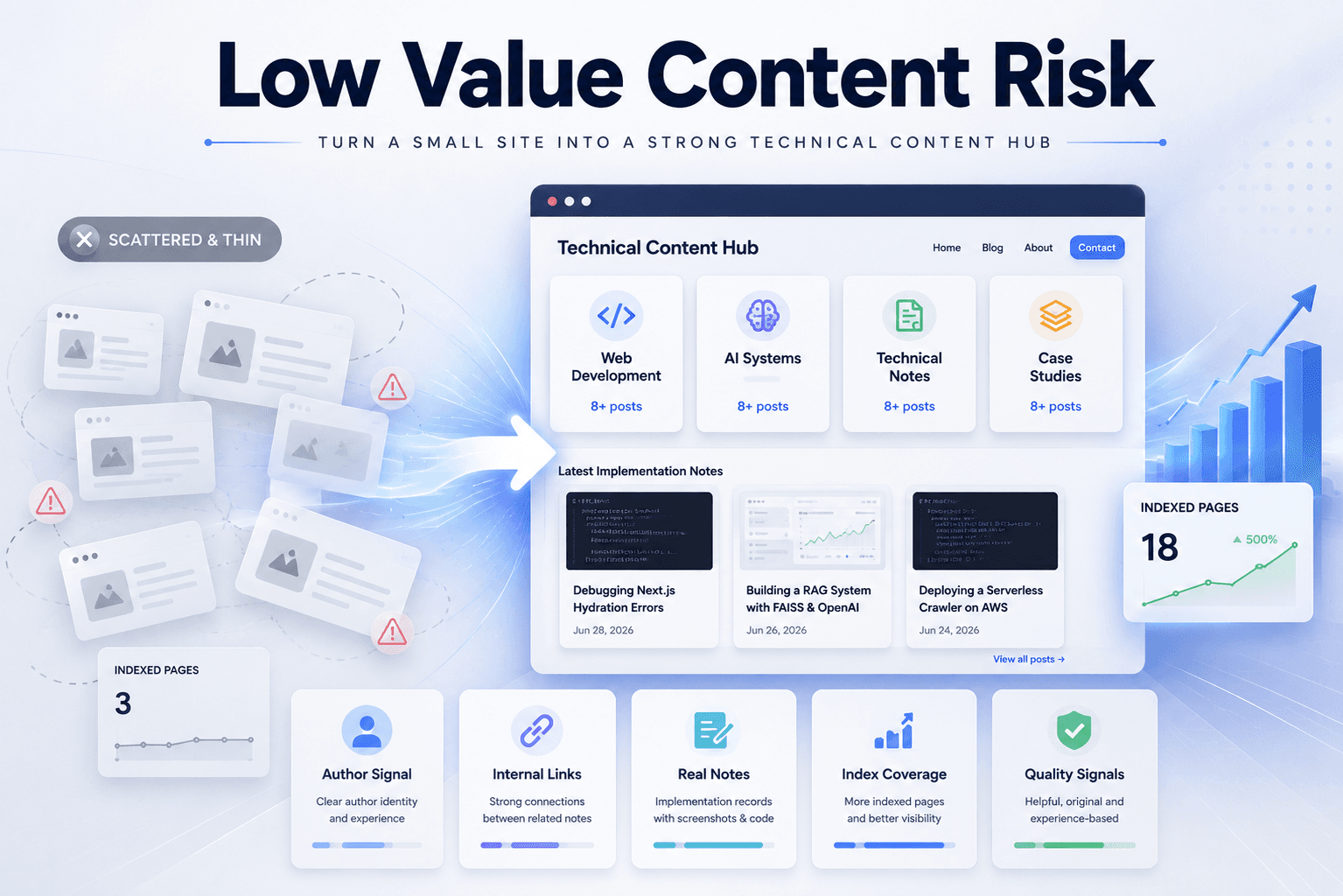
The site had content, but the content system was not strong enough yet.
A small site can easily be interpreted as low value when it has these signals:
Too few indexed articles
Unclear content categories
Homepage does not act as content navigation
Weak author context
Thin internal linking
Generic article format
Too many pages that look like service or tool pages
Posts that read like AI-generated overviews
The problem is not only the number of posts. It is the overall impression of the site.
If Google sees a small site with scattered posts and no clear editorial structure, it may not understand the site as a serious technical publication.
The Wrong Fix: Only Removing Commercial Signals
At first, it is tempting to keep removing anything that looks commercial: service language, portfolio wording, tool positioning, outbound links, or promotional sections.
That can help if the site looks too much like a service business. But after a certain point, removing things does not solve the main problem.
The deeper issue becomes content thickness and content organization.
A site can be clean and still look low value if it does not have enough original content or if the content is not organized into a clear archive.
The better question is not only:
Does this site look too commercial?
The better question is:
Does this site look like a mature technical content site?
The Better Fix: Build a Technical Content System
The better fix is to make the site look less like a small tool page and more like a technical content hub.
That means improving the site in several layers:
Homepage structure
Content categories
Article depth
Author credibility
Internal links
Indexed page quality
Case studies
Search Console validation
This is more useful than adding random new posts.
A mature content site should make it easy for readers to understand what the site covers, who writes it, why the content is credible, and how different articles connect to each other.
Fix 1: Create Clear Content Categories
A small technical site should not rely only on a generic Blog page.
I decided to organize the site into four main content paths:
Web Development
AI Systems
Technical Notes
Case Studies
Each category has a different job.
Web Development covers frontend work, deployment, hosting, CMS workflows, performance, and practical website engineering.
AI Systems covers RAG, embeddings, vector search, LLM workflows, applied machine learning, and AI engineering notes.
Technical Notes covers debugging, algorithms, implementation details, architecture, and build logs.
Case Studies covers real implementation breakdowns: what the problem was, what setup was used, what trade-offs appeared, what result came out, and what changed afterward.
This structure gives the site clearer topical identity.
Fix 2: Build Enough Depth Per Category
A category with only one or two posts can look thin. It may technically exist, but it does not yet feel like a real content path.
The target should be:
Minimum first-stage goal: 4–5 posts per category
Stronger goal: 8–10 posts per category
Site-level goal: at least 20 indexed original articles
The number alone is not the point. The point is that each category should feel supported.
If Web Development has only one article, it feels like a label. If it has multiple related posts about deployment, layout debugging, metadata, CMS choices, and monitoring, it starts to feel like an actual archive.
Fix 5: Rewrite Articles as Implementation Records
A low-value-looking article often reads like a generic overview.
For example:
What is RAG?
Why websites need good UX
Best hosting options for beginners
How to choose a website builder
Those topics can be useful, but they are very easy to make generic.
A stronger article format is:
Problem
Setup
Debug process
Code or configuration
Screenshot or observed behavior
Result
Lessons learned
Related notes
This format makes the article harder to confuse with AI-generated filler because it is grounded in a real build or real decision.
Fix 6: Add Real Experience, Screenshots, and Code
The strongest way to avoid low-value content is to show real work.
A useful technical post should include at least some of these elements:
A specific problem encountered
The project context
The exact setup or stack
A code snippet or command
A screenshot or UI behavior
A failed assumption
A debugging path
A before/after comparison
A final result
A concrete lesson learned
This does not mean every article needs to be long. A shorter article can still be valuable if it documents something specific and reproducible.
The weak version is abstract advice. The strong version is a real technical record.
Fix 7: Strengthen Internal Links
Internal links help readers move through the site and help the archive feel connected.
Each article should connect to:
Its category page
Related technical notes
Relevant case studies
The main blog archive
The author page when useful
The article template should not treat every post as isolated.
A good post page should show:
Related category
Related notes
Last updated
Tags
What this note covers
Problem / Implementation / Result summary
That structure makes each article part of a larger technical archive.
Fix 8: Check What Is Actually Indexed
It is not enough to count how many pages exist in the codebase. The important question is how many useful pages are actually indexed.
The practical check is:
Open Google Search Console
Check indexed pages
Check crawled but not indexed pages
Inspect important article URLs
Confirm rendered content is visible
Submit updated sitemap
Watch which topic pages and posts get discovered
If the site has 20 articles but only a few are indexed, the site may still look thin from Google’s point of view.
The goal is not only to publish. The goal is to make sure the useful pages are discoverable and indexable.
Fix 9: Use Noindex for Weak or Off-Topic Pages
Some pages should not represent the site.
If an older article is thin, outdated, too generic, or not aligned with the current technical content direction, it may be better to remove it from the main indexed archive or mark it noindex.
The rule is:
Do not let weak pages define the site’s quality signal.
This is especially important when the site is small. On a small site, a few weak pages can have an outsized effect because there are not enough strong pages to balance them.
Before and After
Before the fix, the site risk looked like this:
Small archive
Generic-looking posts mixed with stronger technical notes
Homepage not fully acting as content navigation
Topic paths not deep enough
Author page not strong enough
Weak internal linking
Some pages not ideal as index signals
After the planned fix, the site direction becomes clearer:
Four main content categories
Homepage as technical content hub
About page as author and method signal
Articles written as implementation records
Related notes and category links on each post
Noindex for weak or outdated pages
Search Console checks for real indexed coverage
That makes the site easier to understand as a technical publication.
Practical Checklist
The working checklist is:
1. Define 4–5 content categories.
2. Build each category toward 8–10 posts.
3. Make the homepage a content navigation hub.
4. Rewrite About as a real technical author page.
5. Add related notes and category links to every article.
6. Convert generic posts into real build/debug records.
7. Add screenshots, code, setup details, and results when possible.
8. Noindex weak, outdated, or off-topic pages.
9. Submit sitemap in Search Console.
10. Check how many useful pages are actually indexed.
This is more effective than only changing small UI details or deleting service language.
The Main Gotcha
The main gotcha is thinking that low value content is only an article-level problem.
Sometimes it is a site-level problem.
A single article can be useful, but if the site around it has weak categories, weak author context, poor internal links, and too few indexed pages, the whole site can still look underdeveloped.
The fix is not only to write better posts. The fix is to build a better content system.
Mental Model
The mental model I use is:
Article quality = useful individual content
Category depth = enough related content to form a topic path
Homepage clarity = readers understand the site quickly
Author signal = readers know who is writing and why
Internal links = posts support each other
Index coverage = Google can actually see the useful pages
Noindex cleanup = weak pages do not represent the site
A mature technical site needs all of these layers.
Final Takeaway
The final takeaway is simple:
A small technical site should not look like a thin tool page with a few blog posts.
It should look like a structured technical content archive.
For my site, the next step is not only removing weak signals. The next step is building content depth: at least 20 indexed original articles, clear categories, a stronger author page, real case studies, and articles based on actual build or debugging records.
That is the direction most likely to reduce low value content risk.
What this note covers
- Introduction
- The Problem
- The Wrong Fix: Only Removing Commercial Signals
- The Better Fix: Build a Technical Content System
Related technical notes
Last updated: June 30, 2026
Related category: Case Studies
Related stories
Curated reads to continue the thread.

Debugging Google AdSense Low Value Content Rejections on a Technical Blog
A practical debugging note on why a technical blog may receive a Google AdSense Low Value Content rejection and how to fix content structure, indexed pages, and article depth.
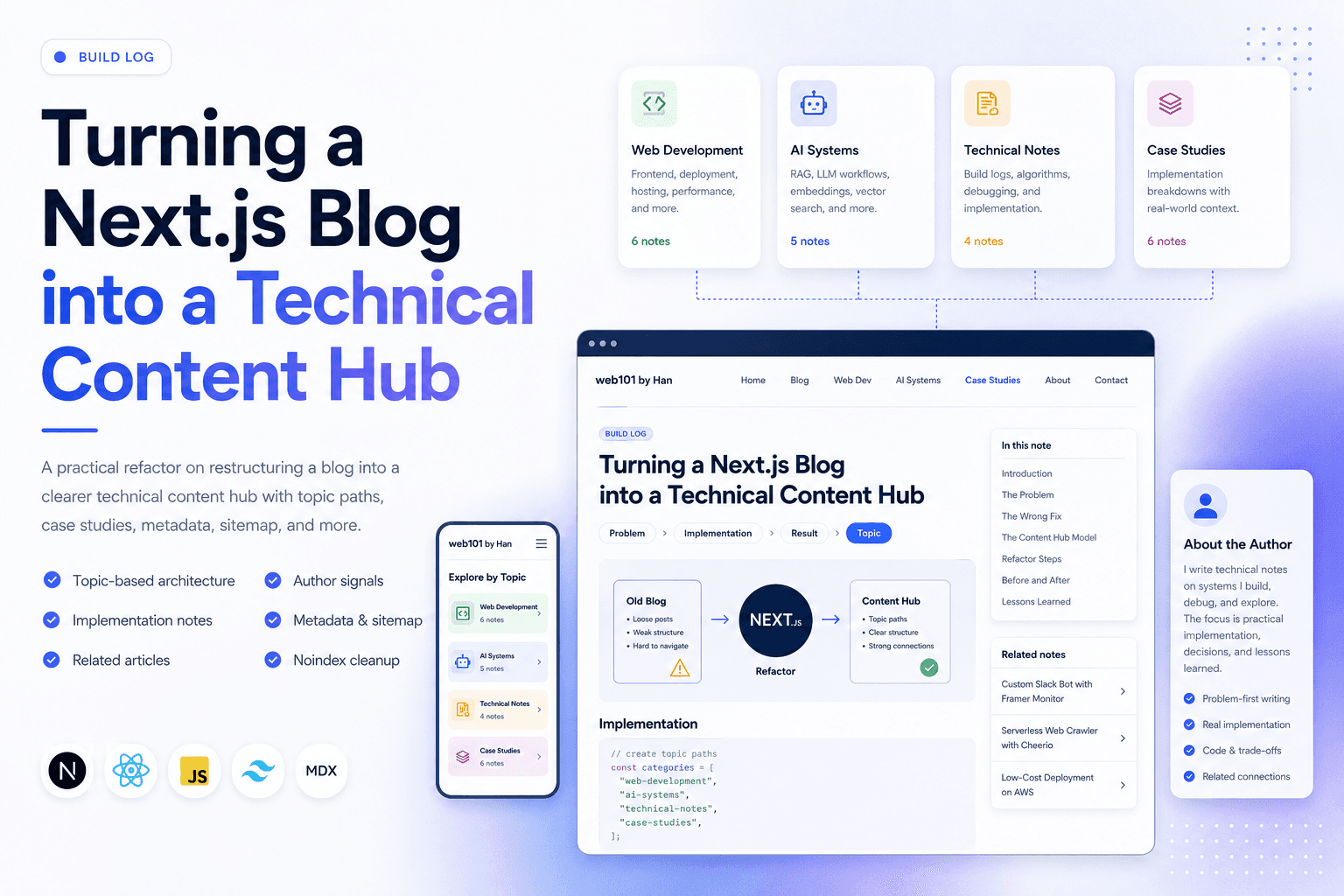
Turning a Next.js Blog into a Technical Content Hub
A practical Next.js refactor note on restructuring a blog into a clearer technical content hub with topic paths, case studies, author signals, metadata, sitemap updates, and article-level internal linking.

Deploying One Git Project to Both GitHub and Hugging Face Spaces
A practical Git deployment note on managing two remotes in one project: pushing source code to GitHub while also deploying the same app to Hugging Face Spaces.
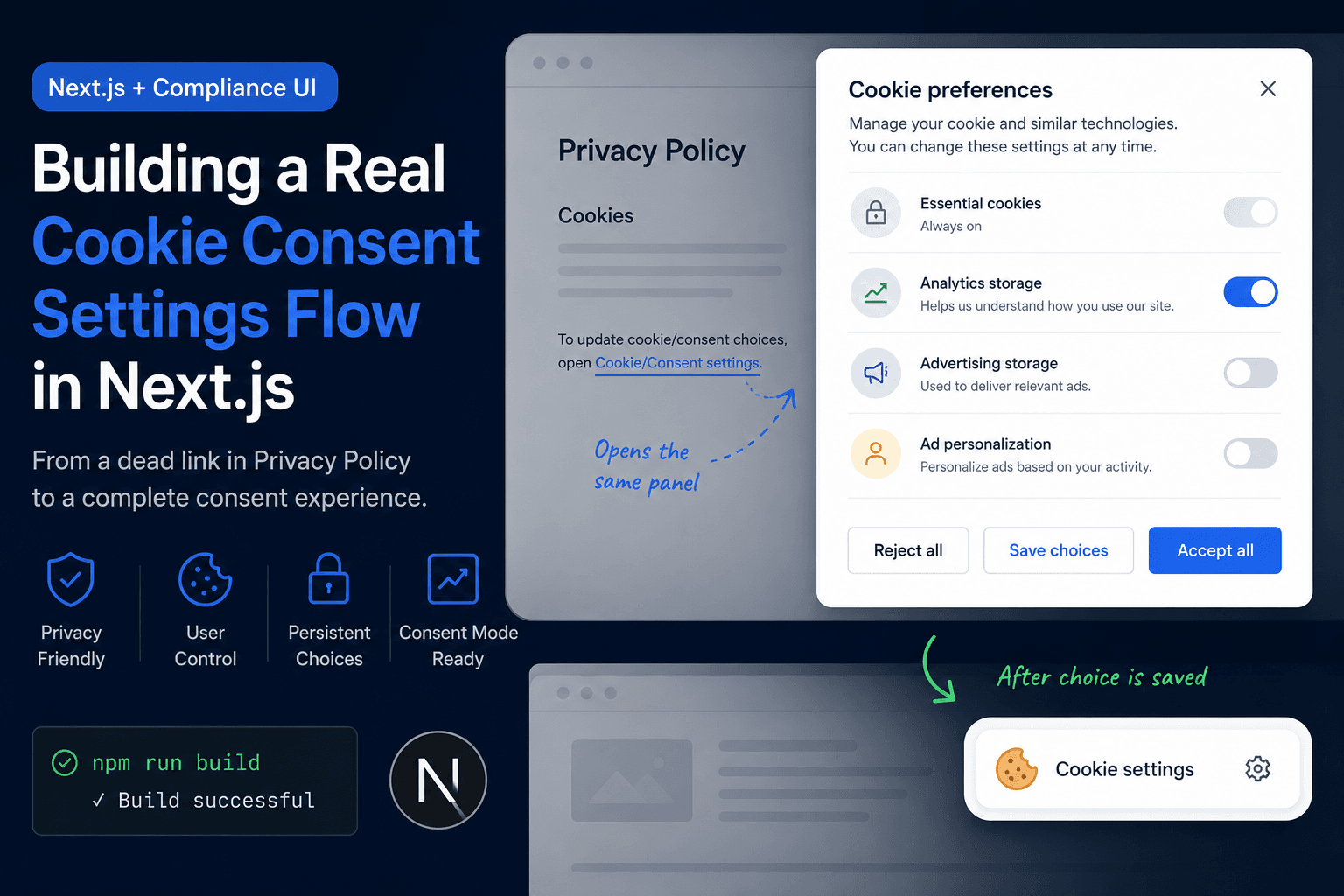
Building a Real Cookie Consent Settings Flow in Next.js
A practical frontend implementation note on fixing a Privacy Policy cookie settings link that did nothing, then turning it into a real consent settings flow with a bottom-right banner, saved choices, and a reusable settings panel.
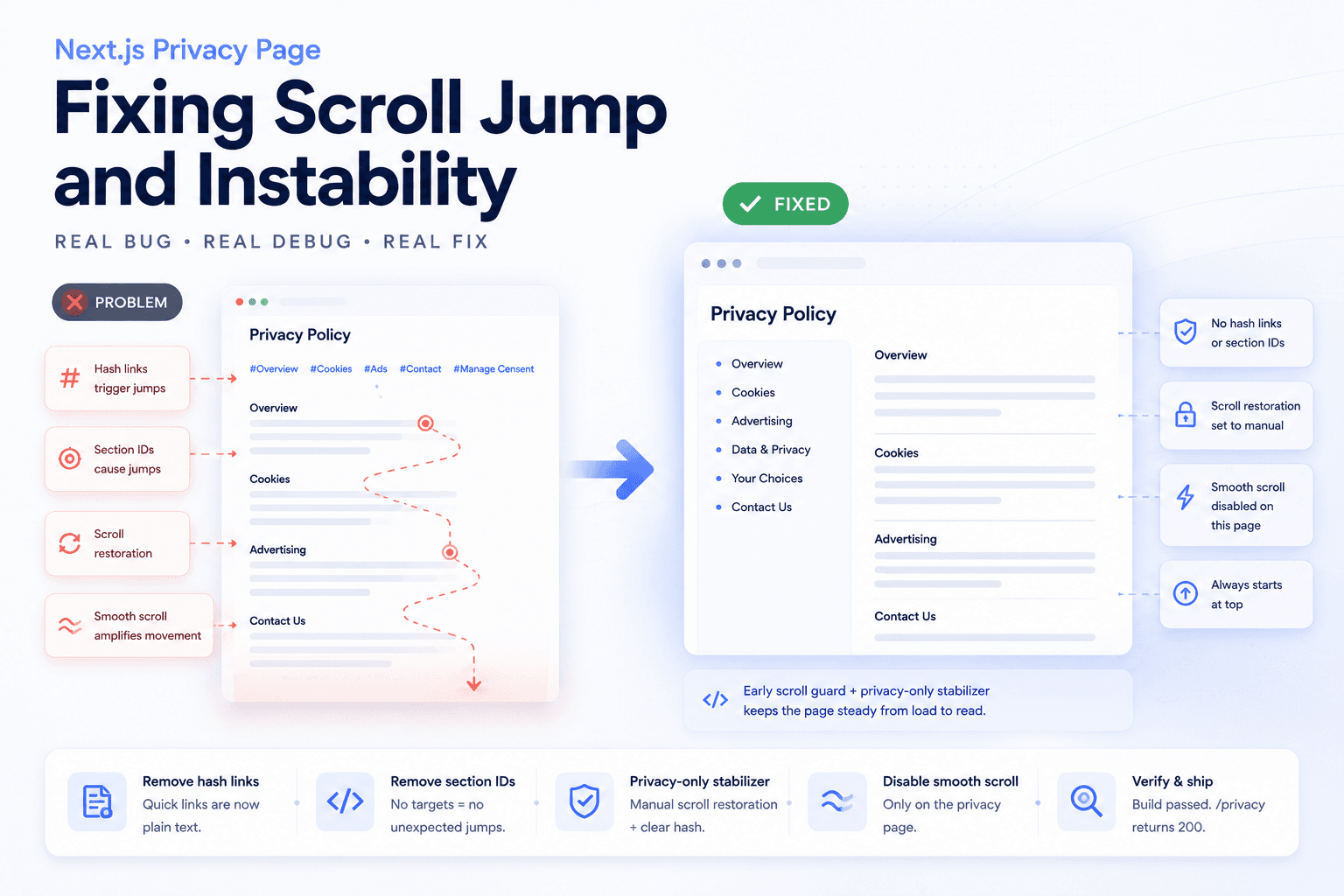
Debugging a Privacy Page Scroll Jump Bug in Next.js
A practical frontend debugging note on fixing a Privacy Policy page that kept jumping up and down because of hash anchors, smooth scrolling, browser scroll restoration, and page-specific navigation targets.
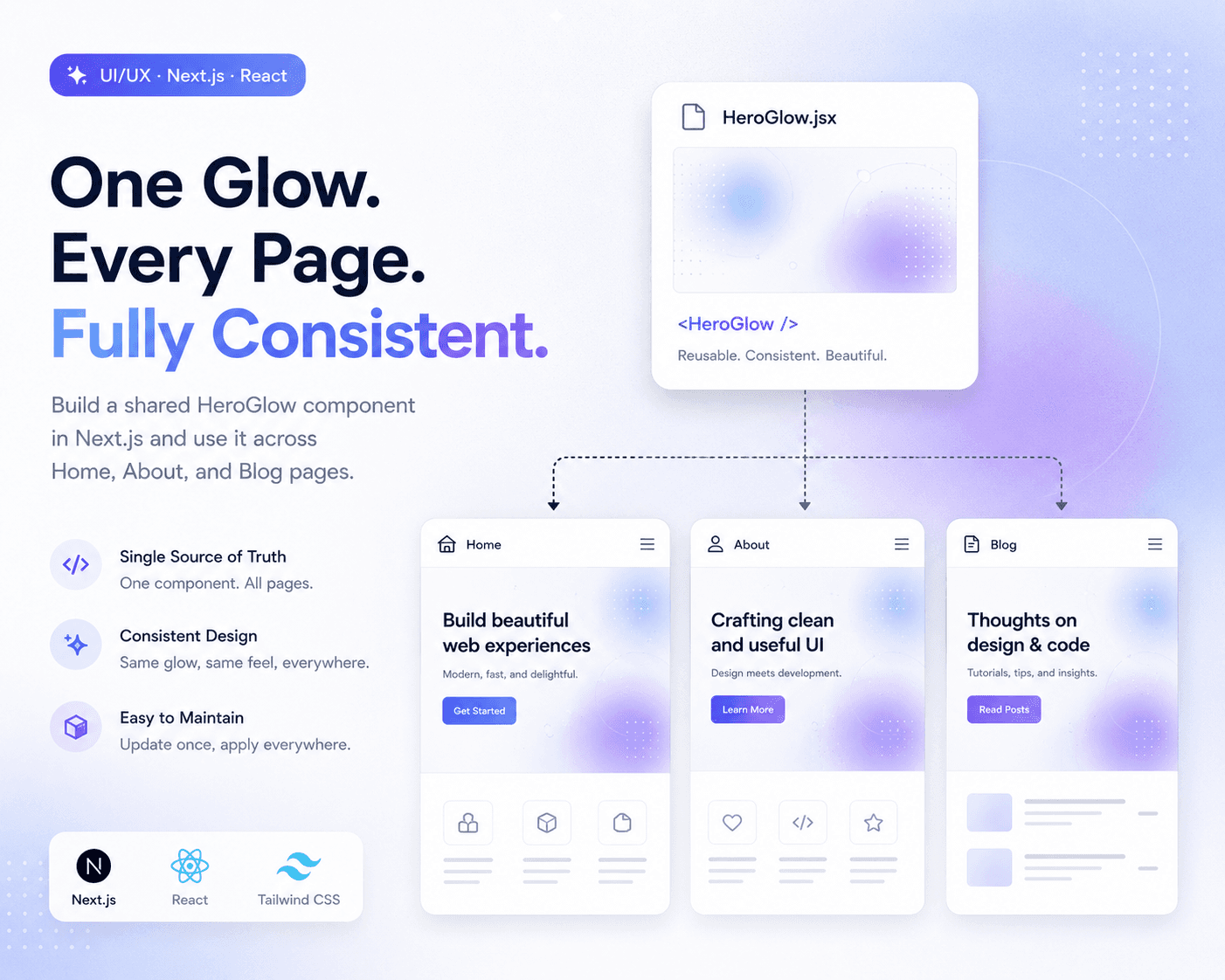
Refactoring Hero Glow Effects into a Shared Next.js Component
A practical frontend refactor note on making Home, About, and Blog hero sections visually consistent by extracting the shared glow background into one reusable Next.js component.
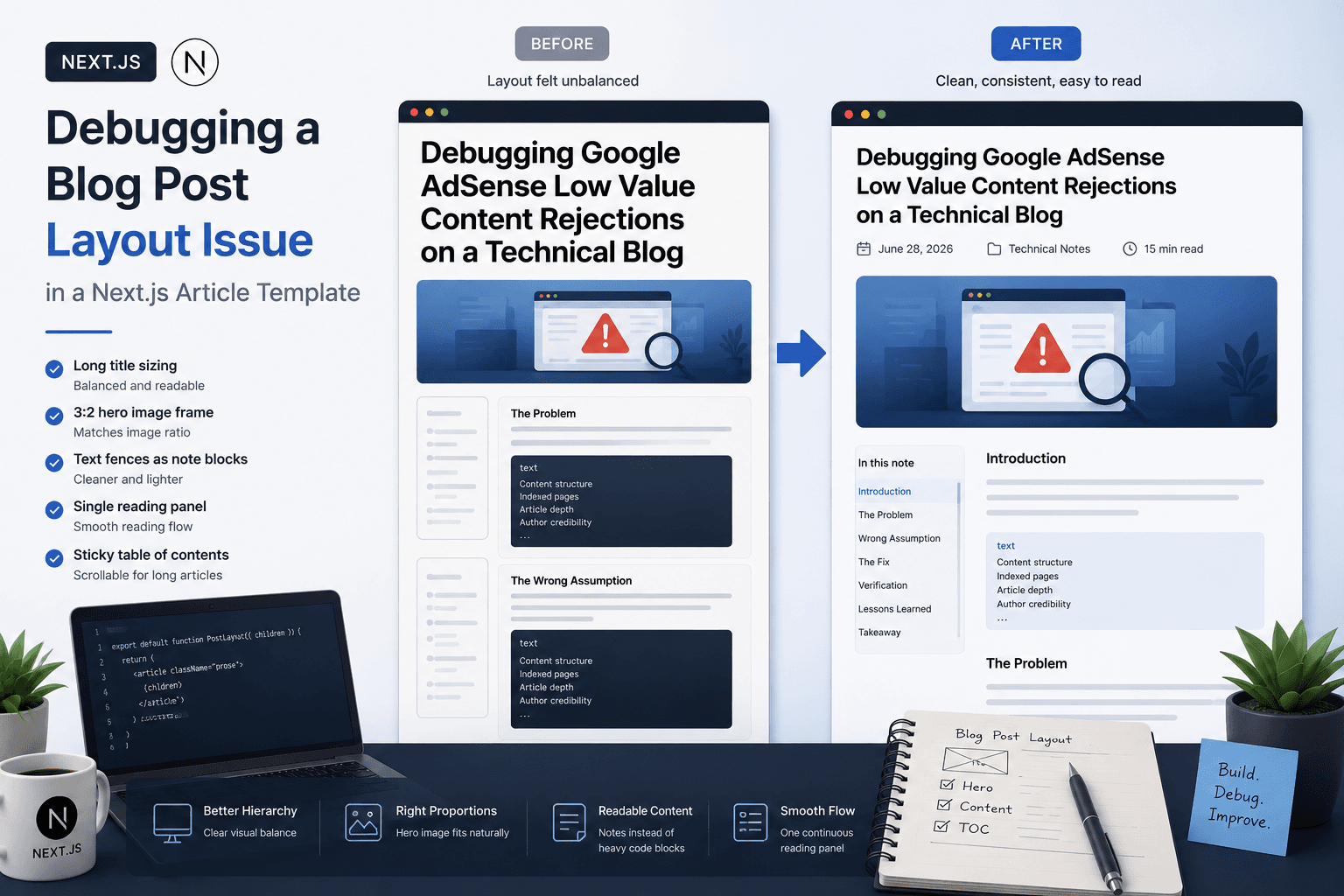
Debugging a Blog Post Layout Issue in a Next.js Article Template
A practical frontend debugging note on fixing a Next.js blog post page where the layout issue came from the article template, not the post content.
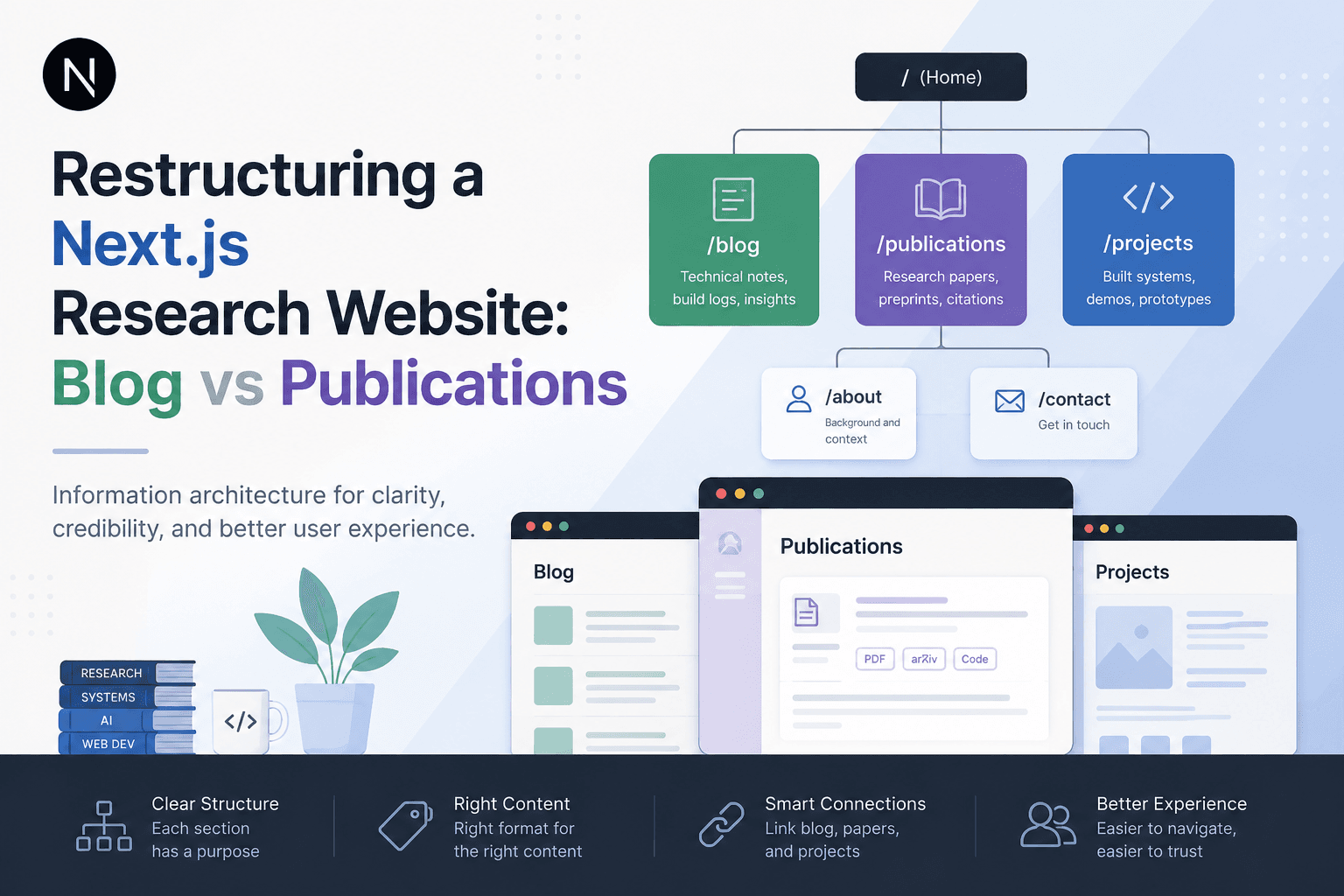
Restructuring a Next.js Research Website: Blog vs Publications
A practical information architecture note on separating blog posts, publications, and projects in a Next.js research website so the site feels clearer, more credible, and easier to navigate.