Debugging Google AdSense Low Value Content Rejections on a Technical Blog
Technical blog audit note on debugging Google AdSense Low Value Content rejections by separating policy issues from content structure, indexed page quality, article depth, author credibility, and site information architecture.

Problem
The Initial Mistake
Implementation
Step 1: Separate Policy Checks from Content Quality Checks
Result
What I Would Fix First
Topic
Technical Notes
Introduction
When a technical blog gets rejected by Google AdSense for Low Value Content, the first reaction is usually to look for a policy issue.
Maybe the site is missing a Privacy Policy. Maybe the domain ownership is not verified. Maybe the navigation is broken. Maybe the site looks too new. Maybe Google cannot crawl the pages.
Those checks matter, but in my case, the more useful debugging path was different.
The problem was not mainly policy. It was not mainly ownership. It was not even one single broken page.
The real issue was a combination of content structure, indexed pages, and article depth.
This note documents how I would debug a Low Value Content rejection on a technical blog, especially one built around web development, AI systems, research notes, and project writeups.
The Initial Mistake
My first mistake was treating Low Value Content as if it meant one simple thing.
It does not.
It can point to several different problems:
The site has too little original content.
The articles are too thin.
The site structure is unclear.
The indexed pages include weak or empty pages.
The content looks generic or AI-generated.
The site does not show enough credibility.
The navigation does not help users understand the site.
That means the rejection should not be debugged like a single error message. It should be debugged like a system problem.
Instead of asking:
Which one thing caused the rejection?
The better question is:
What parts of the site make it hard for Google or readers to see clear, original, useful value?
That shift matters because it prevents the wrong fix.
Step 1: Separate Policy Checks from Content Quality Checks
The first step is to separate basic eligibility from content value.
Basic policy and ownership checks include:
Is the site live?
Is the domain accessible?
Is there an About page?
Is there a Contact page?
Is there a Privacy Policy?
Is the navigation usable?
Is the site free of obvious broken pages?
Is the content accessible without login?
These are important, but they are only the baseline.
If these are missing, the site may look incomplete. But if these are already present, continuing to focus on them can become a distraction.
A technical blog can have a Privacy Policy, About page, Contact page, and clean layout, and still be rejected for low value content.
That is why I would treat policy checks as Step 1, not the whole diagnosis.
The debugging question after this step is:
If the site already looks legitimate, does the actual content still look strong enough?
Step 2: Check Whether the Site Has a Clear Content Identity
A technical blog should not feel like a random collection of posts.
This is especially important for a personal research or engineering website because the content often crosses several categories:
Web development
AI systems
Research notes
Project logs
Deployment notes
Learning resources
Publications
Portfolio pages
All of these can belong on the same site, but they need clear structure.
If blog posts, publications, projects, and resource pages are mixed together without clear roles, the site can feel less trustworthy. The problem is not that the topics are bad. The problem is that the reader cannot quickly understand what each page is supposed to be.
For my own site structure, I would separate the content like this:
Blog = technical notes, build logs, debugging records, implementation reflections
Projects = built systems, prototypes, demos, and portfolio work
Publications = formal research outputs, papers, preprints, and citations
Resources = curated external tools with personal selection logic
About = author background and site purpose
Contact = professional or project-related contact
This gives the site a clearer information architecture.
Step 3: Audit Indexed Pages, Not Only Visible Pages
A common mistake is checking only the pages that look good in the browser.
For AdSense and search quality, the more important question is what pages are discoverable, crawlable, and indexed.
A site may look fine from the homepage while still having weak pages in the index.
Examples include:
Old test pages
Empty category pages
Thin tag pages
Duplicate URLs
Draft-like pages
Temporary routes
Broken project pages
Search result pages with no useful content
Auto-generated archive pages
These pages can weaken the overall impression of the site.
The goal is not to hide everything from Google. The goal is to make sure that the pages Google sees are pages that should actually represent the site.
My audit rule is simple:
If a page does not help a reader, it should not be indexed.
That does not mean every page needs to be long. But every indexed page should have a clear purpose.
Step 4: Identify Thin Articles Versus Useful Short Articles
Not every short article is low value.
A short technical note can be useful if it solves a specific problem clearly.
For example, a 600-word post explaining a specific deployment bug, the wrong assumption, the command that fixed it, and the final mental model can be more useful than a 2,000-word generic article about best web development practices.
The problem is not length alone.
The real problem is whether the article has:
A specific problem
A clear context
A real decision or debugging process
Original explanation
Concrete examples
A useful takeaway
A weak article usually looks like this:
General introduction
Generic definitions
Common benefits
Broad advice
No specific experience
No concrete decision
No actual debugging or implementation detail
A stronger technical article looks like this:
I was building X.
I expected Y.
But Z happened.
I checked A, B, and C.
The real problem was D.
The fix was E.
The lesson is F.
That structure makes the article more original because it is tied to a real process.
Step 5: Rewrite Generic SEO Articles into Build Notes
A technical blog becomes stronger when posts are based on real work.
For example, a generic article title might be:
AI Website Builders in 2025
That title can easily become too broad. It invites the writer to summarize tools, features, benefits, and trends that many other websites already discuss.
A stronger version would be:
Testing AI Website Builders for a Small Technical Portfolio: What Worked and What Did Not
That version forces the article to include actual evaluation.
The difference is important.
A generic article says:
AI website builders can help users generate layouts, improve SEO, and build websites faster.
A build note says:
I tested AI website builders for a small technical portfolio. They were useful for quick layout drafts, but they failed when I needed custom content structure, research publication pages, and project-specific routing.
The second version is more valuable because it contains a decision, not only a summary.
Step 7: Improve Article Depth Without Adding Filler
One bad way to fix Low Value Content is to inflate every article.
More words do not automatically create more value.
A better strategy is to add depth through useful sections:
Original problem
Initial assumption
What failed
Debugging process
Final solution
Trade-offs
Mental model
Checklist
Lessons learned
These sections add substance without becoming filler.
For example, in a deployment article, I would not only explain the final command. I would also explain:
What I expected the deployment platform to do
What actually happened
Which logs or settings I checked
Which assumption was wrong
Why the final fix worked
How I would debug it faster next time
That kind of detail makes the post more helpful for readers and more clearly original.
Step 8: Make Resources Pages More Than Link Directories
Resource pages can be risky if they are only lists of links.
A page that says:
Here are useful tools for developers:
GitHub Student Developer Pack
AWS Educate
Kaggle
Google Cloud Skills Boost
may be useful, but it is not very original.
A stronger resource page explains selection logic:
Who should use this?
When is it useful?
When is it not useful?
What should a beginner use first?
What should be skipped?
What is the practical order?
The difference is between a directory and a curated guide.
A technical blog should not only collect links. It should explain how to make decisions.
Step 9: Check Whether the Homepage Explains the Site Quickly
The homepage should answer the site’s purpose quickly.
A weak homepage says something broad like:
Welcome to my blog about technology, AI, and web development.
A stronger homepage says:
I write technical notes on web development, AI systems, research prototypes, and the engineering decisions behind small software projects.
That gives readers a clearer expectation.
The homepage should also guide readers into the site’s main sections:
Recent blog posts
Selected projects
Publications
Resources
About
If everything is mixed into one feed, the site may feel like a loose archive. If the sections are separated, the site feels more intentional.
Step 10: Use Noindex Carefully for Weak Utility Pages
Not every route should be indexed.
Some pages are useful for navigation but not strong enough to stand alone as search results.
Examples might include:
Very thin tag pages
Temporary category pages
Internal search pages
Draft preview routes
Old test pages
Duplicate archives
For those pages, noindex can be useful.
The goal is to keep the index clean.
A clean index means that when Google evaluates the site, it mostly sees pages that are complete, useful, and representative of the site’s purpose.
My Debugging Checklist
The practical checklist looks like this:
1. Confirm the site is live and accessible.
2. Check About, Contact, and Privacy Policy.
3. Review navigation and site purpose.
4. Separate blog, projects, publications, and resources.
5. Audit indexed pages in Google Search Console.
6. Remove, improve, or noindex weak pages.
7. Identify thin or generic articles.
8. Rewrite generic posts into real build notes or decision logs.
9. Add original examples, debugging steps, and trade-offs.
10. Improve homepage sectioning.
11. Recheck internal links.
12. Resubmit only after the structure and content are stronger.
This checklist is more useful than only asking whether the site has enough posts.
A site with 50 generic posts can still look low value. A site with 15 strong technical notes can look more useful if the structure is clear and the content is original.
The Main Gotcha
The main gotcha is assuming that AdSense rejection is only about missing pages or policy setup.
Sometimes the site already has the basic pages.
The deeper issue is that the site does not yet communicate enough original value.
For a technical blog, that usually means one of three things:
The articles are too generic.
The site structure is unclear.
The indexed pages include weak or unfinished content.
That is why the fix should focus on the whole content system, not just one page.
What I Would Fix First
If I had to prioritize, I would fix the site in this order:
P0: Rewrite generic articles into specific technical notes.
P1: Separate blog, projects, publications, and resources.
P2: Audit indexed pages and remove weak routes from the index.
P3: Strengthen the About page and author credibility.
P4: Improve internal linking between related posts, projects, and publications.
P5: Resubmit after the site feels complete and coherent.
This order matters.
It is tempting to start with visual design, but design cannot compensate for weak content. It is also tempting to write many new articles, but more content can make the site worse if the new articles are shallow.
The better fix is to make fewer pages stronger.
Final Mental Model
The useful mental model is:
Policy pages prove the site is legitimate.
Information architecture proves the site is understandable.
Indexed pages prove the site is clean.
Article depth proves the site is useful.
Original examples prove the site is not generic.
Low Value Content should not be treated as a vague insult. It should be treated as a debugging signal.
The right response is not panic or quick resubmission.
The right response is to inspect the site like a system:
What does the site claim to be?
Which pages represent it?
Are those pages useful?
Are they original?
Can readers understand the structure?
Can Google see mostly strong pages?
Once those questions are answered, the fix becomes much clearer.
For a technical blog, the strongest path is not to publish more generic content. It is to document real work: what was built, what broke, what decisions were made, and what lessons came out of the process.
What this note covers
- Introduction
- The Initial Mistake
- Step 1: Separate Policy Checks from Content Quality Checks
- Step 2: Check Whether the Site Has a Clear Content Identity
Related technical notes
Last updated: June 29, 2026
Related stories
Curated reads to continue the thread.
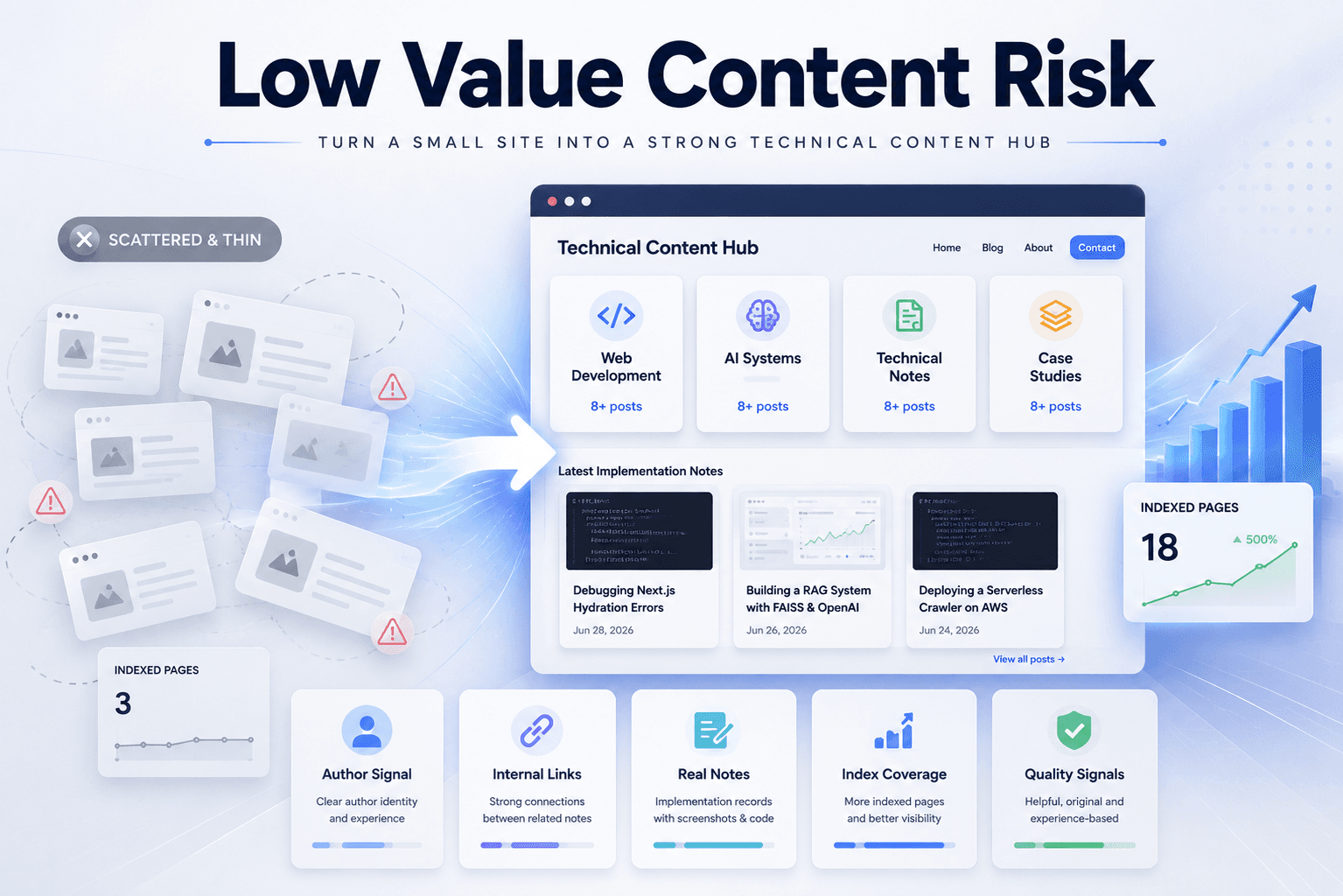
Fixing Low Value Content Risk on a Small Technical Site
A practical site audit note on why a small tool or service-style site may look weak for AdSense, and how to restructure it into a clearer technical content site with categories, author context, internal links, and real implementation notes.
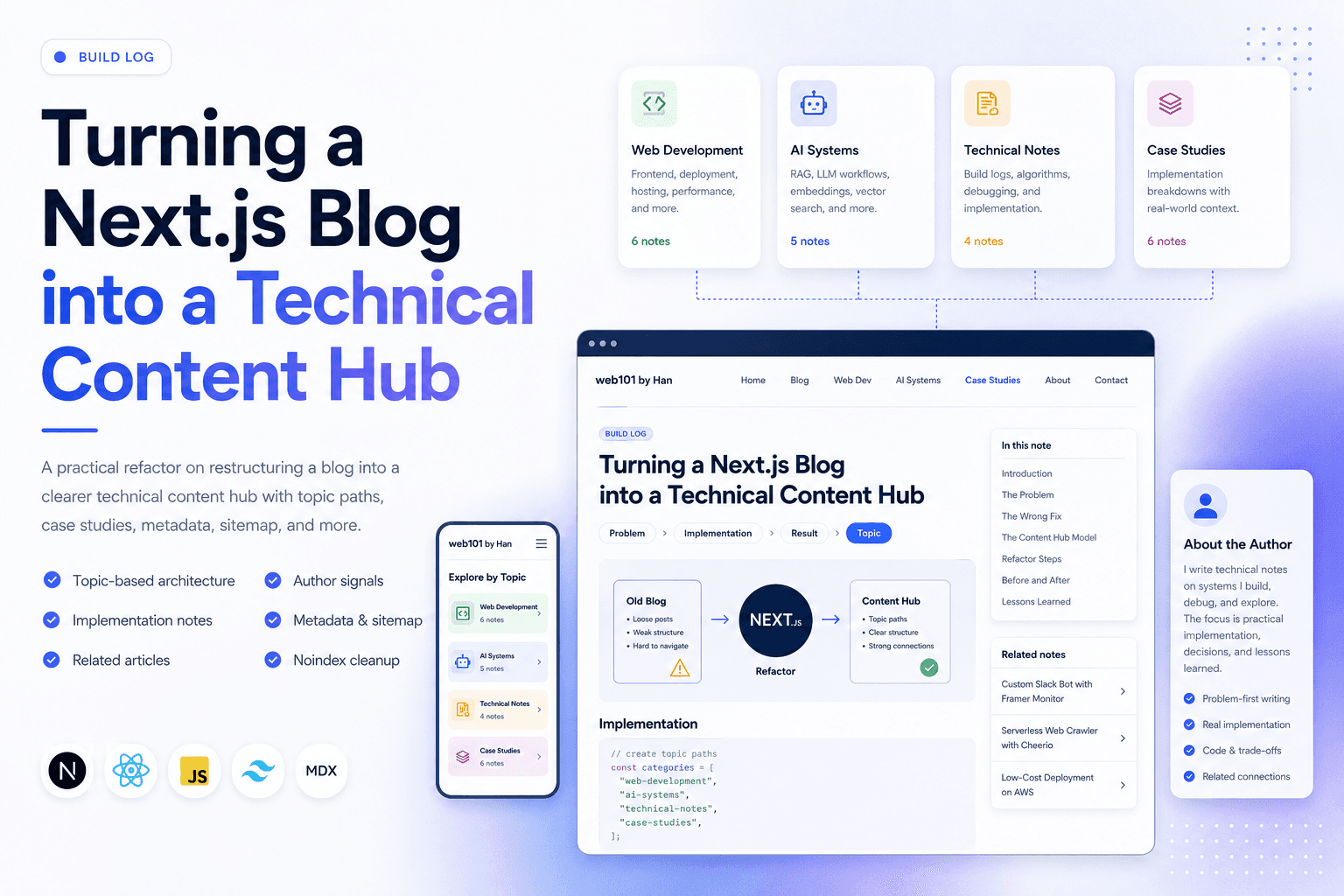
Turning a Next.js Blog into a Technical Content Hub
A practical Next.js refactor note on restructuring a blog into a clearer technical content hub with topic paths, case studies, author signals, metadata, sitemap updates, and article-level internal linking.
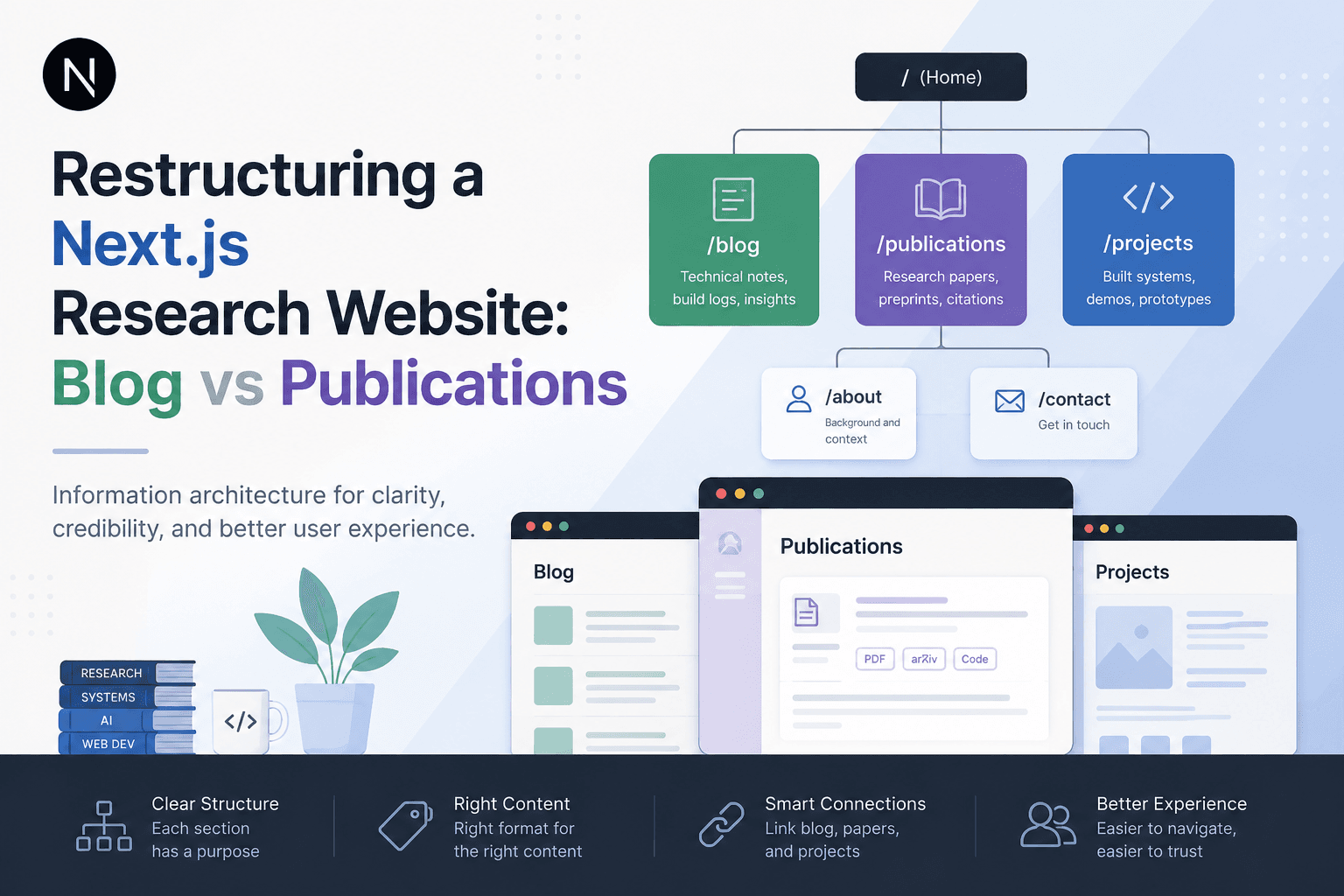
Restructuring a Next.js Research Website: Blog vs Publications
A practical information architecture note on separating blog posts, publications, and projects in a Next.js research website so the site feels clearer, more credible, and easier to navigate.
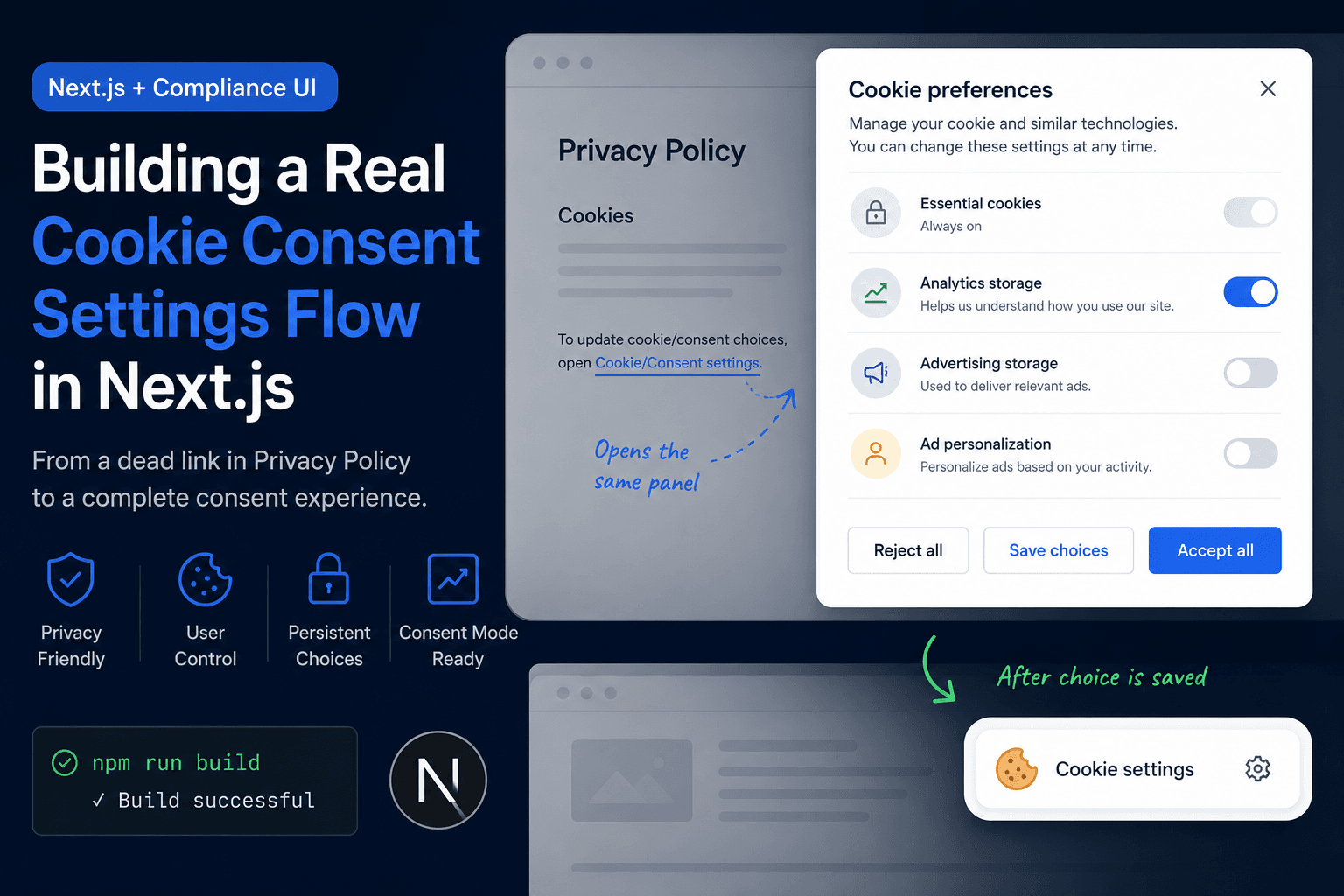
Building a Real Cookie Consent Settings Flow in Next.js
A practical frontend implementation note on fixing a Privacy Policy cookie settings link that did nothing, then turning it into a real consent settings flow with a bottom-right banner, saved choices, and a reusable settings panel.
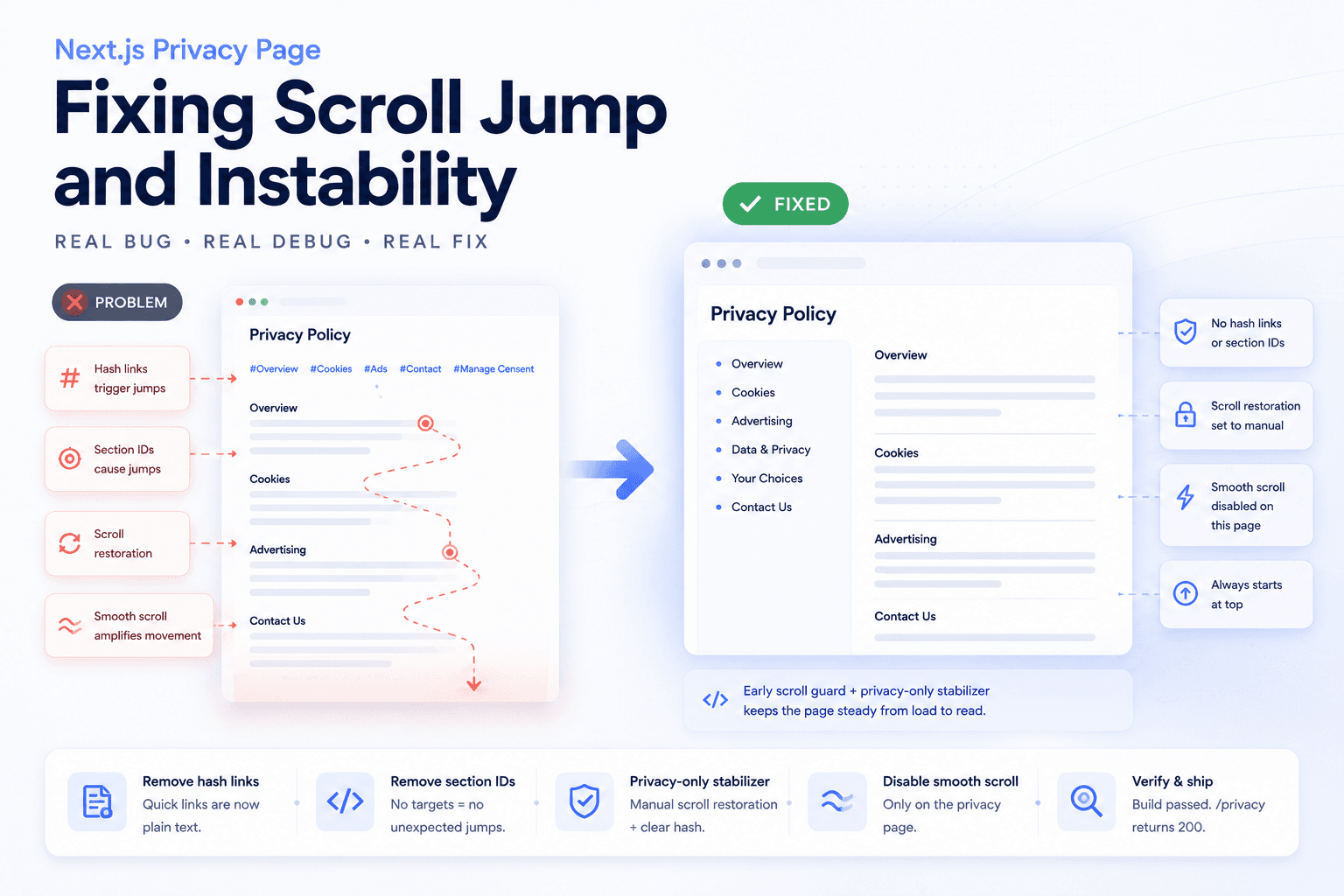
Debugging a Privacy Page Scroll Jump Bug in Next.js
A practical frontend debugging note on fixing a Privacy Policy page that kept jumping up and down because of hash anchors, smooth scrolling, browser scroll restoration, and page-specific navigation targets.
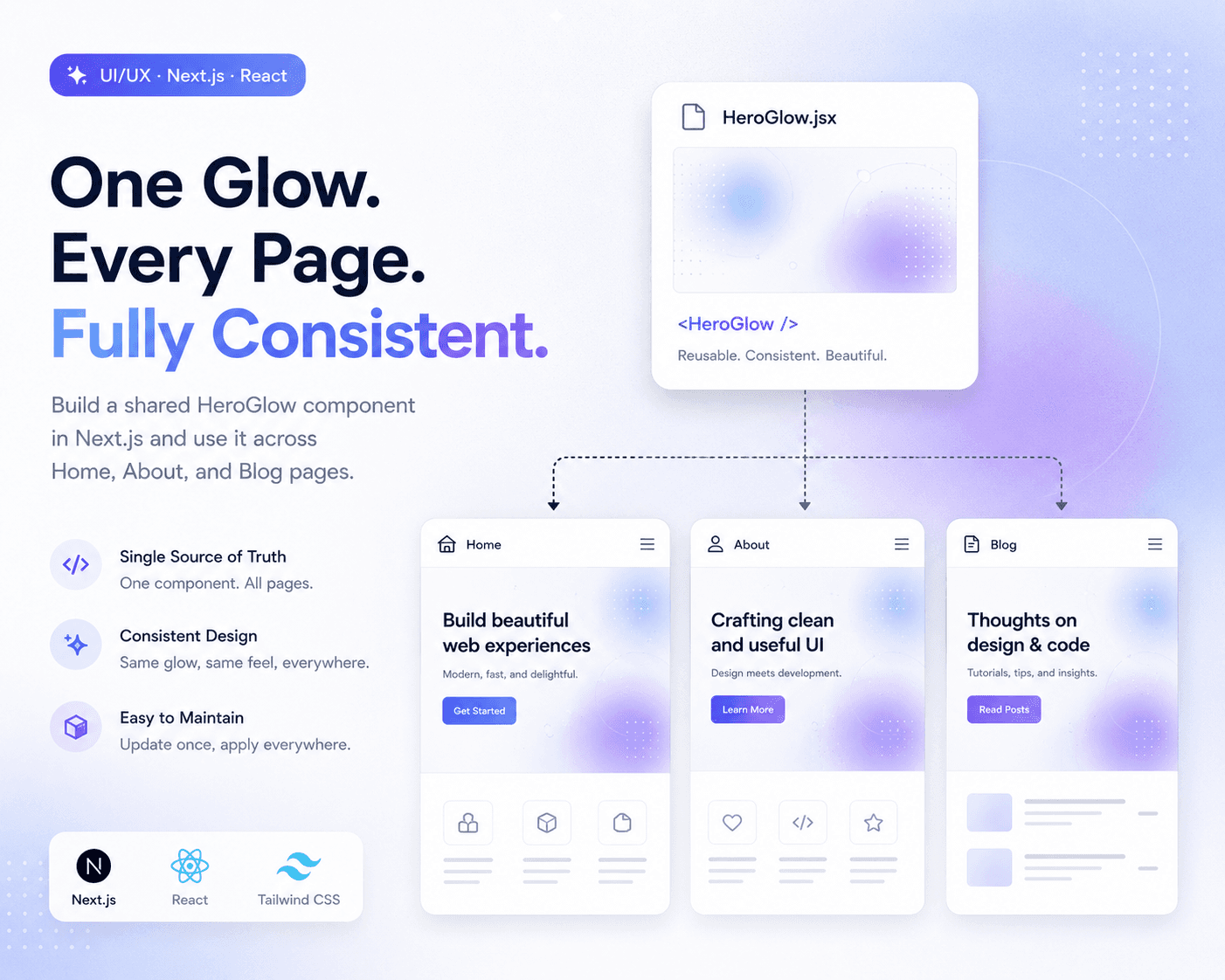
Refactoring Hero Glow Effects into a Shared Next.js Component
A practical frontend refactor note on making Home, About, and Blog hero sections visually consistent by extracting the shared glow background into one reusable Next.js component.
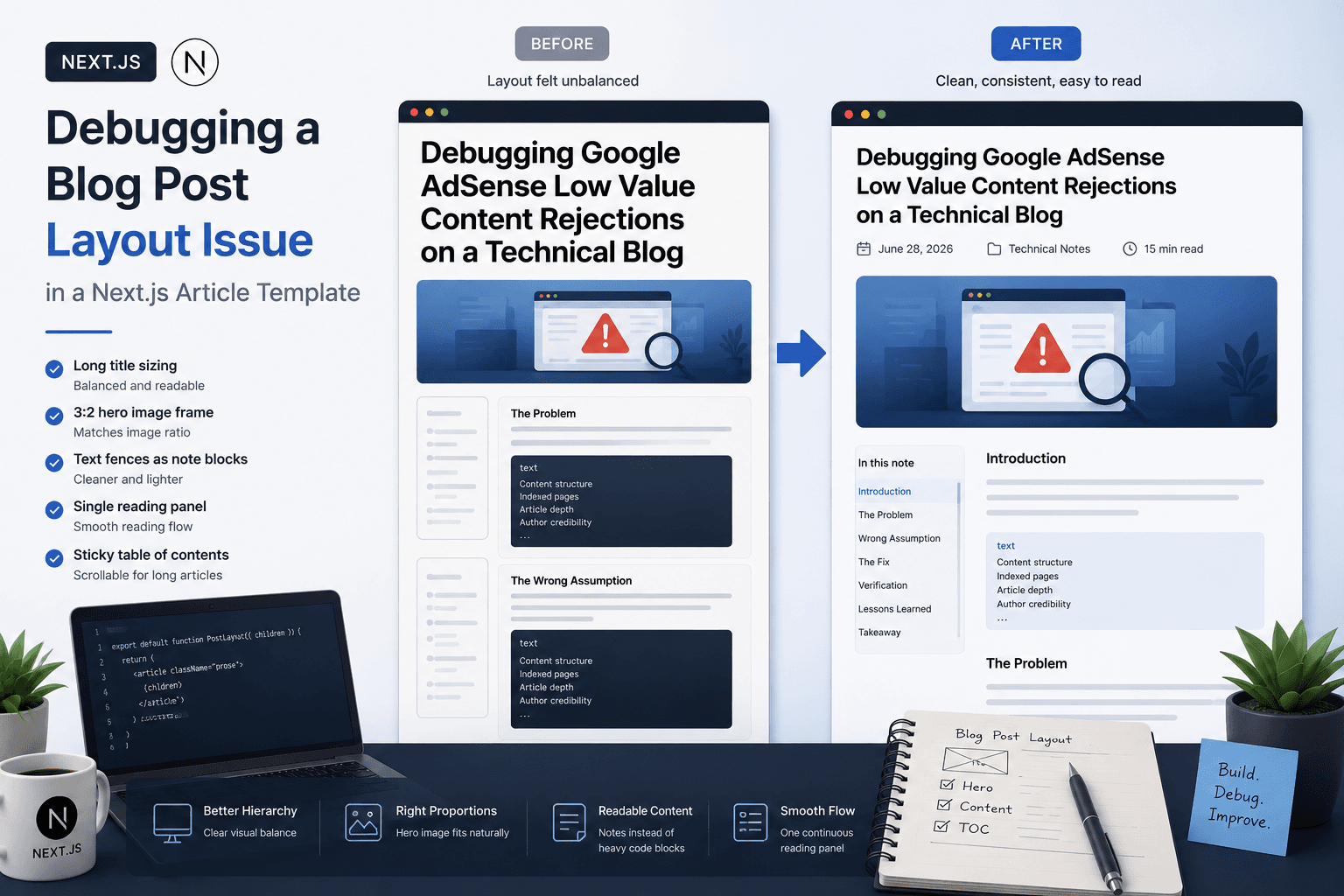
Debugging a Blog Post Layout Issue in a Next.js Article Template
A practical frontend debugging note on fixing a Next.js blog post page where the layout issue came from the article template, not the post content.
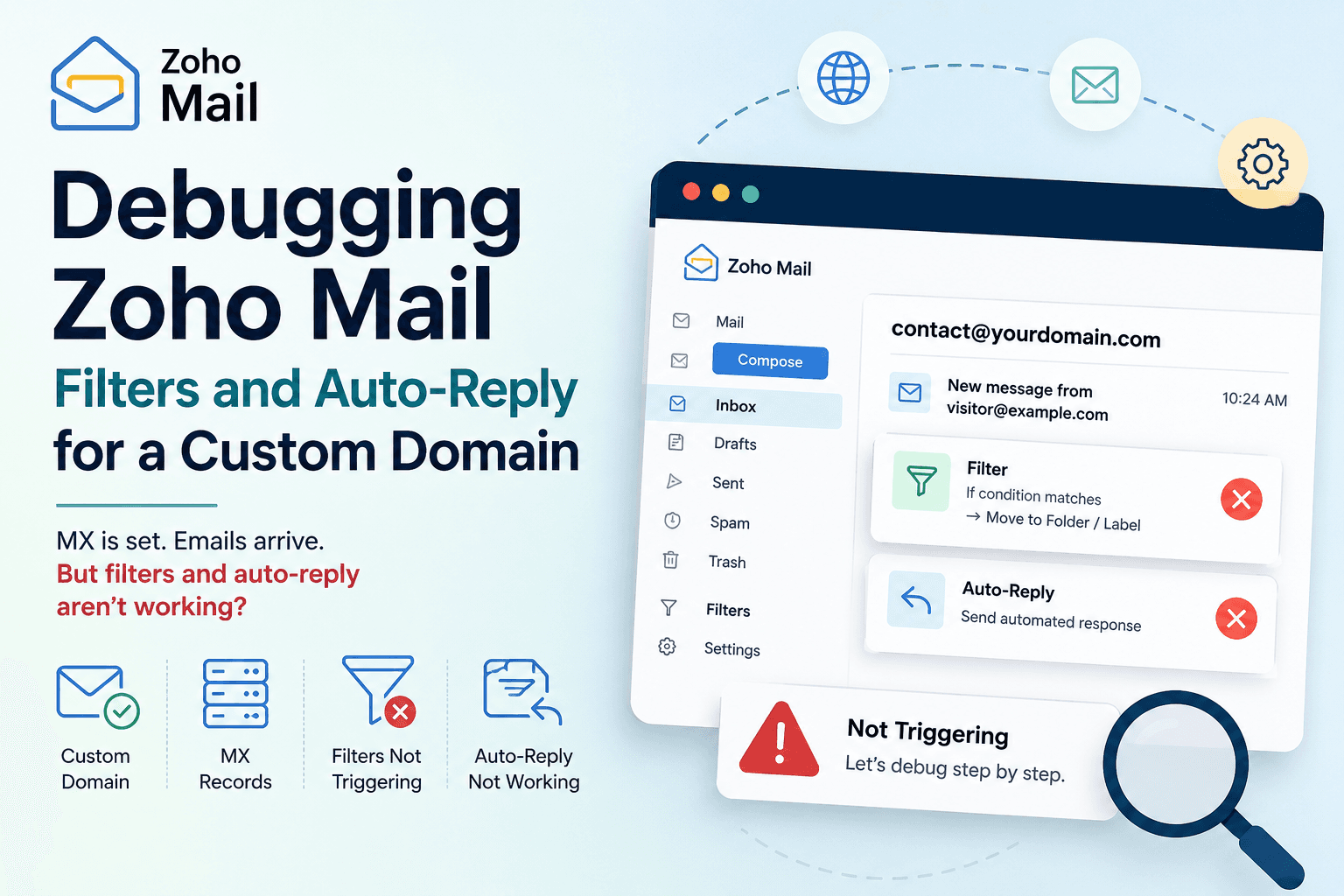
Debugging Zoho Mail Filters and Auto-Reply for a Custom Domain
A practical email setup note on debugging Zoho Mail when MX records are configured but filters, auto-reply, or contact@ custom domain behavior do not trigger as expected.