Debugging Zoho Mail Filters and Auto-Reply for a Custom Domain
Build log on troubleshooting Zoho Mail for a custom domain email address, including MX records, mailbox routing, aliases, filter conditions, auto-reply behavior, and test workflows.
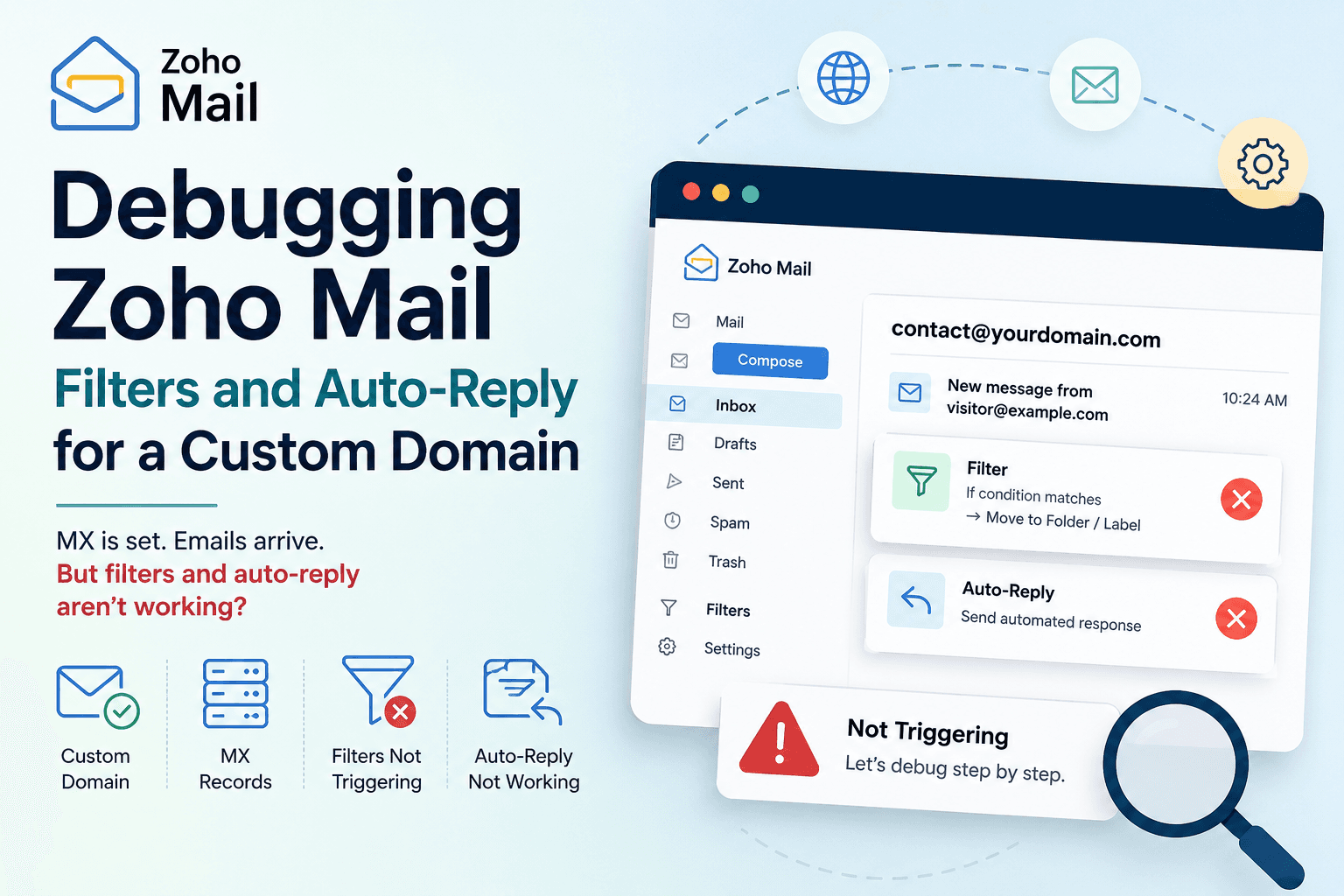
Problem
The Main Gotcha
Implementation
The Setup
Result
Lessons Learned
Topic
Technical Notes
Introduction
Setting up a custom domain email looks simple on the surface: connect the domain, configure MX records, verify delivery, and start using the mailbox. But after setting up Zoho Mail for a custom domain, I ran into a more confusing problem: incoming email worked, but the auto-reply and filter behavior did not trigger the way I expected. This note documents the debugging process for a custom domain email setup where the MX records were already configured, but mailbox automation still needed further checking.
The Setup
The goal was to use a custom domain email address, such as:
contact@example.com
The domain was connected to Zoho Mail, and the basic mail delivery setup was already completed.
At that point, the expected flow was:
Visitor sends email to contact@example.com
↓
Zoho Mail receives the message
↓
Filter or auto-reply rule runs
↓
Sender receives an automatic response
The confusing part was that the mailbox itself appeared to be working, but the automation layer did not behave consistently.
The First Check: Is Mail Delivery Working?
Before debugging filters or auto-replies, the first thing to confirm is whether the mailbox receives incoming email at all. I tested this by sending an email from another account to the custom domain email address.
If the email does not arrive, the issue is probably not the filter yet. It may be related to MX records, domain verification, mailbox creation, DNS propagation, the wrong recipient address, or a typo in the custom domain email.
If the email does arrive, then the basic delivery path is working. That means the problem is probably in the mailbox rules, auto-reply settings, or filtering logic.
The Second Check: Are MX Records Correct?
MX records decide which mail server receives email for a domain. In this case, the domain had already been configured for Zoho Mail. Still, it is worth checking because a small DNS issue can make debugging very confusing.
The basic mental model is:
Domain DNS
↓
MX records
↓
Zoho Mail servers
↓
Zoho mailbox
If the MX records are wrong, email may never reach Zoho. If the MX records are correct but automation does not run, the issue is likely inside Zoho Mail settings.
The Third Check: Is the Email Address a Real Mailbox or an Alias?
One important thing to check is whether the address is a full mailbox, an alias, or a forwarding address. This matters because filters and auto-replies may behave differently depending on where the message actually lands.
For example:
contact@example.com → real mailbox
is different from:
contact@example.com → alias forwarding to another mailbox
If the email address is only an alias or forwarding route, the message may arrive, but the automation rule might need to be configured in the final receiving mailbox instead of the alias address. This is one of the easiest places to get confused.
The Fourth Check: Is the Auto-Reply Enabled for the Right Account?
The next thing to check is whether the auto-reply is enabled inside the correct Zoho Mail account. A common mistake is configuring the right rule in the wrong mailbox.
For example, if the email is sent to:
contact@example.com
but the actual receiving mailbox is:
hello@example.com
then the auto-reply may need to be configured where the message actually arrives.
The question is not only:
Did I create an auto-reply?
but:
Did I create the auto-reply in the mailbox that actually receives the message?
The Fifth Check: Filter Conditions
Filters can silently fail if the conditions are too narrow. For example, a rule may only apply when:
To contains contact@example.com
but the actual message header may route differently if aliases, forwarding, or grouped addresses are involved.
When debugging, it is better to start with the simplest possible rule:
If any incoming message arrives,
then apply this action.
After confirming that the rule works, the conditions can be narrowed. A good debugging strategy is:
Start broad → confirm trigger → narrow condition
not:
Start narrow → wonder why nothing happens
The Sixth Check: Rule Order
If multiple filters exist, rule order can matter. One filter may archive, move, label, forward, or stop processing before another rule has a chance to run.
When automation does not behave as expected, I check whether there are multiple filters, whether one filter runs before another, whether any rule stops further processing, and whether the message is being moved before the expected rule sees it.
Even if each rule looks correct by itself, the combined rule order can create unexpected behavior.
The Seventh Check: Auto-Reply Limits and Behavior
Auto-reply systems often avoid sending repeated automatic replies to the same sender too frequently. This prevents loops and spam-like behavior.
That means a test may fail for reasons that are not obvious. For example, if I send five test emails from the same external account, the first one may trigger an auto-reply, while later ones may not.
A better test is to use a different sender account, a fresh subject line, enough time between tests, and one test change at a time. Otherwise, it becomes hard to know whether the problem is the rule or the platform’s anti-loop behavior.
My Debugging Workflow
The cleanest debugging flow is:
1. Send a test email to the custom domain address.
2. Confirm the email arrives in Zoho Mail.
3. Check whether the address is a mailbox, alias, or forwarding address.
4. Create a very broad filter rule.
5. Test with a fresh external sender.
6. Check spam/promotions folders for the reply.
7. Narrow the filter condition only after the broad rule works.
8. Keep one change per test.
This avoids mixing too many variables at once.
Example Test Plan
A simple test plan can look like this:
Test 1:
Send email from Gmail to contact@example.com.
Expected result: message arrives in Zoho inbox.
Test 2:
Enable broad auto-reply for all incoming messages.
Expected result: Gmail sender receives auto-reply.
Test 3:
Change condition to "To contains contact@example.com."
Expected result: auto-reply still triggers.
Test 4:
Add filter action, such as label or folder movement.
Expected result: message is labeled or moved correctly.
Test 5:
Retest from a different sender.
Expected result: behavior is consistent across senders.
If the broad rule works but the narrow rule does not, the issue is probably the filter condition. If no rule works but mail arrives, the issue is probably auto-reply settings, account scope, or rule execution. If mail does not arrive, the issue is probably DNS or mailbox routing.
The Main Gotcha
The main mistake is assuming that once MX records are correct, everything else should automatically work.
MX records only solve the mail delivery path. They do not guarantee that filters are configured correctly, auto-replies are enabled for the right mailbox, alias routing behaves as expected, repeated tests will trigger multiple auto-replies, or rules are running in the order expected.
Email automation has more layers than basic email delivery.
Mental Model
The useful mental model is:
DNS layer:
Does email know where to go?
Mailbox layer:
Does the message arrive in Zoho?
Account layer:
Is the receiving address a mailbox, alias, or forwarding route?
Rule layer:
Do filters match the message?
Automation layer:
Does auto-reply actually send?
Recipient layer:
Does the sender receive or see the response?
Debugging becomes easier when each layer is checked separately.
Lessons Learned
The biggest lesson is that custom domain email setup does not end at MX records. MX records can be correct while filters or auto-replies still fail.
For future setups, I would separate the process into two stages:
Stage 1: Confirm mail delivery.
Stage 2: Debug mailbox automation.
Trying to debug both at once creates too much confusion.
The practical rule is simple: if the message never arrives, debug DNS and mailbox routing. If the message arrives but automation does not run, debug filters, aliases, auto-reply settings, and rule order. That separation makes the problem much easier to reason about.
What this note covers
- Introduction
- The Setup
- The First Check: Is Mail Delivery Working?
- The Second Check: Are MX Records Correct?
Related technical notes
Last updated: June 23, 2026
Related stories
Curated reads to continue the thread.
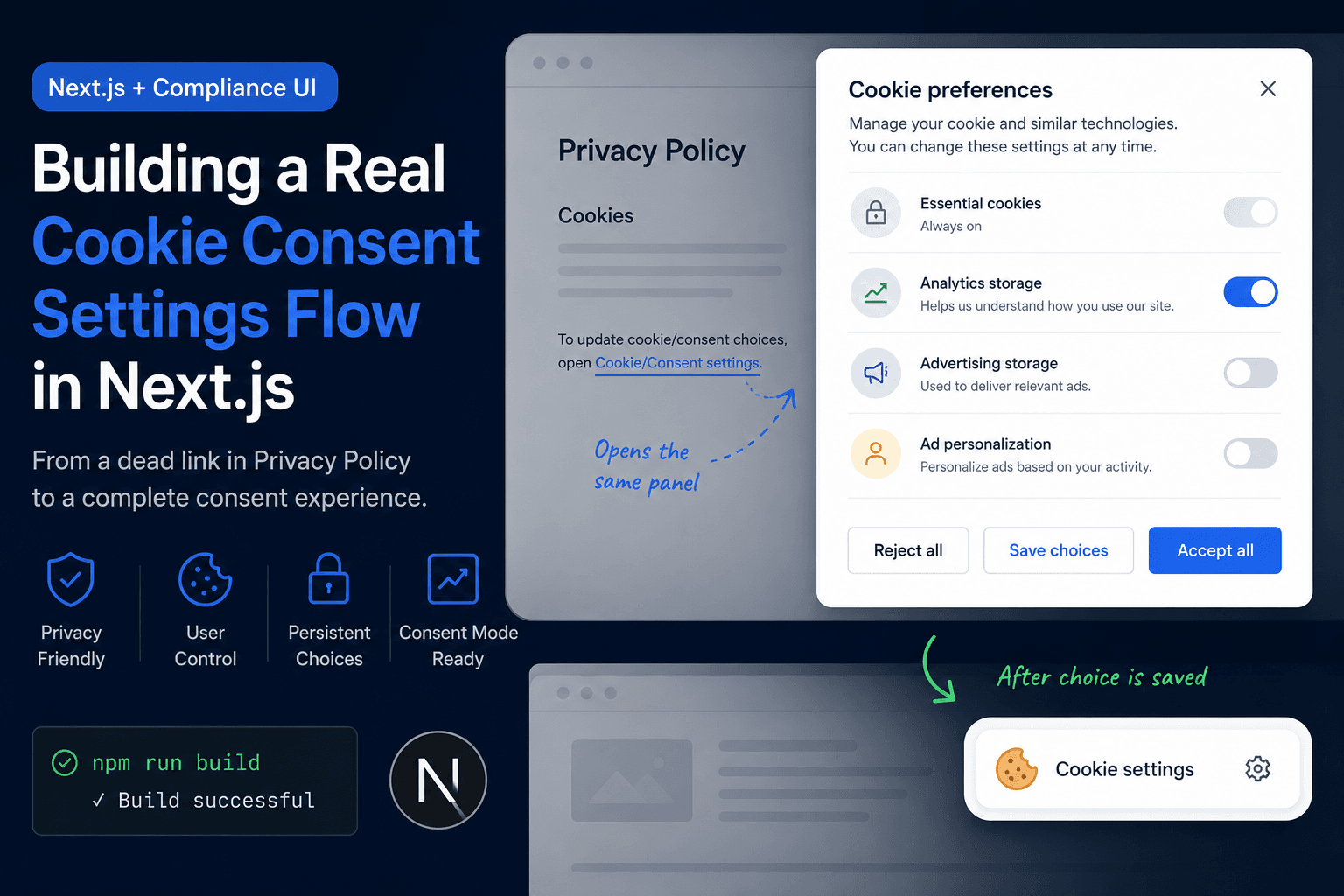
Building a Real Cookie Consent Settings Flow in Next.js
A practical frontend implementation note on fixing a Privacy Policy cookie settings link that did nothing, then turning it into a real consent settings flow with a bottom-right banner, saved choices, and a reusable settings panel.
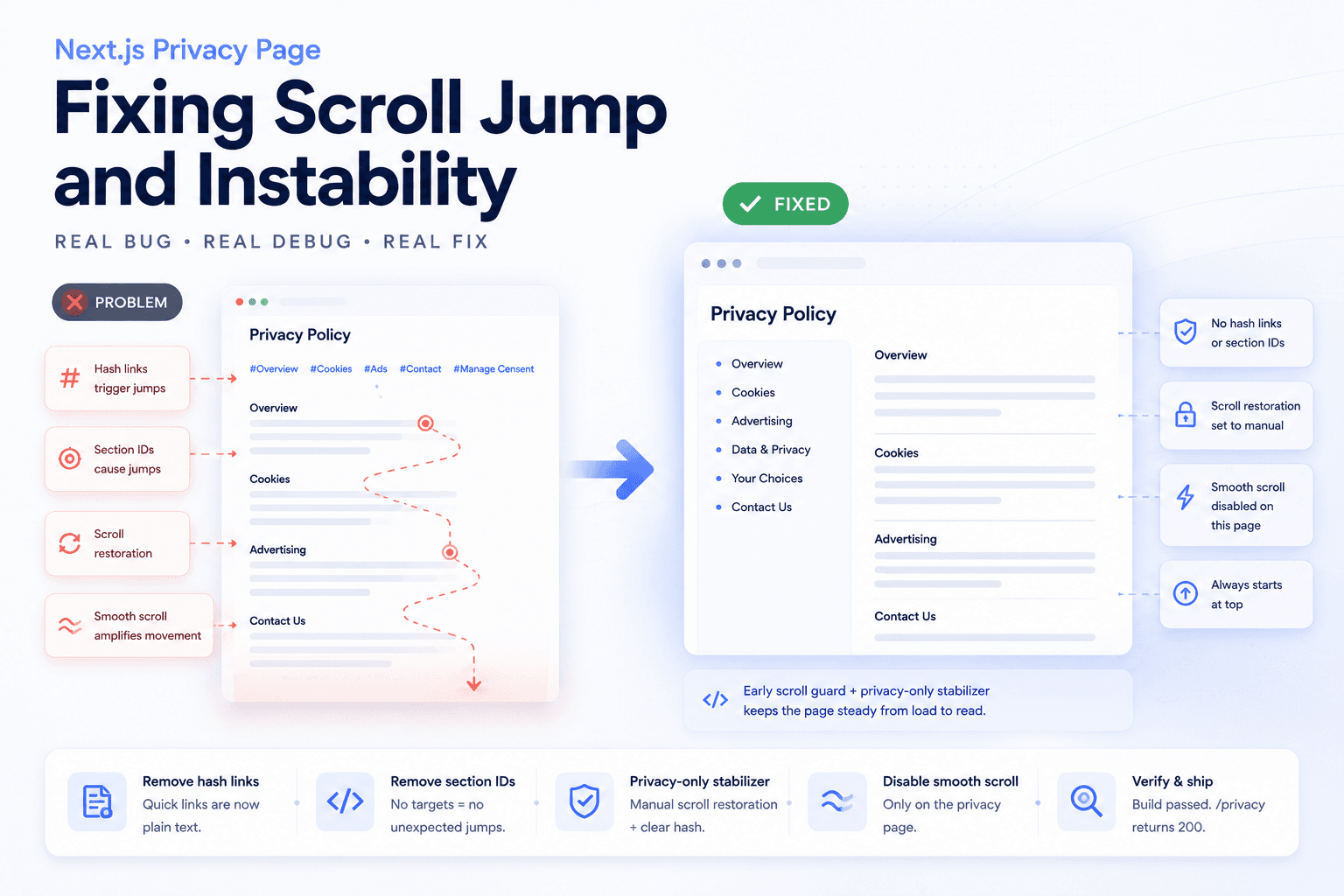
Debugging a Privacy Page Scroll Jump Bug in Next.js
A practical frontend debugging note on fixing a Privacy Policy page that kept jumping up and down because of hash anchors, smooth scrolling, browser scroll restoration, and page-specific navigation targets.
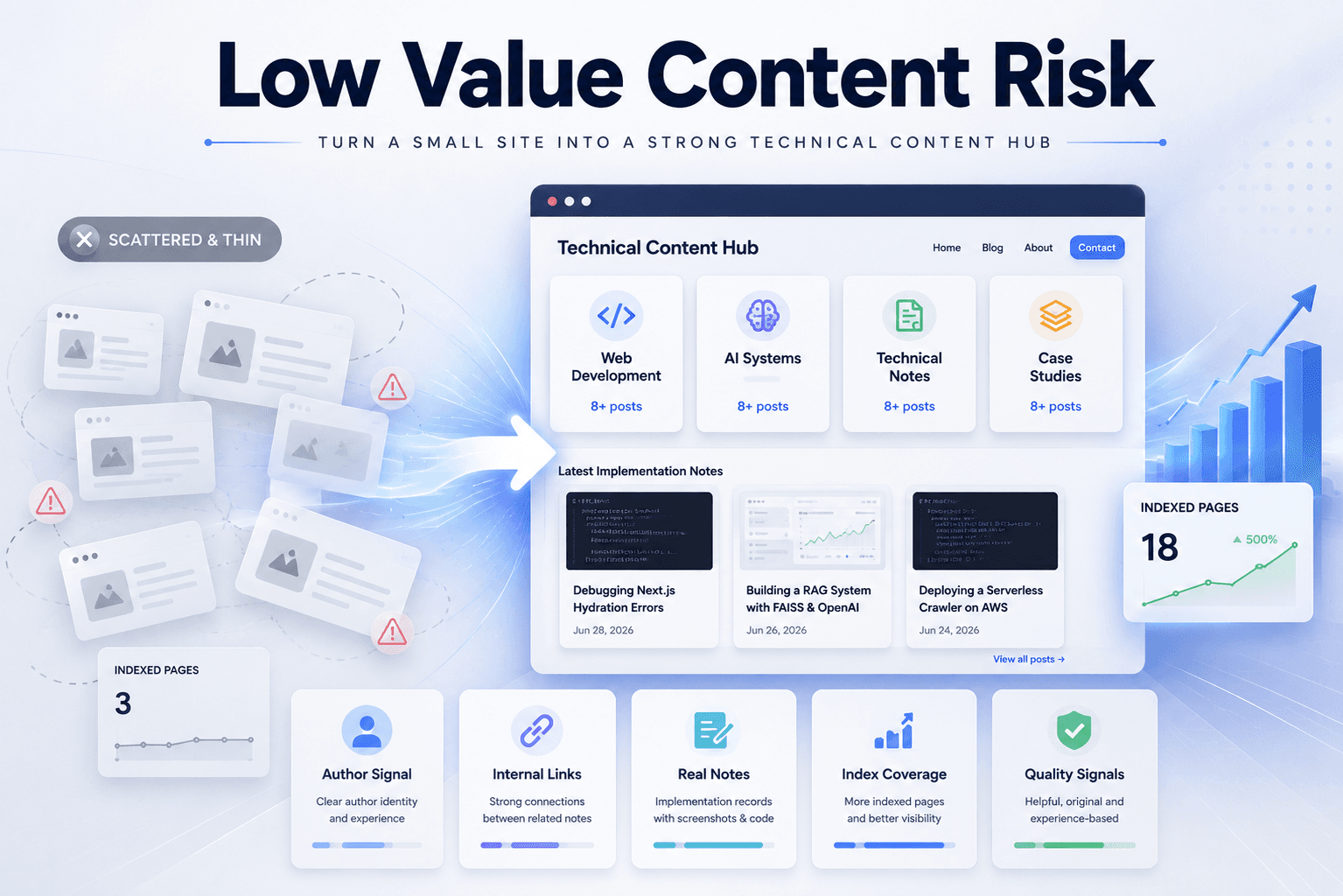
Fixing Low Value Content Risk on a Small Technical Site
A practical site audit note on why a small tool or service-style site may look weak for AdSense, and how to restructure it into a clearer technical content site with categories, author context, internal links, and real implementation notes.
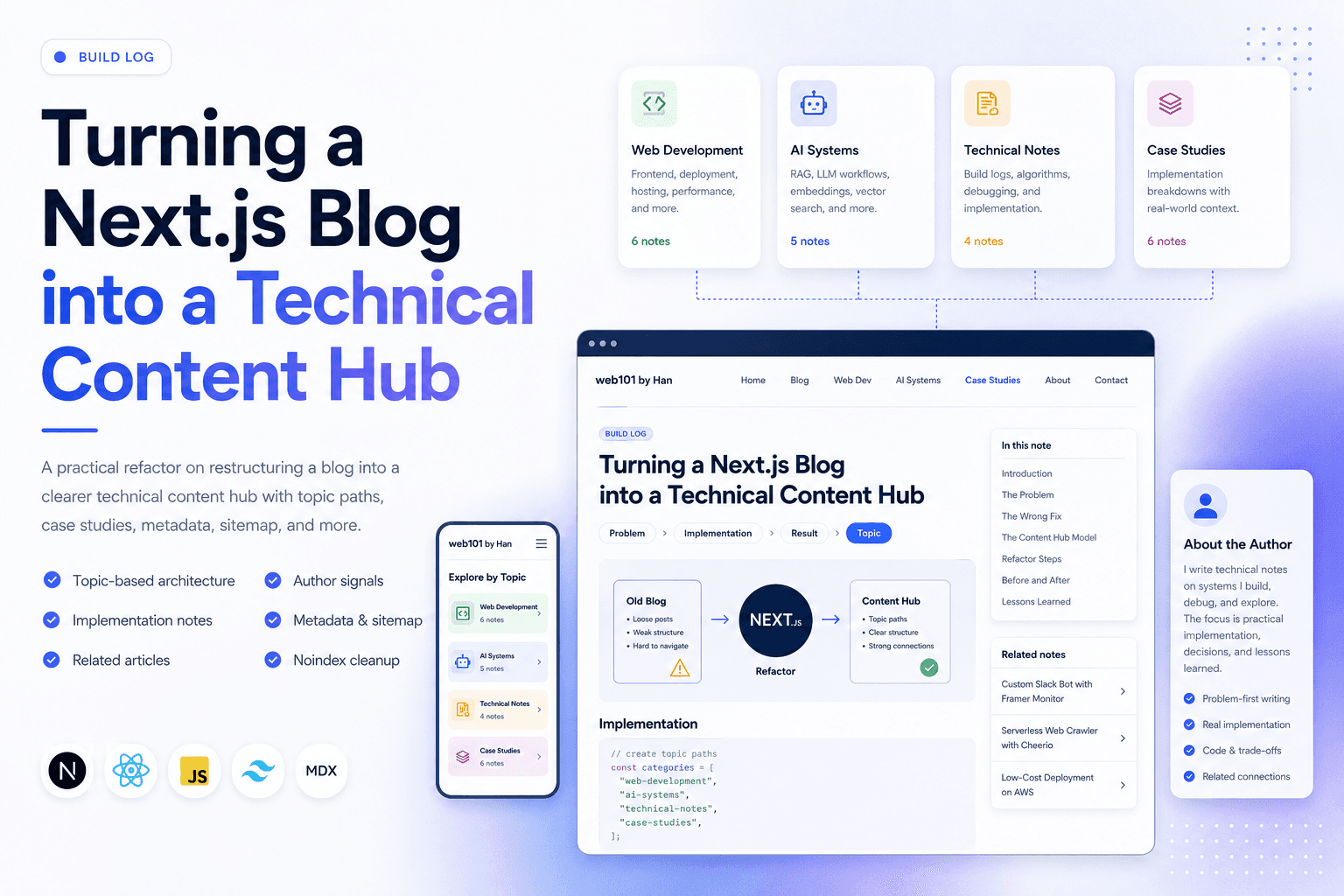
Turning a Next.js Blog into a Technical Content Hub
A practical Next.js refactor note on restructuring a blog into a clearer technical content hub with topic paths, case studies, author signals, metadata, sitemap updates, and article-level internal linking.
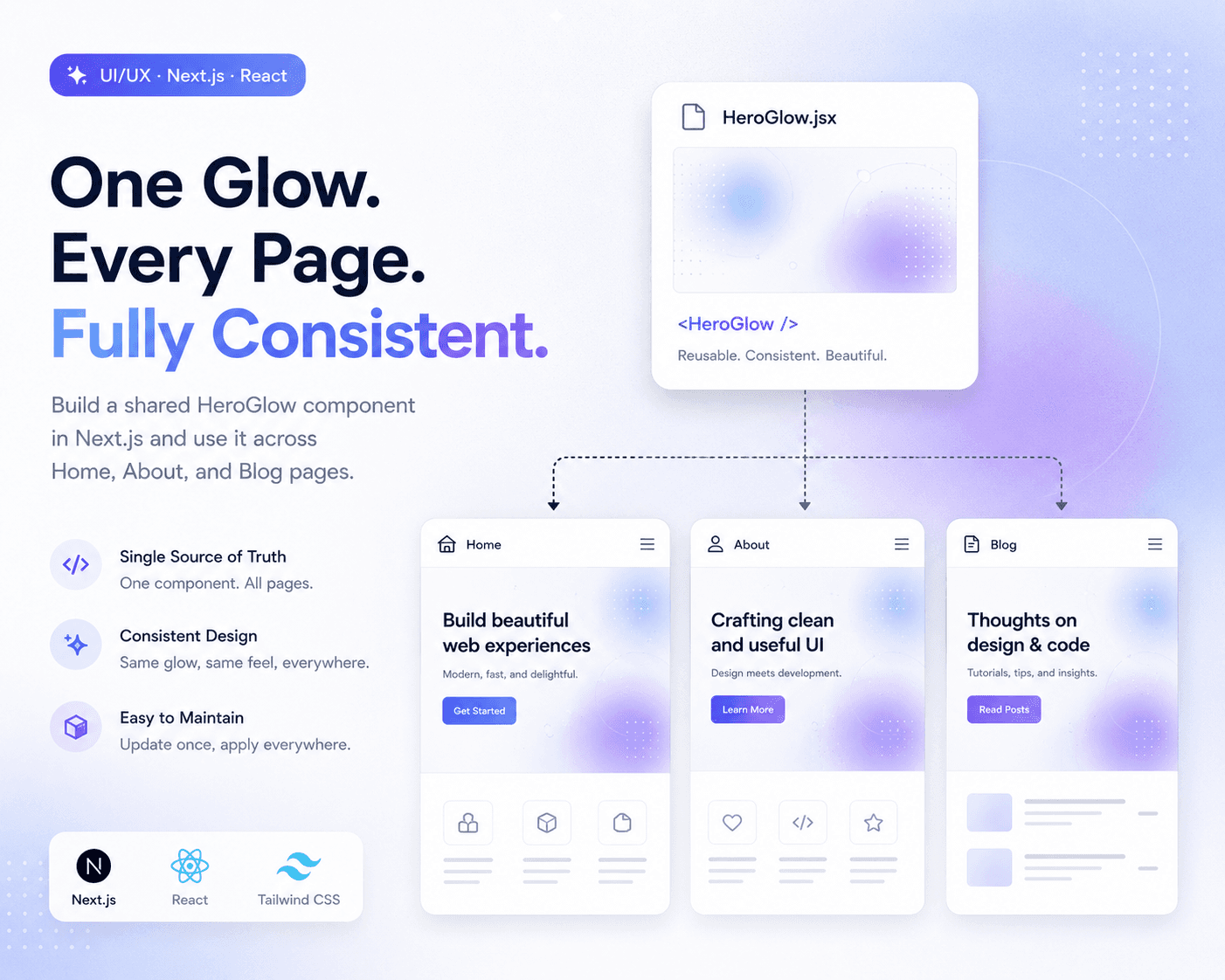
Refactoring Hero Glow Effects into a Shared Next.js Component
A practical frontend refactor note on making Home, About, and Blog hero sections visually consistent by extracting the shared glow background into one reusable Next.js component.
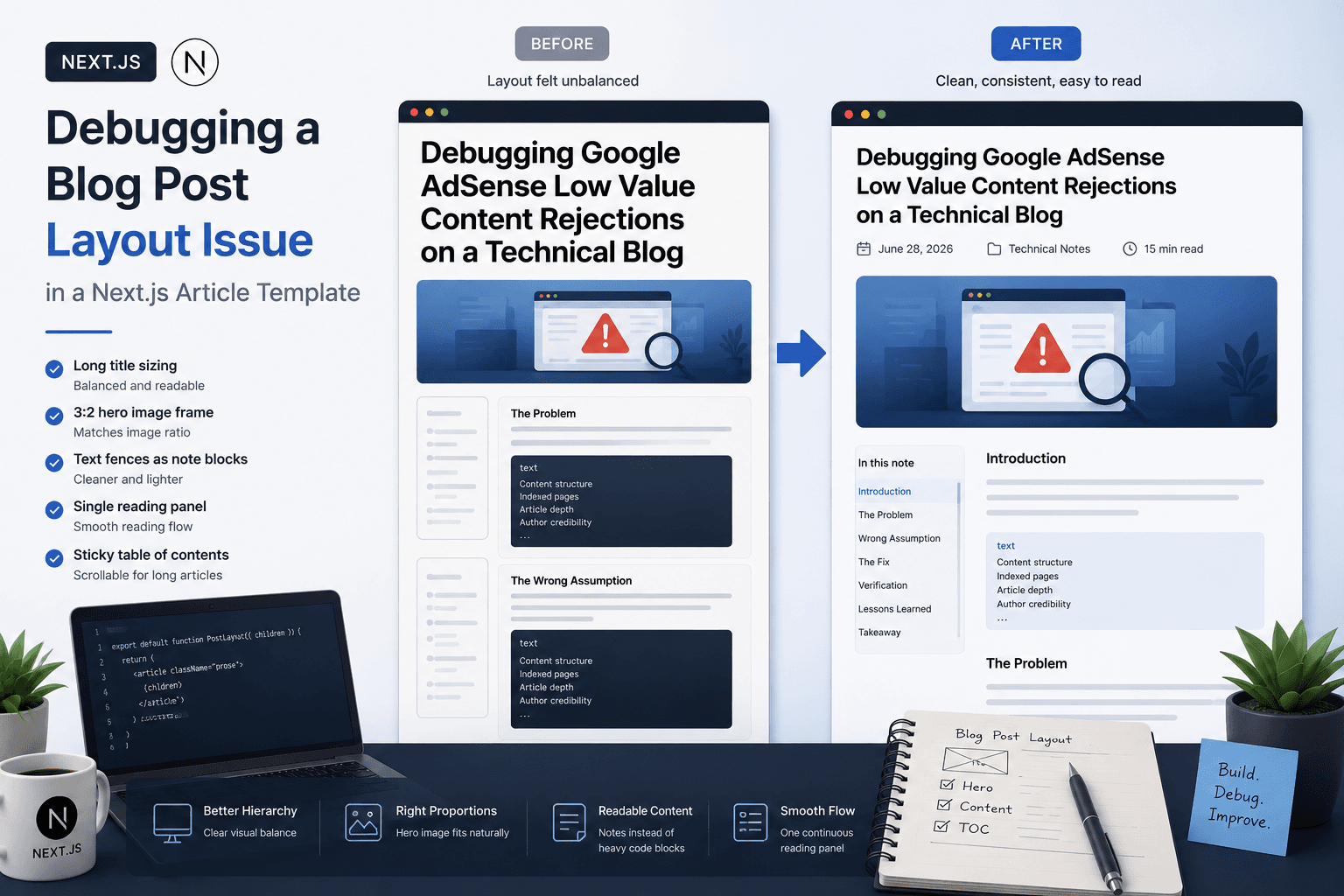
Debugging a Blog Post Layout Issue in a Next.js Article Template
A practical frontend debugging note on fixing a Next.js blog post page where the layout issue came from the article template, not the post content.

Debugging Google AdSense Low Value Content Rejections on a Technical Blog
A practical debugging note on why a technical blog may receive a Google AdSense Low Value Content rejection and how to fix content structure, indexed pages, and article depth.
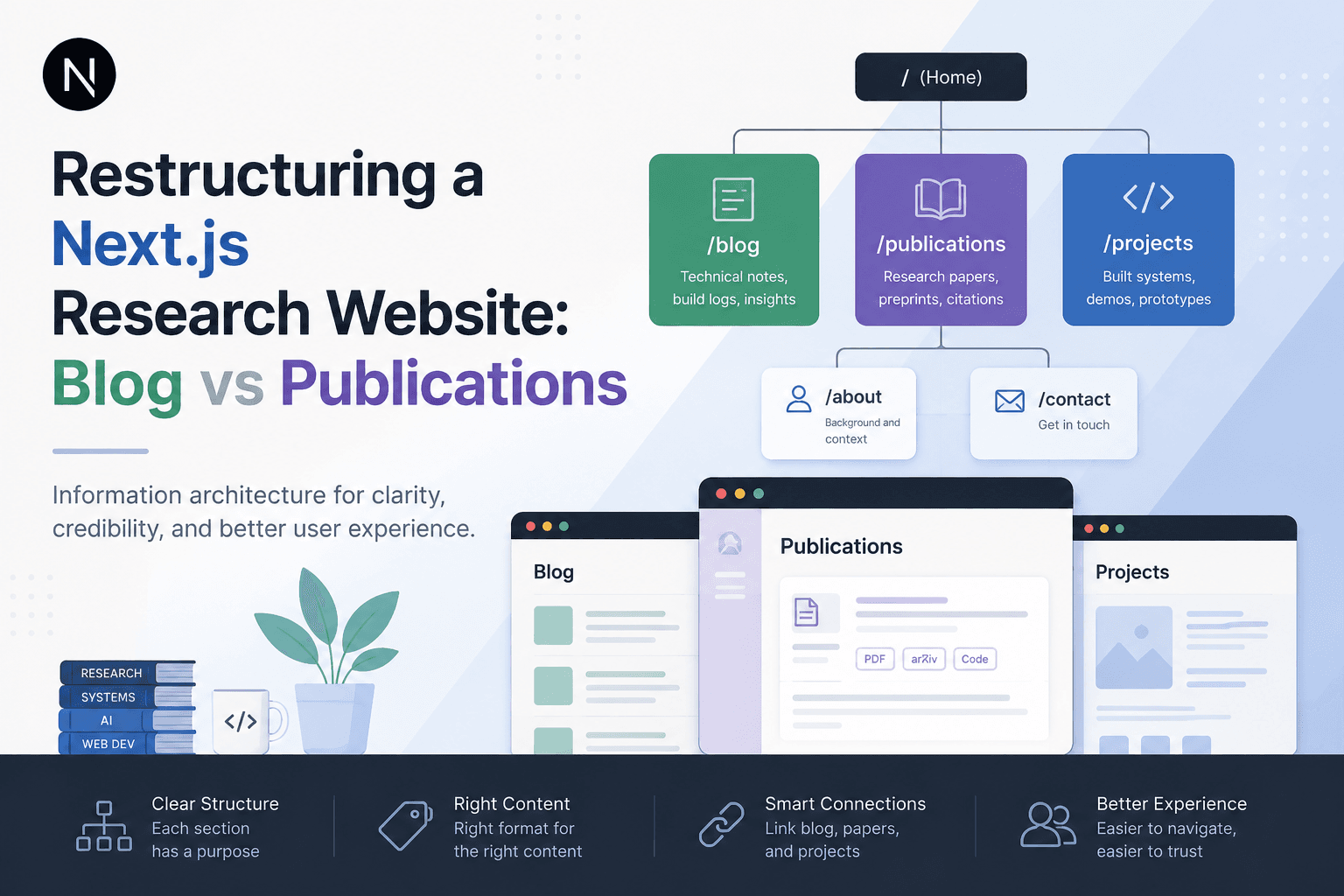
Restructuring a Next.js Research Website: Blog vs Publications
A practical information architecture note on separating blog posts, publications, and projects in a Next.js research website so the site feels clearer, more credible, and easier to navigate.