Turning a Next.js Blog into a Technical Content Hub
Build log on improving a Next.js technical blog by restructuring the homepage, navigation, topic pages, About page, article template, sitemap, metadata, noindex rules, and related article paths to make the site clearer and more publisher-ready.

Problem
The Problem
Implementation
Refactor 5: Making Articles Look Like Implementation Notes
Result
The Wrong Fix: Publishing More Generic Posts
Topic
Web DevelopmentIntroduction
A technical blog can have useful articles and still feel unfinished if the site structure does not help readers understand the archive. I ran into this problem while reviewing my Next.js site. The site had individual posts, topic pages, an About page, and a blog index, but the structure still felt closer to a collection of posts than a mature technical content hub.
The goal was not to make the site look busier. The goal was to make the site easier to understand, easier to navigate, and easier to evaluate as a technical publisher.
This note documents how I restructured the site around topic paths, implementation notes, author signals, metadata, sitemap updates, and article-level internal linking.
The Problem
The issue was not that the site had no content. The issue was that the content did not yet have enough structure around it.
A reader could find posts, but the site did not clearly explain:
What the main content categories were
Which posts belonged to which topic path
Which articles were implementation notes
Which pages represented author credibility
Which pages should be indexed
Which posts were related to each other
That matters because a technical blog should not feel like a random archive. It should feel like a structured system of notes.
The Wrong Fix: Publishing More Generic Posts
One tempting fix would be to publish more articles quickly.
But more content does not automatically make a site stronger. If new posts are generic, thin, or disconnected from the rest of the site, they can make the archive look weaker.
The better fix was to improve the site structure first:
Clarify topic paths
Improve navigation
Strengthen author context
Connect related posts
Clean up index signals
Add page-level metadata
Use noindex for weak or outdated content
After that, new posts can be added into a stronger content system instead of becoming another loose item in the archive.
The Content Hub Model
I reorganized the site around four main topic paths:
Web Development
AI Systems
Technical Notes
Case Studies
Each path has a clear role.
Web Development covers frontend architecture, deployment, hosting, performance, monitoring, and practical website engineering.
AI Systems covers RAG, embeddings, vector search, LLM workflows, and applied machine learning systems.
Technical Notes covers debugging notes, build logs, implementation details, algorithms, and practical technical explanations.
Case Studies covers implementation breakdowns that document the problem, setup, trade-offs, result, and lessons learned.
This makes the site easier to scan because readers do not have to infer the structure from a long list of posts.
Refactor 1: Turning the Homepage into a Content Hub
The homepage was changed from a general landing page into a technical content hub.
Instead of only showing recent posts, the homepage now highlights:
Main site purpose
Published note count
Four topic paths
Example notes under each topic
Featured implementation note
Recent reading paths
Author and writing method
This makes the homepage explain the archive before asking the reader to click into it.
The important design decision was to make the homepage answer three questions quickly:
What is this site about?
How is the content organized?
Where should I start reading?
Refactor 3: Adding a Case Studies Topic Page
I added a new route:
/case-studies
This page is not a portfolio page and not a service page. It is a content category for implementation breakdowns.
The purpose is to group posts that show a practical build or system decision, such as deployment workflows, monitoring systems, CMS patterns, and hosting decisions.
The Case Studies category gives the archive a stronger content signal because some posts are not just tutorials. They are records of applied implementation work.
Refactor 4: Rewriting the About Page as an Author Signal
The About page was changed from a general personal page into a clearer technical author page.
The updated About page explains:
Who writes the site
What topics the site covers
How the articles are written
What the current archive contains
Why the content is practical rather than generic
This matters because author context helps readers understand why the site exists and what kind of work supports the writing.
For a technical blog, credibility does not need to come from exaggerated claims. It can come from concrete signals:
Projects built
Systems debugged
Code paths explained
Technical constraints documented
Implementation decisions recorded
Refactor 5: Making Articles Look Like Implementation Notes
The article template was also improved so each post reads more like a technical implementation note.
The template now surfaces a small summary path near the top:
Problem
Implementation
Result
Topic
This helps the reader understand the structure of the article before reading every section.
The article page also includes:
Sticky table of contents
Related technical notes
Category link
Post tags
Last updated signal
What this note covers
The goal is to make each article feel connected to the larger archive instead of being an isolated page.
Refactor 7: Adding Metadata, Canonical URLs, and Sitemap Updates
The article route was updated so each post can generate its own metadata.
This includes:
Page title
Description
Canonical URL
Open Graph title
Open Graph description
Open Graph image
Robots rules
This is important because a technical blog should not rely on one generic site title for every article.
Each post has its own topic, title, and purpose. The metadata should reflect that.
The sitemap was also updated to include the new Case Studies route so the site structure is reflected in crawlable routes.
Refactor 8: Using Noindex for Weak or Outdated Content
Not every existing page should remain indexed.
Some posts may be outdated, overlapping, too opinion-based, or weaker than newer technical notes. Instead of letting those pages represent the site, they can be removed from the main indexed archive or marked noindex.
The rule I used was:
If a page does not help the site’s current technical content direction, do not let it become a main index signal.
This does not mean deleting everything old. It means being intentional about which pages represent the site to readers and search engines.
Verification
After the refactor, I verified that the site still built and that the key pages responded correctly.
The checks included:
npm run build passed
/ returned 200
/about returned 200
/blog returned 200
/case-studies returned 200
A regular article returned 200
The noindex article route still returned 200
This verification matters because site-structure changes can break routes, metadata, imports, or static generation.
A content architecture refactor is still a software change. It needs build and route checks, not only visual review.
Before and After
Before the refactor, the site felt more like a blog archive:
Posts existed, but topic paths were not strong enough.
The homepage did not fully explain the archive.
The About page did not strongly support author credibility.
Related articles were not clearly topic-driven.
Metadata was not strong enough at the article level.
Case studies did not have their own route.
After the refactor, the site became more structured:
Homepage works as a content hub.
Four topic paths organize the archive.
Case Studies has its own route.
About explains author method and archive scope.
Articles show Problem / Implementation / Result / Topic.
Related posts are selected by category and tag overlap.
Sitemap and metadata reflect the new structure.
The Main Gotcha
The main gotcha is assuming that a blog becomes stronger only by adding more posts.
More posts help only when the site already has a clear structure.
Without structure, new posts can make the archive feel more scattered. With structure, each new post strengthens a topic path.
The practical rule is:
Do not only publish more.
First make the archive understandable.
Then add new posts into the right topic paths.
Mental Model
The useful mental model is:
Homepage = explains the content system
Navigation = exposes the reading paths
Topic pages = organize the archive
About page = explains author credibility and method
Article template = turns each post into an implementation note
Related posts = connect the archive internally
Metadata = describes each page clearly
Sitemap = exposes the site structure
Noindex = keeps weak pages from representing the site
This makes the blog work more like a technical publication and less like a loose set of posts.
Lessons Learned
The biggest lesson is that content quality is not only inside the article body. It also comes from the system around the article.
A useful post becomes stronger when it sits inside a clear topic path, links to related notes, has a descriptive page title, and belongs to a site with a coherent author and archive structure.
For a technical blog, the site architecture should support the writing. If the writing is about systems, debugging, implementation, and technical decisions, the website itself should also feel systematic.
Final Takeaway
The final takeaway is simple:
A technical blog should not only contain technical posts.
It should be structured like a technical knowledge system.
For this refactor, the main changes were topic paths, a stronger homepage, a Case Studies route, an author-focused About page, article-level metadata, sitemap updates, noindex cleanup, and better related article logic.
That made the site easier to understand and easier to maintain before adding more posts.
What this note covers
- Introduction
- The Problem
- The Wrong Fix: Publishing More Generic Posts
- The Content Hub Model
Related technical notes
Last updated: June 30, 2026
Related category: Web Development
Related stories
Curated reads to continue the thread.

Refactoring Hero Glow Effects into a Shared Next.js Component
A practical frontend refactor note on making Home, About, and Blog hero sections visually consistent by extracting the shared glow background into one reusable Next.js component.

Restructuring a Next.js Research Website: Blog vs Publications
A practical information architecture note on separating blog posts, publications, and projects in a Next.js research website so the site feels clearer, more credible, and easier to navigate.

Building a Real Cookie Consent Settings Flow in Next.js
A practical frontend implementation note on fixing a Privacy Policy cookie settings link that did nothing, then turning it into a real consent settings flow with a bottom-right banner, saved choices, and a reusable settings panel.
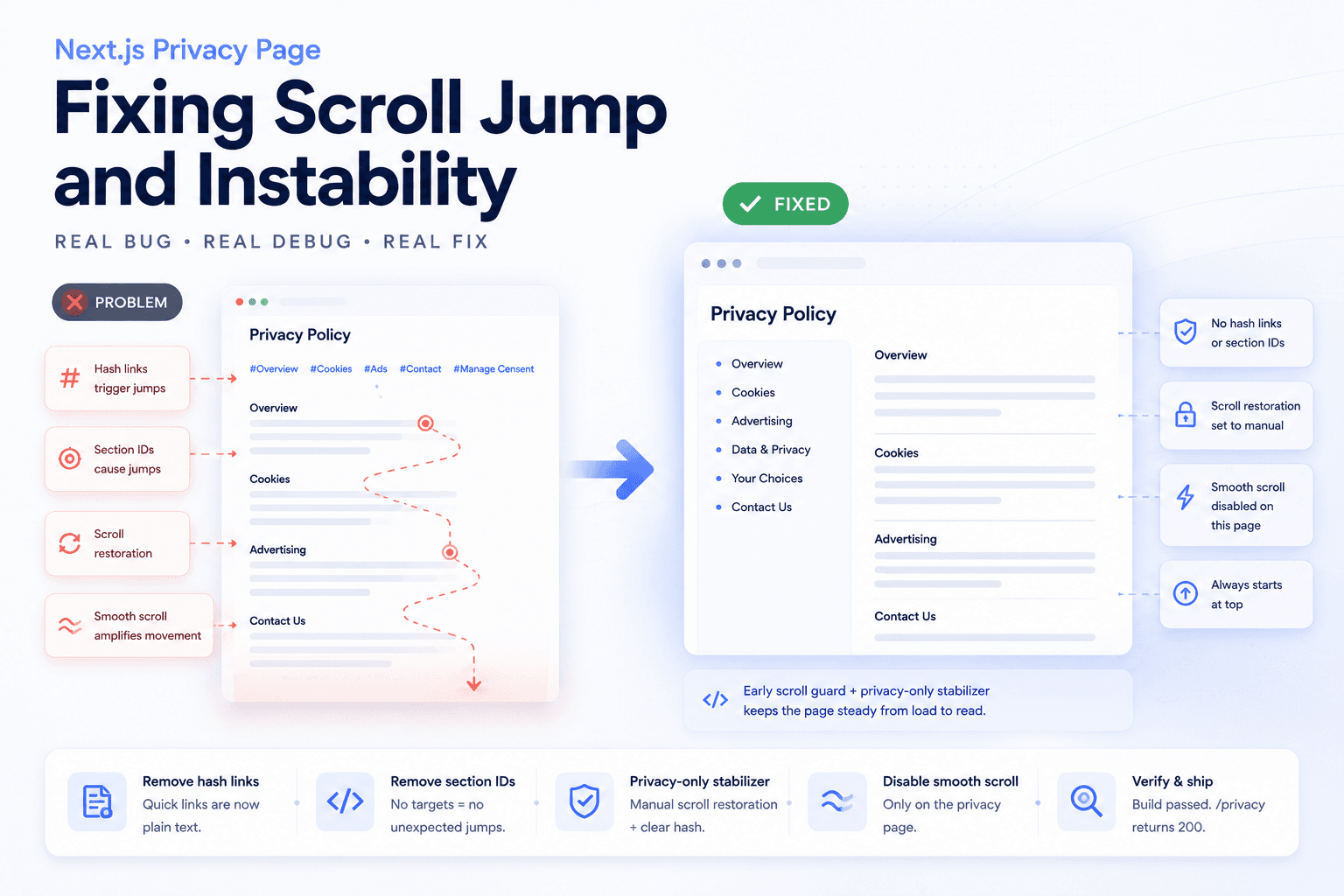
Debugging a Privacy Page Scroll Jump Bug in Next.js
A practical frontend debugging note on fixing a Privacy Policy page that kept jumping up and down because of hash anchors, smooth scrolling, browser scroll restoration, and page-specific navigation targets.
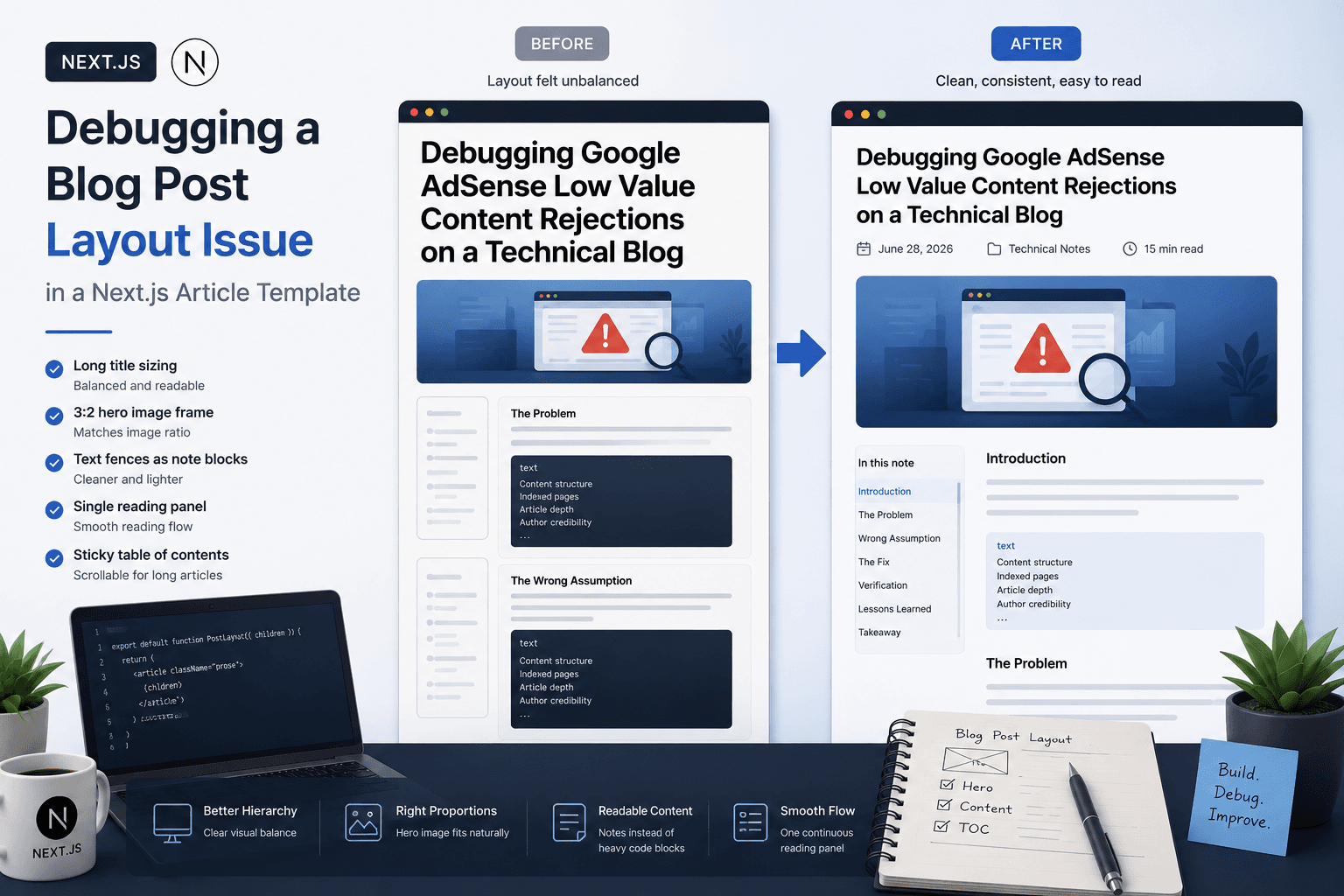
Debugging a Blog Post Layout Issue in a Next.js Article Template
A practical frontend debugging note on fixing a Next.js blog post page where the layout issue came from the article template, not the post content.

Fixing Low Value Content Risk on a Small Technical Site
A practical site audit note on why a small tool or service-style site may look weak for AdSense, and how to restructure it into a clearer technical content site with categories, author context, internal links, and real implementation notes.

Debugging Google AdSense Low Value Content Rejections on a Technical Blog
A practical debugging note on why a technical blog may receive a Google AdSense Low Value Content rejection and how to fix content structure, indexed pages, and article depth.

Deploying One Git Project to Both GitHub and Hugging Face Spaces
A practical Git deployment note on managing two remotes in one project: pushing source code to GitHub while also deploying the same app to Hugging Face Spaces.