Restructuring a Next.js Research Website: Blog vs Publications
Build log on restructuring a Next.js research website by separating blog, publications, and projects into distinct content types, routes, metadata models, and navigation paths.
Problem
The Original Problem
Implementation
Practical Implementation in Next.js
Result
Lessons Learned
Topic
Web DevelopmentIntroduction
When I first built my research website, I treated the blog and the publications section almost as the same thing. Both were places where I could put writing, projects, notes, and research-related updates. At the beginning, this felt convenient because I only needed one content pipeline, one layout pattern, and one navigation structure.
But after the site grew, the problem became obvious: the website no longer had a clear information architecture.
Some pages were research papers. Some were technical notes. Some were project explanations. Some were informal blog posts. Some were closer to portfolio entries. They were all valuable in different ways, but because they appeared too close together, the site started to feel less intentional than the work itself.
This note documents how I restructured a Next.js research website by separating Blog, Publications, and Projects into clearer content types.
The Original Problem
The main issue was not that the website had too much content. The issue was that different types of content were competing for the same role.
A research publication and a blog post do not serve the same purpose.
A publication usually represents a formal research output. It may have authors, a venue, an abstract, a PDF, a citation, a camera-ready version, or an arXiv link. Readers expect it to be stable, structured, and easy to cite.
A blog post is different. It can be a build note, a technical reflection, a design decision, a debugging record, or a short explanation of what I learned while working on a project. It does not need to look like a formal paper.
A project page is different again. It should explain what was built, why it matters, what stack was used, what the outcome was, and where someone can try or inspect it.
My old structure blurred these differences.
Why This Matters for a Research Website
A research website is not only a personal homepage. It is also a trust surface.
When someone visits the site, they should quickly understand:
Who owns the site?
What kind of work does this person do?
Which outputs are formal research?
Which outputs are projects or prototypes?
Which posts are informal notes or explanations?
If this structure is unclear, the content can still be good, but the site may feel weaker.
This matters even more for a website that combines AI research, software engineering, and technical writing. These areas naturally overlap. A research prototype can become a blog post. A blog post can explain a paper. A project page can point to both the demo and the publication.
Without clear boundaries, everything becomes a mixed archive.
The New Content Model
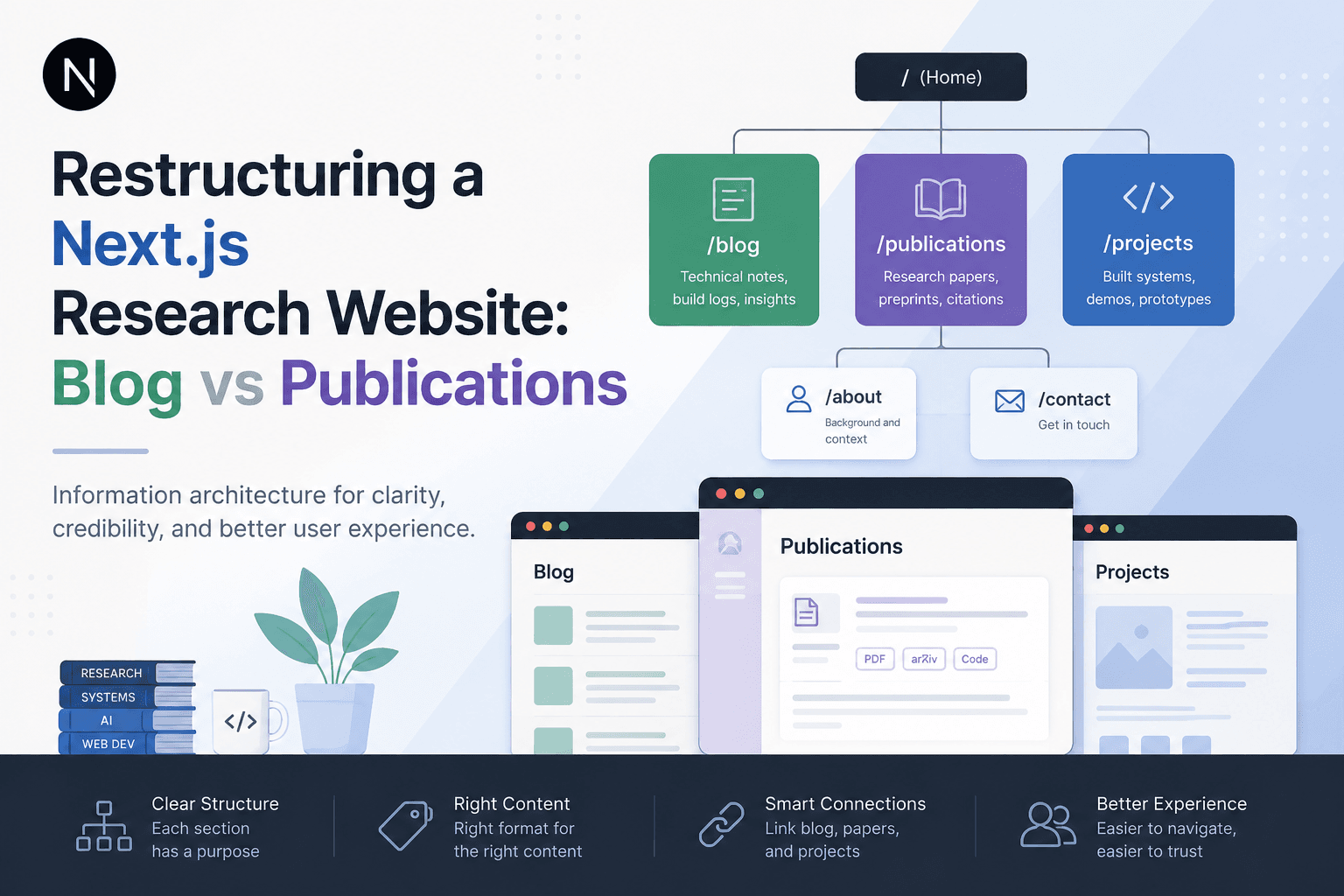
I separated the site into three main content types:
Blog = technical notes, build logs, implementation reflections
Publications = formal research outputs and paper records
Projects = built systems, prototypes, and demos
This separation gives each part of the site a clearer job.
The blog is for explanatory and process-oriented writing. It includes technical build notes, implementation decisions, debugging records, architecture reflections, AI system design notes, and lessons learned from building or maintaining the site.
The publications section is for formal research outputs. It includes accepted workshop papers, preprints, camera-ready papers, abstracts, citation information, paper links, code links, and short summaries of the research contribution.
The projects section is for built systems, prototypes, and demos. It explains what was built, why it matters, what technologies were used, what the challenge was, and where someone can try or inspect the work.
The Route Structure
After defining the content types, the route structure became clearer:
/
├── /blog
│ └── /blog/[slug]
├── /publications
│ └── /publications/[slug]
├── /projects
│ └── /projects/[slug]
├── /about
├── /contact
└── /resources
The important decision was not the route names themselves. The important decision was that each route now has a different purpose.
The blog is not a backup publication list. The publications page is not a general writing archive. The projects page is not just a gallery of links.
Each section has its own role.
Content Metadata Differences
One useful way to separate content types is to give each type its own metadata.
For blog posts, the metadata can be simple:
tstype BlogPost = {
  title: string;
  slug: string;
  date: string;
  category: string;
  summary: string;
  tags: string[];
};
For publications, the metadata needs to be more research-specific:
tstype Publication = {
  title: string;
  slug: string;
  authors: string[];
  venue?: string;
  year: number;
  abstract: string;
  paperUrl?: string;
  arxivUrl?: string;
  codeUrl?: string;
  citation?: string;
};
For projects, the metadata should describe the system:
tstype Project = {
  title: string;
  slug: string;
  status: "active" | "archived" | "prototype";
  summary: string;
  stack: string[];
  demoUrl?: string;
  githubUrl?: string;
  relatedPublication?: string;
  relatedPost?: string;
};
This separation prevents one content model from becoming too broad.
Internal Linking Between Sections
Separating sections does not mean isolating them.
A good research website should allow connections between content types.
For example, a publication page can link to the paper PDF, the code repository, a related project page, and a blog post explaining the implementation process.
A project page can link to the live demo, GitHub, related blog posts, and any paper connected to the project.
A blog post can link to the project it discusses, the publication it explains, and other related technical notes.
The goal is not to put everything in one place. The goal is to let each page do one job well and connect to related pages when needed.
Why I Did Not Keep Everything Under Blog
One option was to keep all content under the blog and use categories like Research, Projects, Technical Notes, and Updates.
That would be easier to implement, but it would not solve the core problem.
Categories help with filtering, but they do not fully change the meaning of a page. A formal paper still feels strange when it is presented as a blog post. A project page also needs different information from a normal article.
For example, a publication needs citation information. A project needs a demo link and technical stack. A blog post needs a readable narrative and practical explanation.
If all of them share the same layout, at least one type of content will feel wrong.
That is why I decided to separate them at the route and layout level, not only at the category level.
Practical Implementation in Next.js
The implementation can be done gradually.
The first step is to create separate content directories:
/content
├── blog
├── publications
└── projects
Each folder can contain MDX files with its own frontmatter.
A blog post might look like this:
mdx---
title: "Deploying One Git Project to GitHub and Hugging Face Spaces"
date: "2026-06-10"
category: "Web Development"
summary: "A practical note on keeping one project deployable across two platforms."
tags: ["GitHub", "Hugging Face", "Deployment"]
---
A publication entry might look like this:
mdx---
title: "Novelty-Aware Agentic Retrieval"
venue: "Agent4IR @ KDD 2026"
year: 2026
authors:
  - "Shou-Tzu Han"
paperUrl: "/papers/novelty-aware-agentic-retrieval.pdf"
arxivUrl: "https://arxiv.org/..."
---
A project entry might look like this:
mdx---
title: "Framer 404 Watchdog"
status: "prototype"
stack:
  - "Next.js"
  - "Node.js"
  - "AWS Lambda"
  - "Slack Webhook"
relatedPost: "/blog/custom-slack-bot-framer-monitor-node-aws"
---
This makes the content easier to maintain because the structure of each page matches the purpose of that page.
Homepage Structure After the Redesign
The homepage also became easier to design after the content types were separated.
Instead of showing one mixed list of recent content, the homepage can show separate sections:
Short author introduction
Selected projects
Recent blog posts
Selected publications
Resource highlights
This structure helps different visitors find what they need faster.
A recruiter may care about projects. A professor may care about publications. A developer may care about blog posts. A student may care about resources. A general visitor may start from the homepage and choose the path that matches their interest.
What Changed After the Restructure
After separating the sections, the site became easier to explain.
Before, I would describe the website as a place where I wrote about web development, AI systems, projects, and research. That description was accurate, but too broad.
After the restructure, the site has a clearer identity:
Blog: what I learned and how I made decisions.
Projects: what I built.
Publications: what I formally published.
Resources: what I curated for builders and students.
About: who I am and why I write.
This is a better information architecture because it matches how readers actually evaluate the site.
The Main Gotcha
The main mistake is assuming that a blog can hold every type of content just because it is easy to publish.
That works at the beginning, but it becomes a problem once the site includes formal papers, technical build notes, project demos, and personal research updates.
The blog becomes too broad. Publications become less visible. Projects become harder to evaluate. The website may still contain useful content, but the structure makes the content feel less trustworthy.
The practical rule is simple:
If the page is meant to be cited, put it under Publications.
If the page is meant to explain a build or decision, put it under Blog.
If the page is meant to show something built, put it under Projects.
Lessons Learned
The biggest lesson is that a website can have good content and still feel unclear if the information architecture is weak.
At the beginning, a simple blog structure is enough. But once a site includes research, projects, and technical writing, the structure needs to become more intentional.
A blog should not carry every type of content. A publication should not look like a casual post. A project should not be hidden as an article if it is something people can actually inspect, use, or evaluate.
For a small research website, the best structure is usually not the most complex one. It is the one where each content type has a clear job.
Final Structure
The final decision was:
Blog = technical notes, build logs, implementation reflections
Publications = formal research outputs and paper records
Projects = built systems, prototypes, and demos
Resources = curated external tools and learning paths
About = author background and site purpose
Contact = project or professional contact
This structure makes the site easier to maintain and easier to trust.
It also helps prevent the blog from becoming a mixed storage area for everything. Instead, the blog can stay focused on original technical writing, while publications and projects get their own space.
That was the main goal of the redesign: not just to make the website look cleaner, but to make the work easier to understand.
What this note covers
- Introduction
- The Original Problem
- Why This Matters for a Research Website
- The New Content Model
Related technical notes
Last updated: June 28, 2026
Related category: Web Development
Related stories
Curated reads to continue the thread.
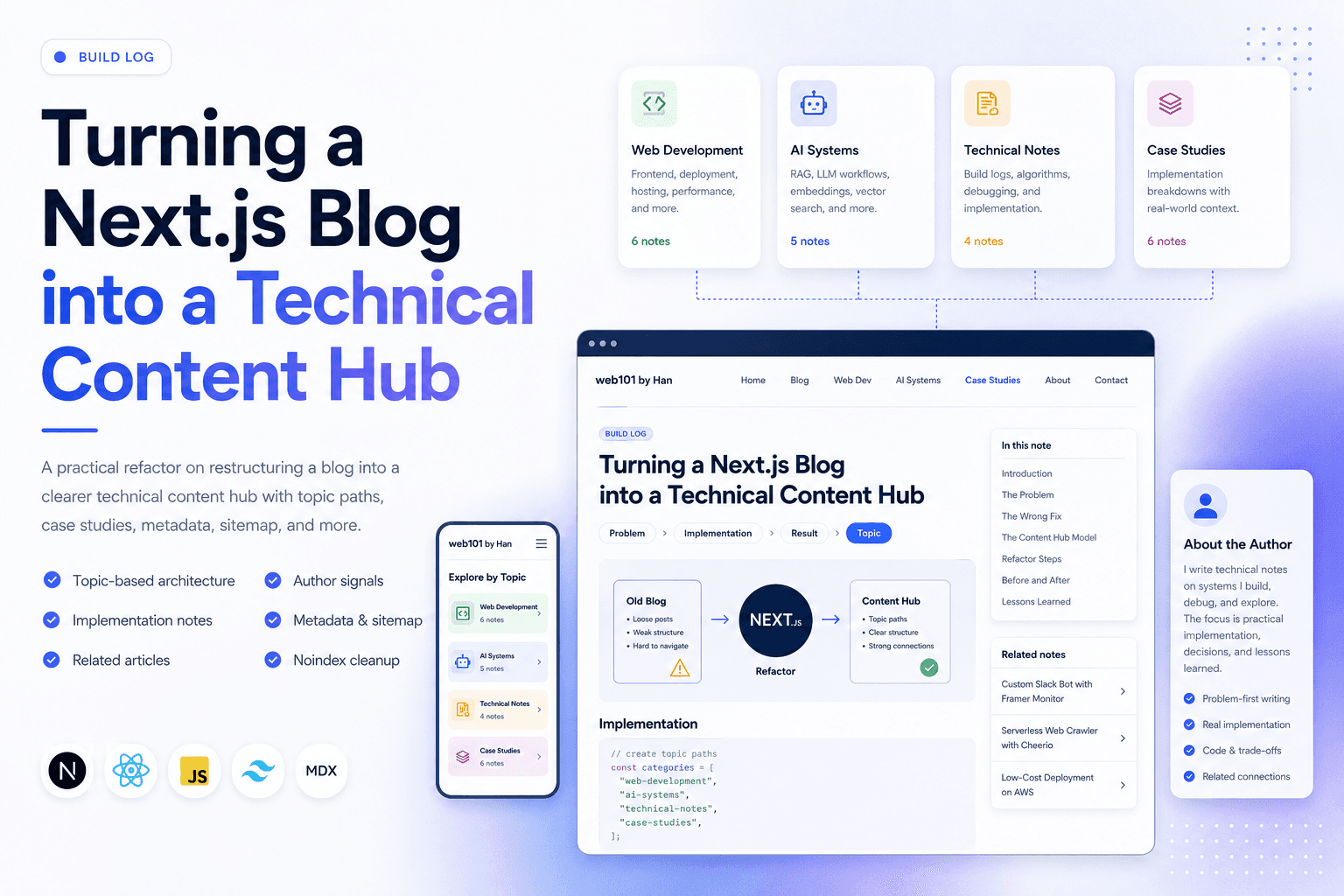
Turning a Next.js Blog into a Technical Content Hub
A practical Next.js refactor note on restructuring a blog into a clearer technical content hub with topic paths, case studies, author signals, metadata, sitemap updates, and article-level internal linking.
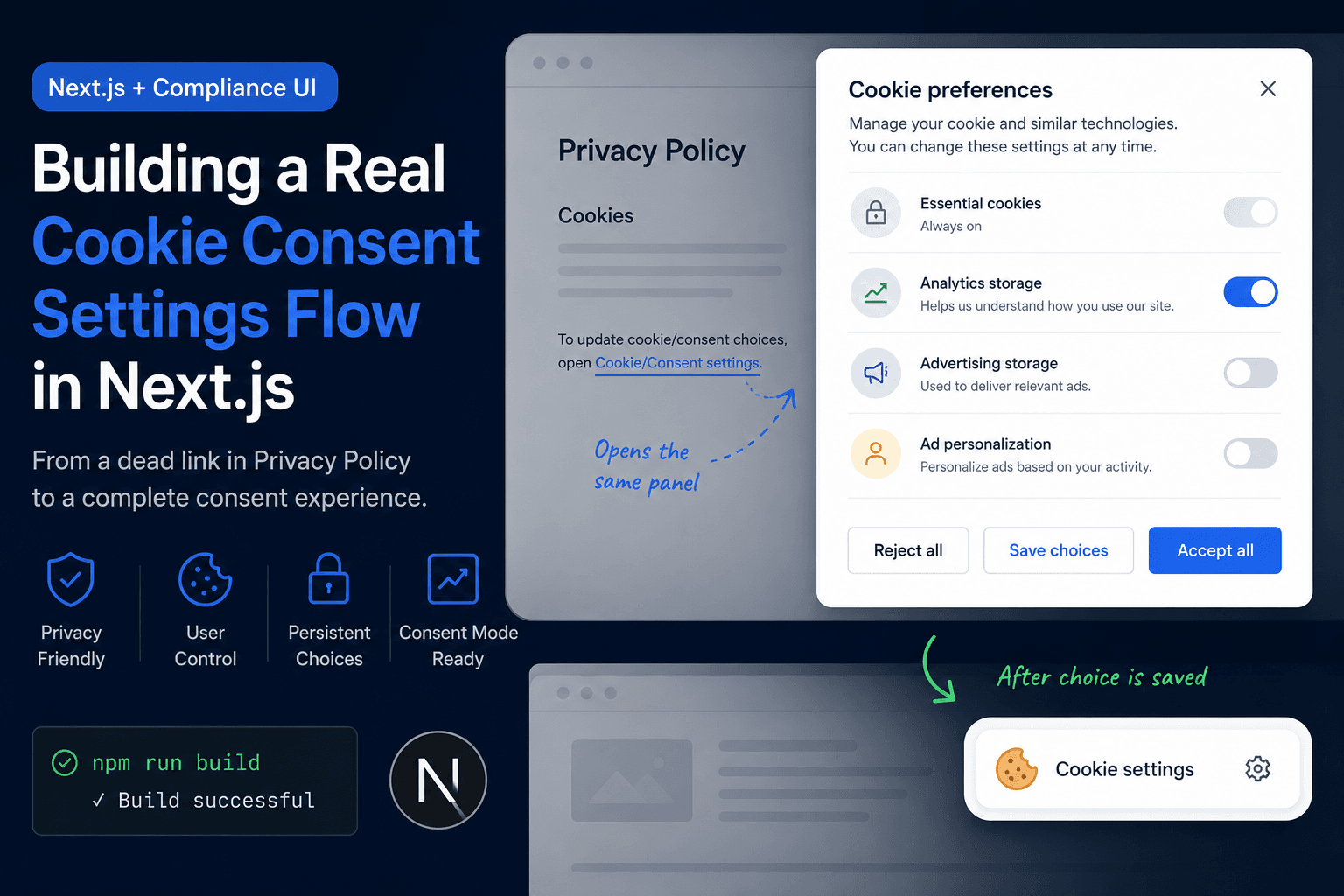
Building a Real Cookie Consent Settings Flow in Next.js
A practical frontend implementation note on fixing a Privacy Policy cookie settings link that did nothing, then turning it into a real consent settings flow with a bottom-right banner, saved choices, and a reusable settings panel.
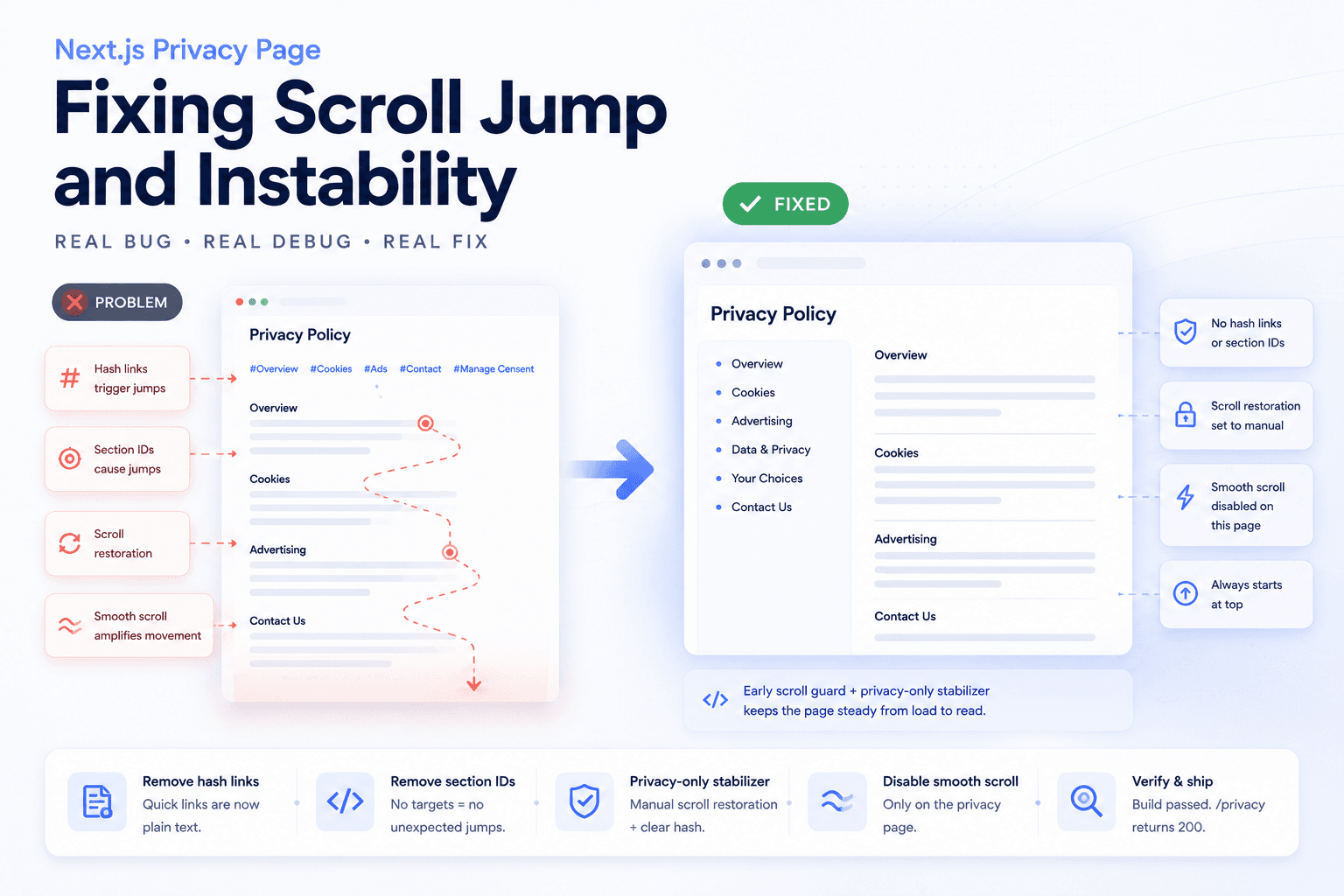
Debugging a Privacy Page Scroll Jump Bug in Next.js
A practical frontend debugging note on fixing a Privacy Policy page that kept jumping up and down because of hash anchors, smooth scrolling, browser scroll restoration, and page-specific navigation targets.
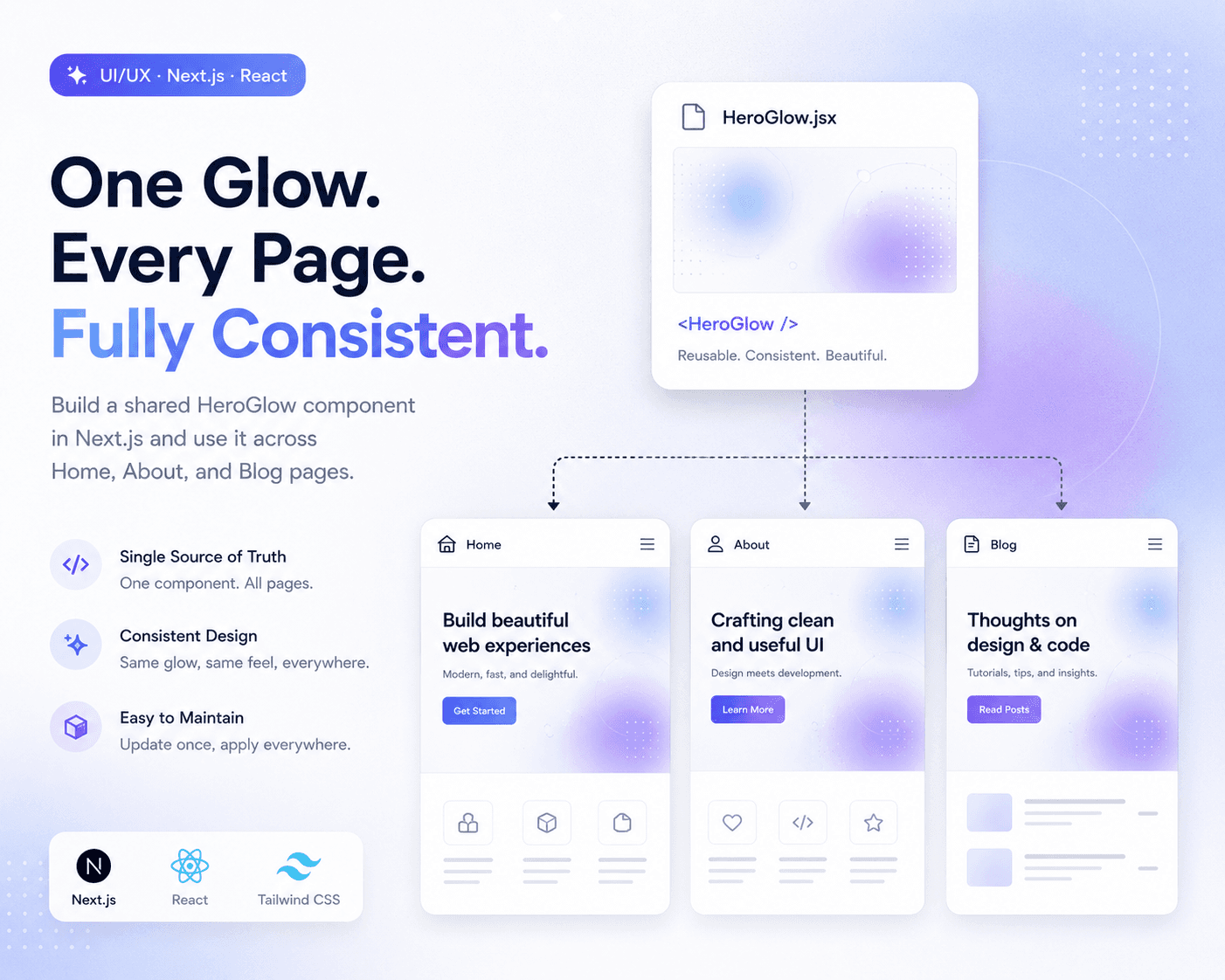
Refactoring Hero Glow Effects into a Shared Next.js Component
A practical frontend refactor note on making Home, About, and Blog hero sections visually consistent by extracting the shared glow background into one reusable Next.js component.
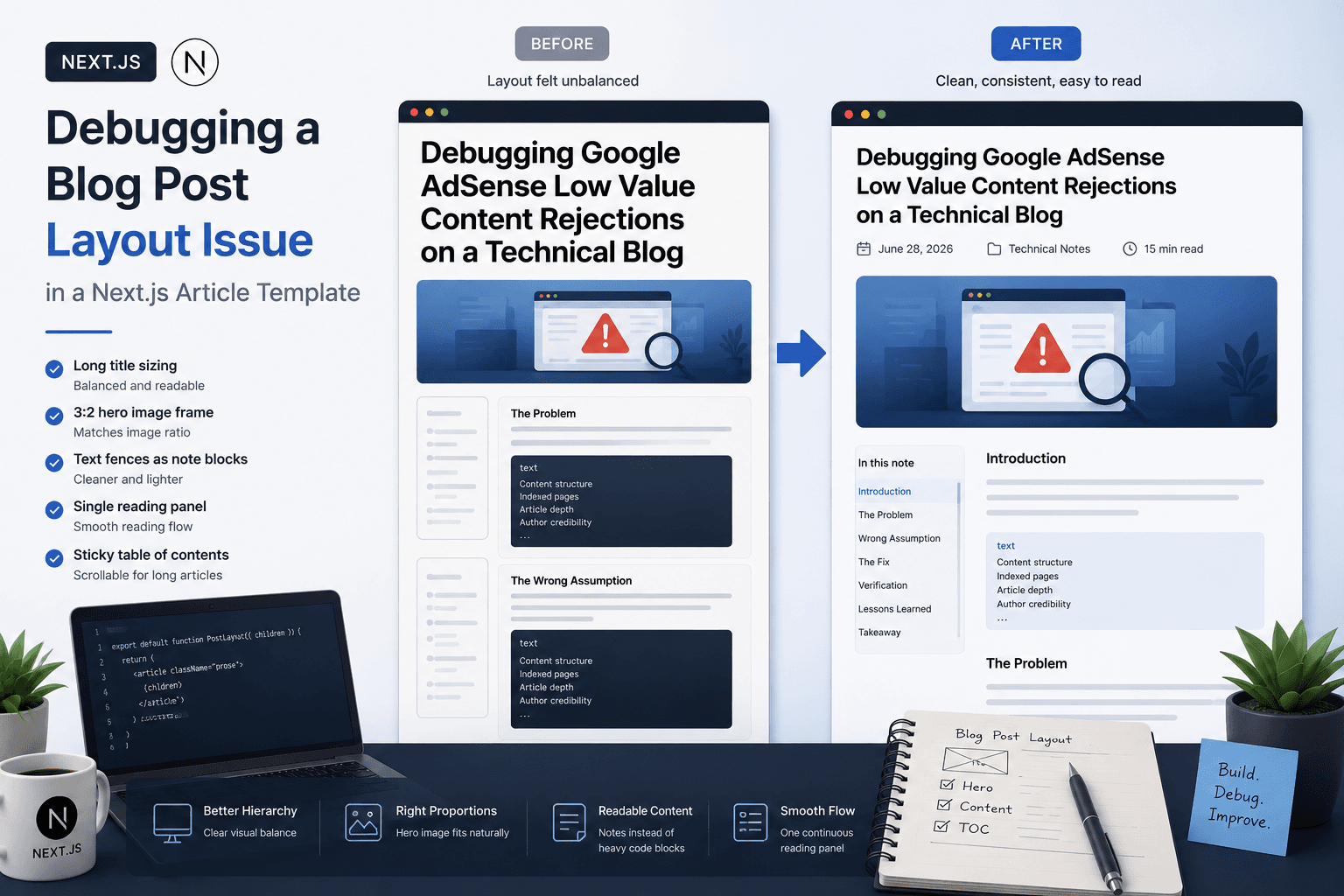
Debugging a Blog Post Layout Issue in a Next.js Article Template
A practical frontend debugging note on fixing a Next.js blog post page where the layout issue came from the article template, not the post content.

Deploying One Git Project to Both GitHub and Hugging Face Spaces
A practical Git deployment note on managing two remotes in one project: pushing source code to GitHub while also deploying the same app to Hugging Face Spaces.
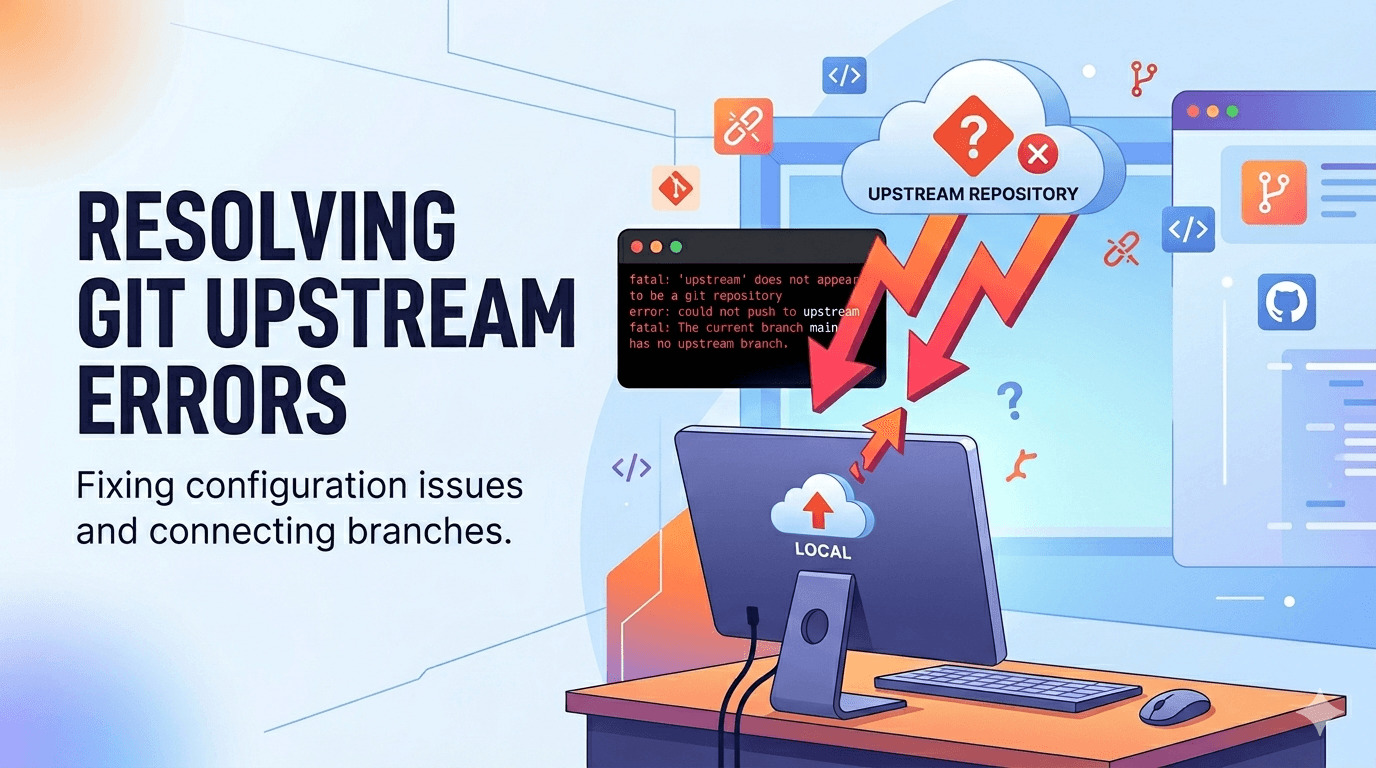
Fixing Git Push Upstream Errors After Creating a New Remote
A practical Git build log on fixing the fatal: current branch main has no upstream branch error after connecting a local project to a new remote repository.

Debugging Google AdSense Low Value Content Rejections on a Technical Blog
A practical debugging note on why a technical blog may receive a Google AdSense Low Value Content rejection and how to fix content structure, indexed pages, and article depth.