Fixing Git Push Upstream Errors After Creating a New Remote
Technical note on debugging Git upstream tracking errors, checking remotes and branch status, and using git push --set-upstream origin main to connect a local branch with its remote branch.
Problem
Why This Happens
Implementation
Checking the Configured Remotes
Result
The Fix
Topic
Web DevelopmentIntroduction
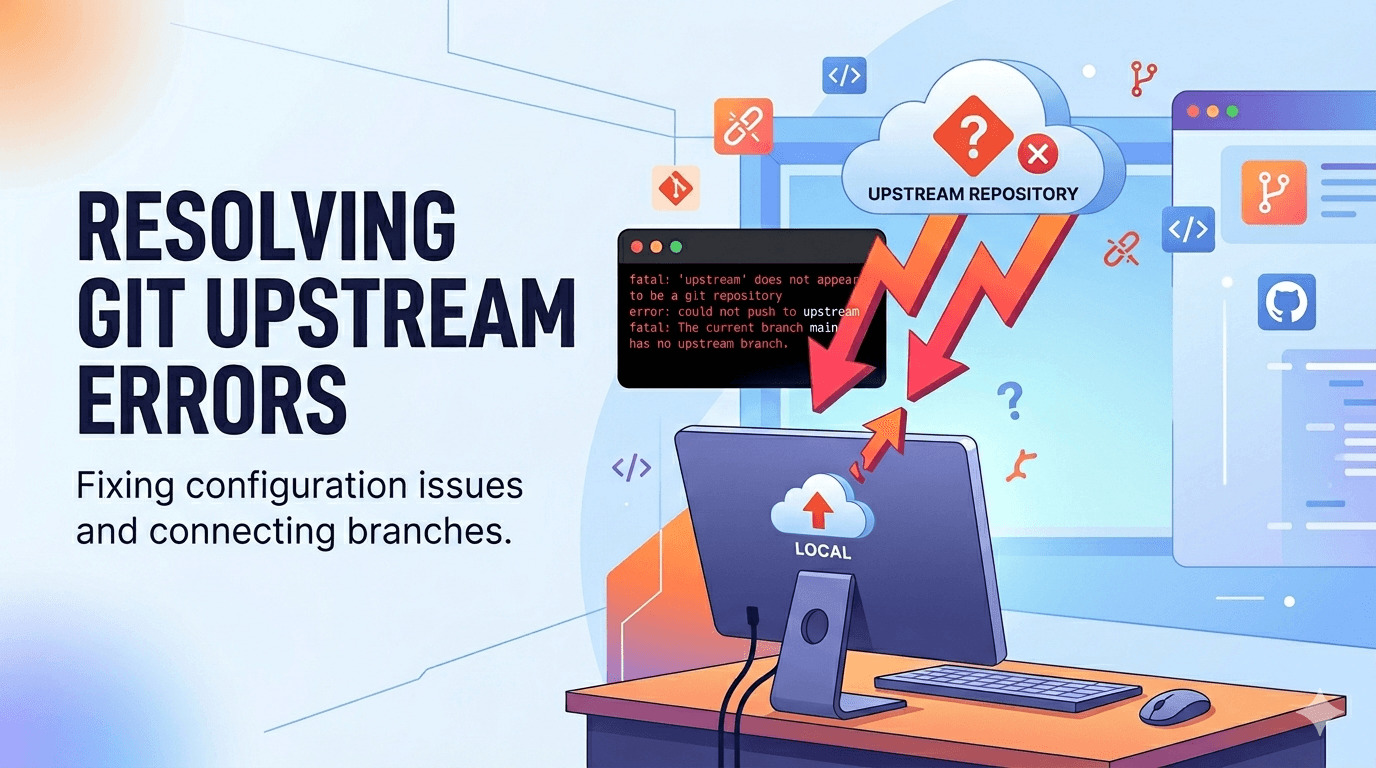
While updating one of my projects, I ran into a Git error that looked more serious than it actually was. I had already made a commit and tried to push it to GitHub, but Git refused because my local branch did not have an upstream branch configured. This note documents the exact error, how I checked the repository state, and how I fixed the push workflow.
The Error
After committing my change, I ran the usual push command:
bashgit pushInstead of pushing successfully, Git returned this message:
bashfatal: The current branch main has no upstream branch.
To push the current branch and set the remote as upstream, use

    git push --set-upstream origin main
The confusing part was that the repository already had a remote. The problem was not that GitHub was missing. The problem was that the local `main` branch did not yet know which remote branch it should track.
Checking the Configured Remotes
The first thing I checked was whether the remote repository was actually configured:
bashgit remote -vA normal GitHub remote looks like this:
bashorigin  https://github.com/username/project.git (fetch)
origin  https://github.com/username/project.git (push)
In my case, the remote existed, so the issue was not a missing `origin`. That narrowed the problem down to branch tracking.
Checking Branch Tracking
To inspect the local branch and its tracking status, I used:
bashgit branch -vvWhen a branch is correctly connected to a remote branch, it usually shows something like:
bash* main fa3cb12 [origin/main] Update project descriptionThe important part is `[origin/main]`. That means the local `main` branch is tracking the remote `origin/main` branch. If that part is missing, Git does not know where a plain `git push` should send the branch.
The Fix
Git already suggested the correct command in the error message:
bashgit push --set-upstream origin mainThis command does two things at once. It pushes the local `main` branch to the `origin` remote, and it sets `origin/main` as the upstream branch for future pushes and pulls.
After this command succeeds, future pushes can go back to the simple version:
bashgit pushWhy This Happens
This error usually happens when the local branch exists but has not been connected to a remote tracking branch yet. It can happen after creating a new GitHub repository, renaming a branch from `master` to `main`, cloning or moving a project in a nonstandard way, or adding a new remote after the local repository already exists.
Optional Shortcut for Future Branches
Git can also be configured to automatically set up upstream tracking when pushing a new branch for the first time:
bashgit config --global push.autoSetupRemote trueWith this setting enabled, new branches are less likely to hit the same upstream error during the first push.
Lessons Learned
The main lesson is that a remote repository and an upstream branch are not the same thing. A project can already have `origin` configured, but the current local branch may still not be tracking `origin/main`. When this happens, Git is not broken. It just needs the tracking relationship to be created explicitly.
Commands Used
The full debugging flow was:
bash# Check configured remotes
git remote -v

# Check local branch tracking status
git branch -vv

# Push and set upstream branch
git push --set-upstream origin main

# Optional: automatically set upstream for future new branches
git config --global push.autoSetupRemote trueWhat this note covers
- Introduction
- The Error
- Checking the Configured Remotes
- Checking Branch Tracking
Related technical notes
Last updated: June 21, 2026
Related category: Web Development
Related stories
Curated reads to continue the thread.
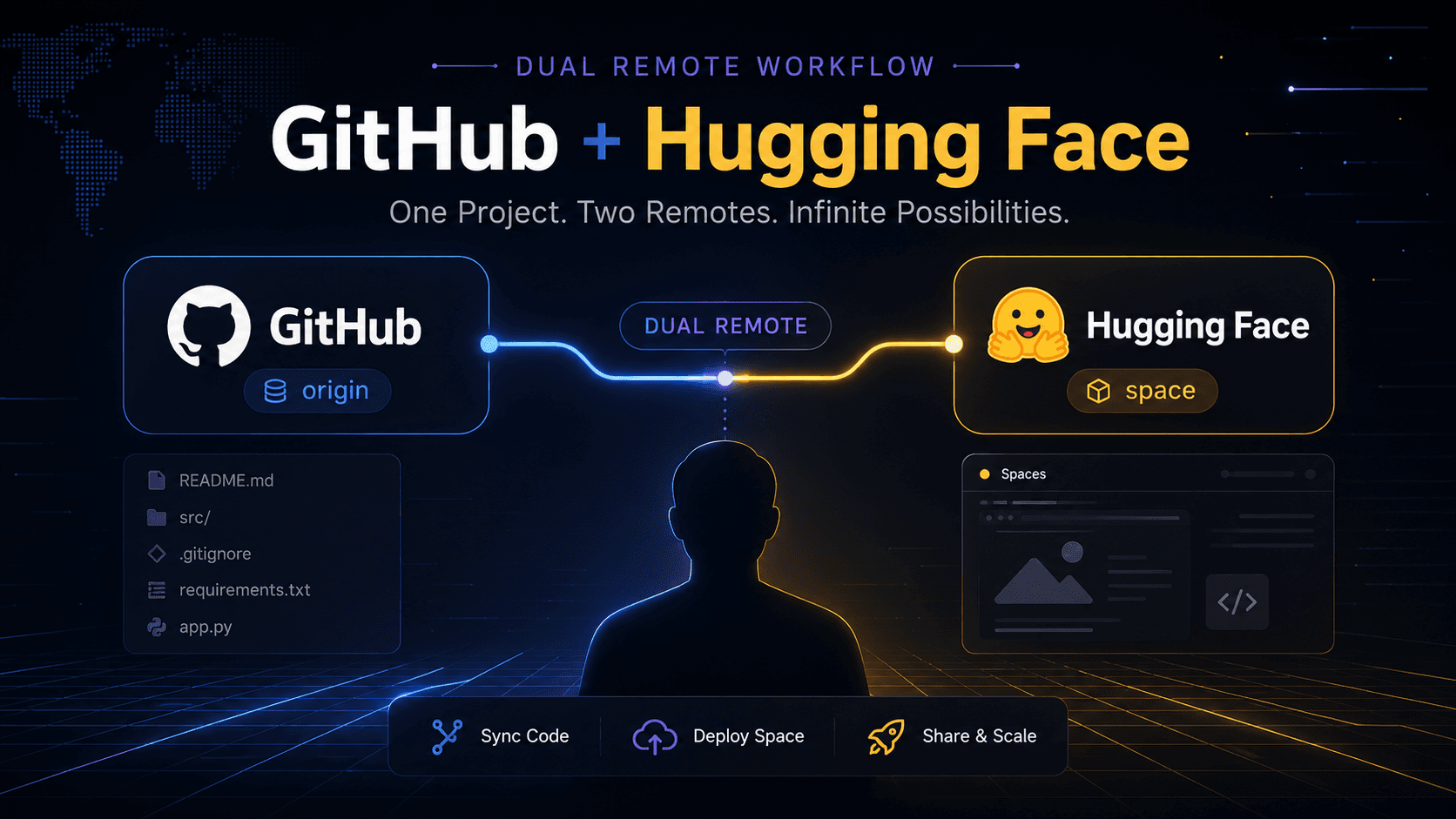
Deploying One Git Project to Both GitHub and Hugging Face Spaces
A practical Git deployment note on managing two remotes in one project: pushing source code to GitHub while also deploying the same app to Hugging Face Spaces.
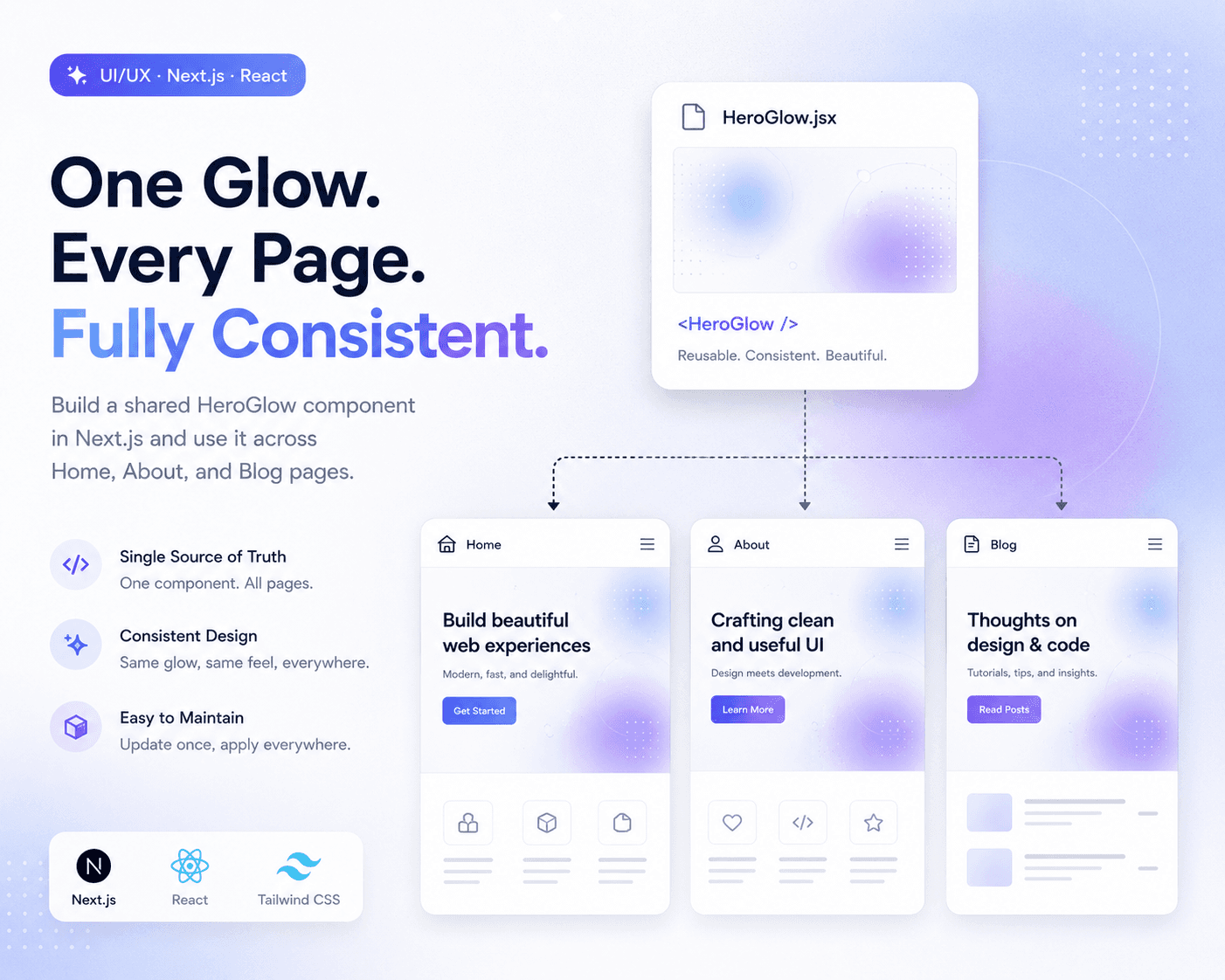
Refactoring Hero Glow Effects into a Shared Next.js Component
A practical frontend refactor note on making Home, About, and Blog hero sections visually consistent by extracting the shared glow background into one reusable Next.js component.

Debugging a Blog Post Layout Issue in a Next.js Article Template
A practical frontend debugging note on fixing a Next.js blog post page where the layout issue came from the article template, not the post content.
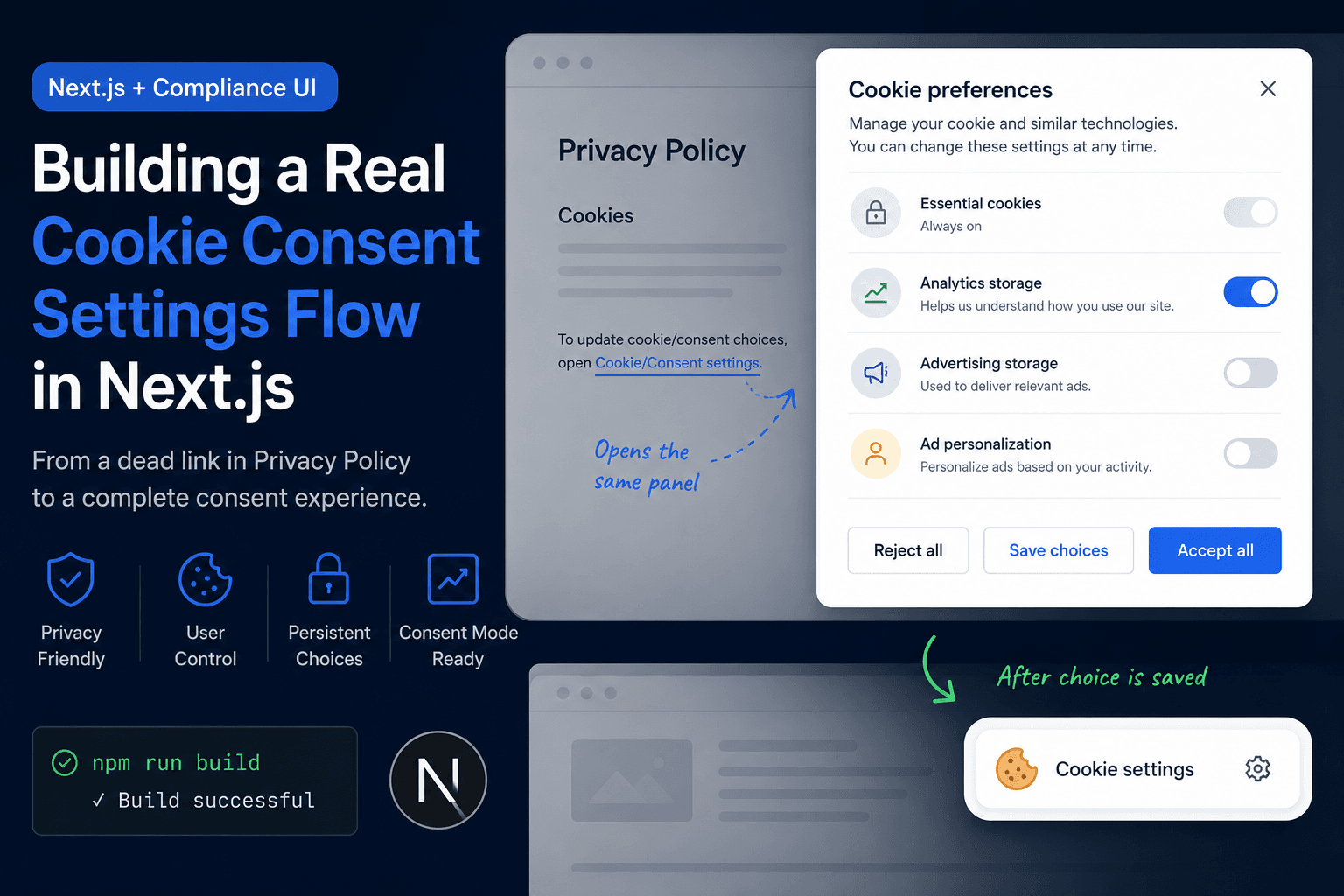
Building a Real Cookie Consent Settings Flow in Next.js
A practical frontend implementation note on fixing a Privacy Policy cookie settings link that did nothing, then turning it into a real consent settings flow with a bottom-right banner, saved choices, and a reusable settings panel.
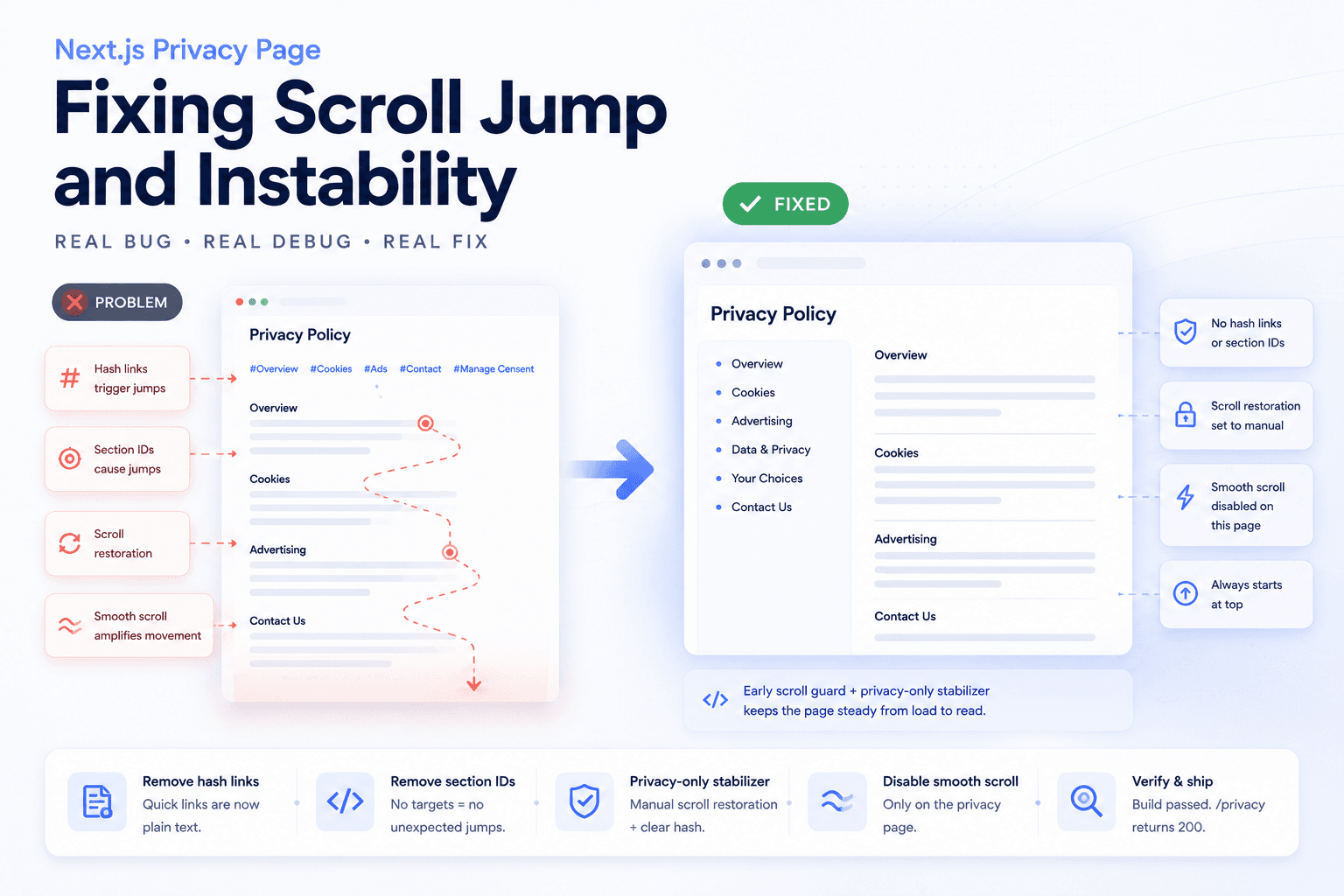
Debugging a Privacy Page Scroll Jump Bug in Next.js
A practical frontend debugging note on fixing a Privacy Policy page that kept jumping up and down because of hash anchors, smooth scrolling, browser scroll restoration, and page-specific navigation targets.
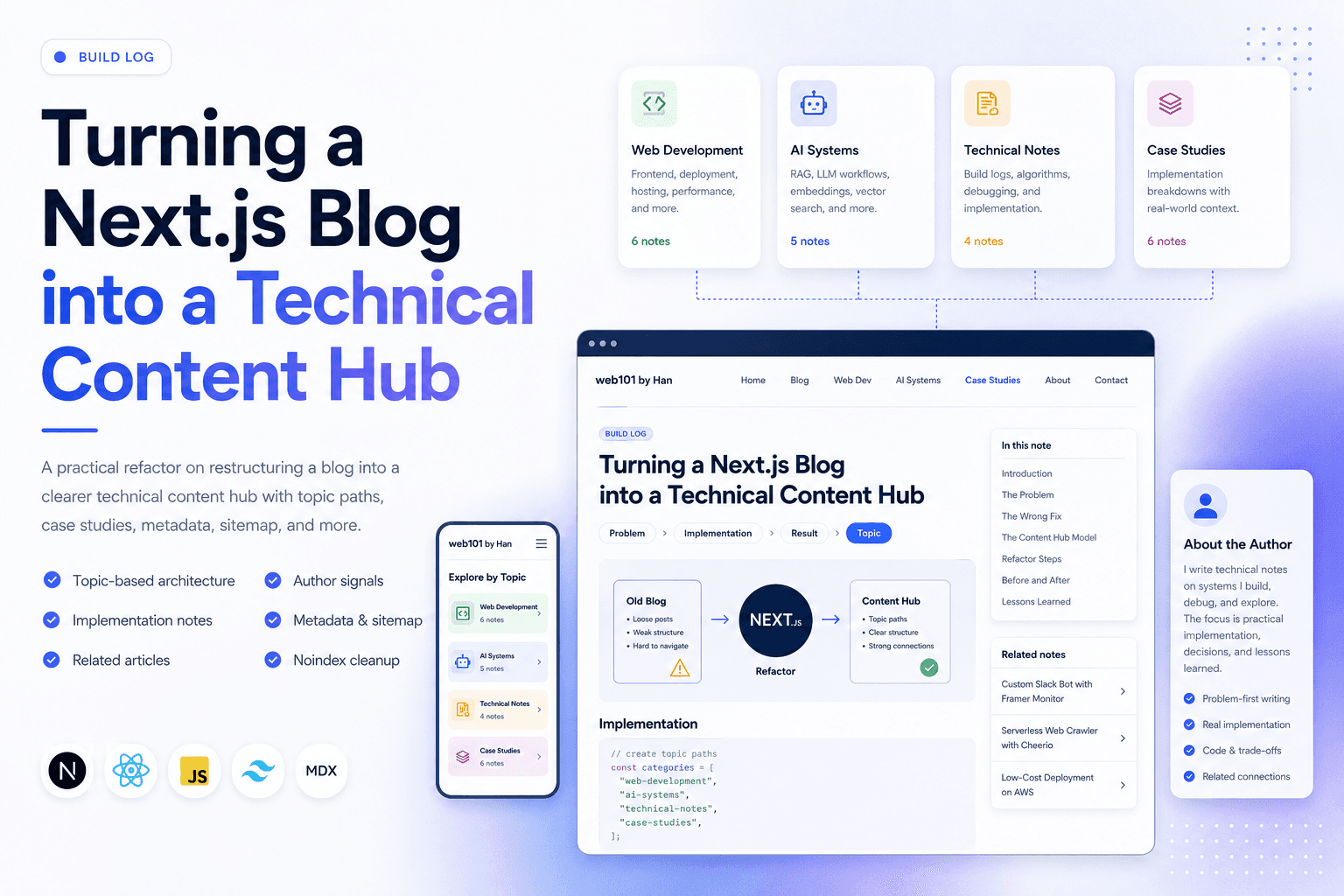
Turning a Next.js Blog into a Technical Content Hub
A practical Next.js refactor note on restructuring a blog into a clearer technical content hub with topic paths, case studies, author signals, metadata, sitemap updates, and article-level internal linking.

Restructuring a Next.js Research Website: Blog vs Publications
A practical information architecture note on separating blog posts, publications, and projects in a Next.js research website so the site feels clearer, more credible, and easier to navigate.
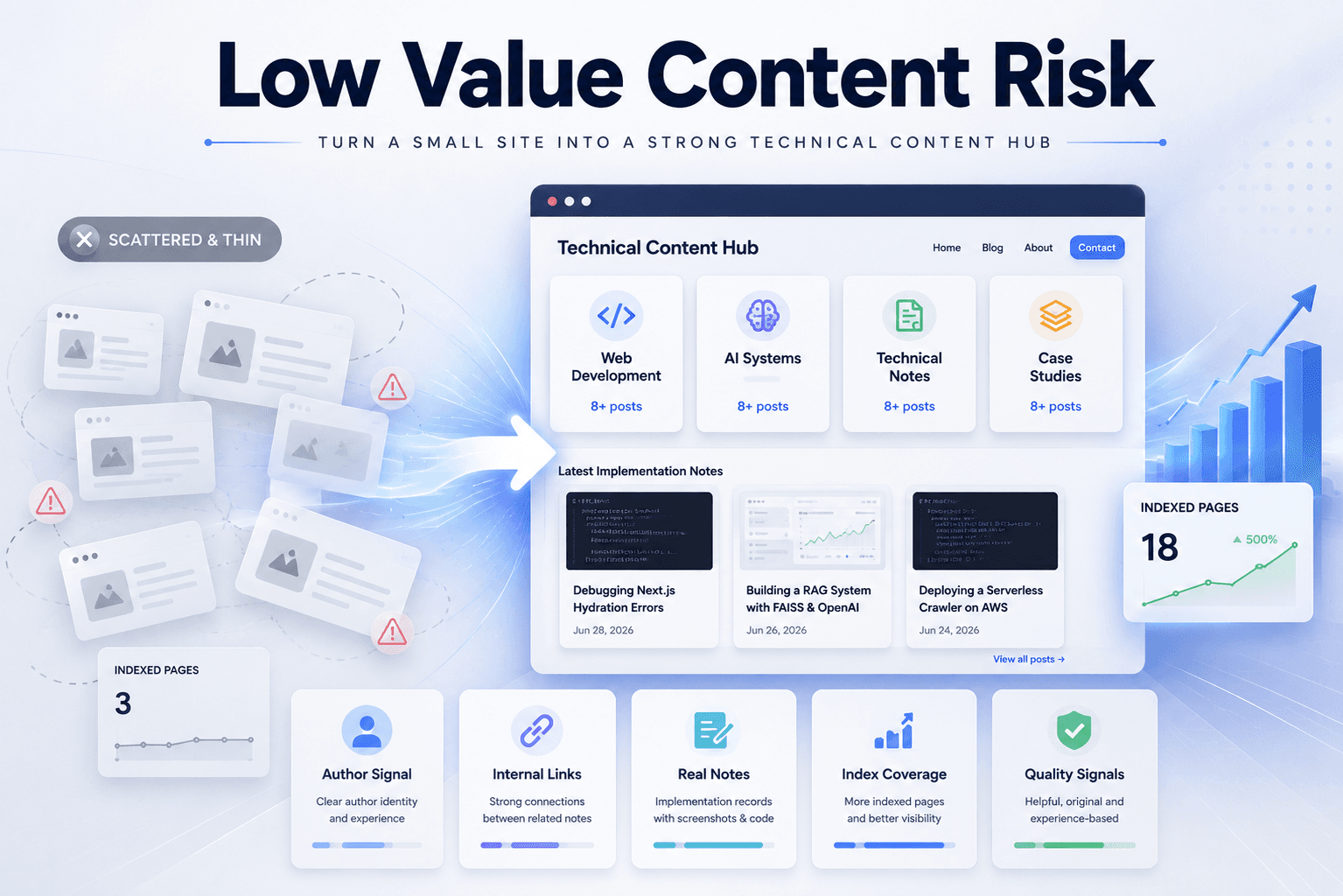
Fixing Low Value Content Risk on a Small Technical Site
A practical site audit note on why a small tool or service-style site may look weak for AdSense, and how to restructure it into a clearer technical content site with categories, author context, internal links, and real implementation notes.